
Desklib
AI learning toolbox for students and teachersScoring, quizzes, checks, and study documents
Highlights
What you can do with it
- Students check homework before submitting it
- Teachers reinforce topics with quick quizzes
- Writers confirm their work is original
How to use it
- 1 Register a Desklib account.
- 2 Choose the tool you need, such as scoring or quizzes.
- 3 Upload your document or code.
- 4 Run the check and review the result.
Who it is for
Pros
- Several study tools behind one account
- Covers both writing and code tasks
- Plagiarism check included for academic work
Limitations
- AI scoring is a guide, not a grade
- Some features may sit behind paid limits
- Uploading work means sending it to a third party
What Desklib is
Desklib is an AI-powered learning tool that puts several study and teaching aids in one account. The toolbox includes AI scoring that assesses content quality, a code checker for accuracy, interactive quizzes, an answers feature, a rewriter for producing unique content, study documents, and plagiarism detection for academic work. The idea is that a learner can draft, check, and revise without bouncing between separate sites, and that educators can build quick knowledge checks from the same place. The site describes free study documents as part of the support it gives students, and it positions the whole product as a learning partner for students and educators.
What you can do with it
- Score a piece of writing before you submit it
- Check code for accuracy alongside written work
- Run quizzes to reinforce a topic you just studied
- Detect duplicate content in an academic draft
Who it is for
- Students who want feedback before handing work in
- Educators who need fast knowledge checks
- Writers and researchers confirming originality
- Anyone who wants study aids in one account
What to watch out for
AI scoring is a guide, not a grade. It can flag weak structure or thin argument, but it does not know your rubric, and a high score is not a promise of a good mark. More importantly, submitting AI-generated or heavily rewritten work may break your school's academic rules, and the consequences fall on you, so check your institution's policy first. Uploading documents and code also means sending material to a third party, so avoid anything confidential and read the privacy terms. Free access and feature limits can change, and detection tools are imperfect in both directions, so use them as one signal among several rather than a verdict.
FAQ
Who is Desklib for?
It is positioned as a learning partner for students and educators, with tools for scoring, checking, quizzes, and study documents.
Does it check code as well as writing?
Yes. Code checking is listed alongside AI scoring, quizzes, answers, and the rewriter.
Is the AI score final?
No. Treat it as feedback on quality. Your instructor's judgement and the assignment rubric still decide the grade.
Why it is free
What the official page says: 免费
Free limits, trial length and features are decided by the official site and can change at any time.
Product preview
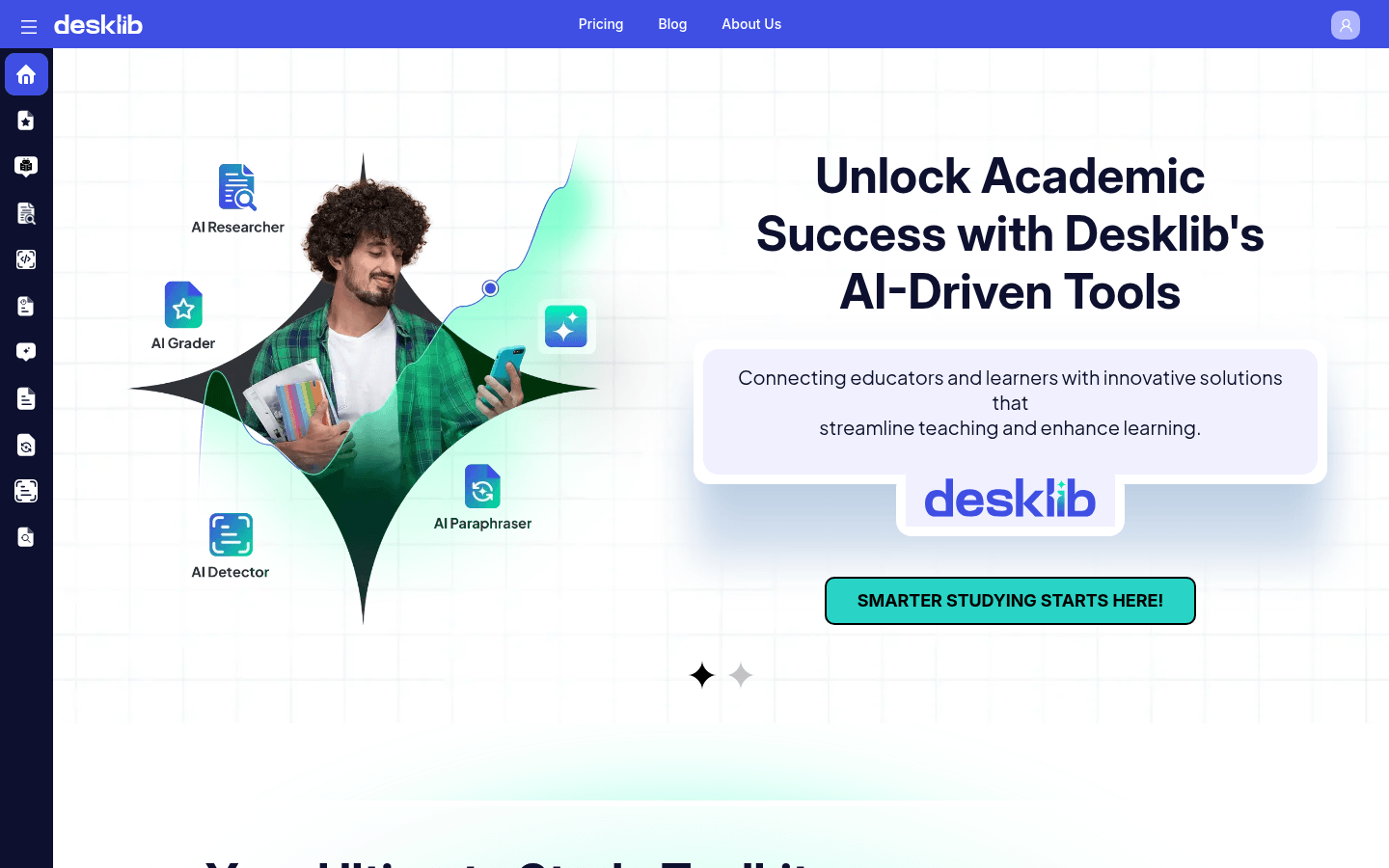
Screenshot archived from the listing page, for preview only.











