
DeVoice
Audio to text toolAny audio to text, unlimited
Highlights
What you can do with it
- Transcribing podcasts for show notes and subtitles.
- Turning meeting recordings into written minutes.
- Cleaning noisy audio before transcription.
How to use it
- 1 Upload an audio or video file to the platform.
- 2 Let the AI transcribe it within a few minutes.
- 3 Edit the text, then export or share it.
Who it is for
Pros
- Unlimited conversions and no registration to start.
- Supports many common file formats.
- Noise removal and filtering improve messy audio.
Limitations
- Free terms and paid features can change over time.
- Accuracy varies with audio quality and accents.
- Confidential recordings need care before upload.
What DeVoice is
DeVoice is an AI tool that converts audio and video files into text quickly and accurately. It supports unlimited conversions and common formats such as MP3, WAV, MP4, and MOV, and it can be used without registration, which lowers the friction of trying it. After you upload a file, the AI transcribes it within a few minutes and returns structured text you can edit in a built-in editor. You can export the result as TXT, DOCX, PDF, or SRT, or share it directly. Beyond transcription, it offers background noise removal and AI noise filtering for cleaner audio, and it includes an AI rap lyric generation feature. There is a free use option alongside paid advanced features. It is aimed at content creators, professionals, and students who work with recordings.
What you can do with it
- Transcribe audio and video into editable text.
- Clean up noisy recordings before or during processing.
- Export transcripts as TXT, DOCX, PDF, or SRT.
- Generate rap lyrics with the AI feature.
Who it is for
- Podcasters and video creators needing transcripts.
- Professionals turning meetings into written minutes.
- Students working with lecture recordings.
What to watch out for
Free terms and paid features can change over time, so confirm what the free option includes before you depend on it. Transcription accuracy varies with audio quality, background noise, and accents, so review and correct the text before you publish or rely on it. Because you upload files, be careful with confidential recordings and avoid sending sensitive material to a cloud service without checking its privacy terms. Noise removal helps but cannot fully fix very poor source audio, so start with the best recording you have.
FAQ
Do I need to register to use DeVoice?
No. It states that you can start operations without registration.
What formats does it support?
It supports common formats such as MP3, WAV, MP4, and MOV, among others.
What can I export?
You can export the transcript as TXT, DOCX, PDF, or SRT, or share it directly.
Why it is free
What the official page says: for free
Free limits, trial length and features are decided by the official site and can change at any time.
Product preview
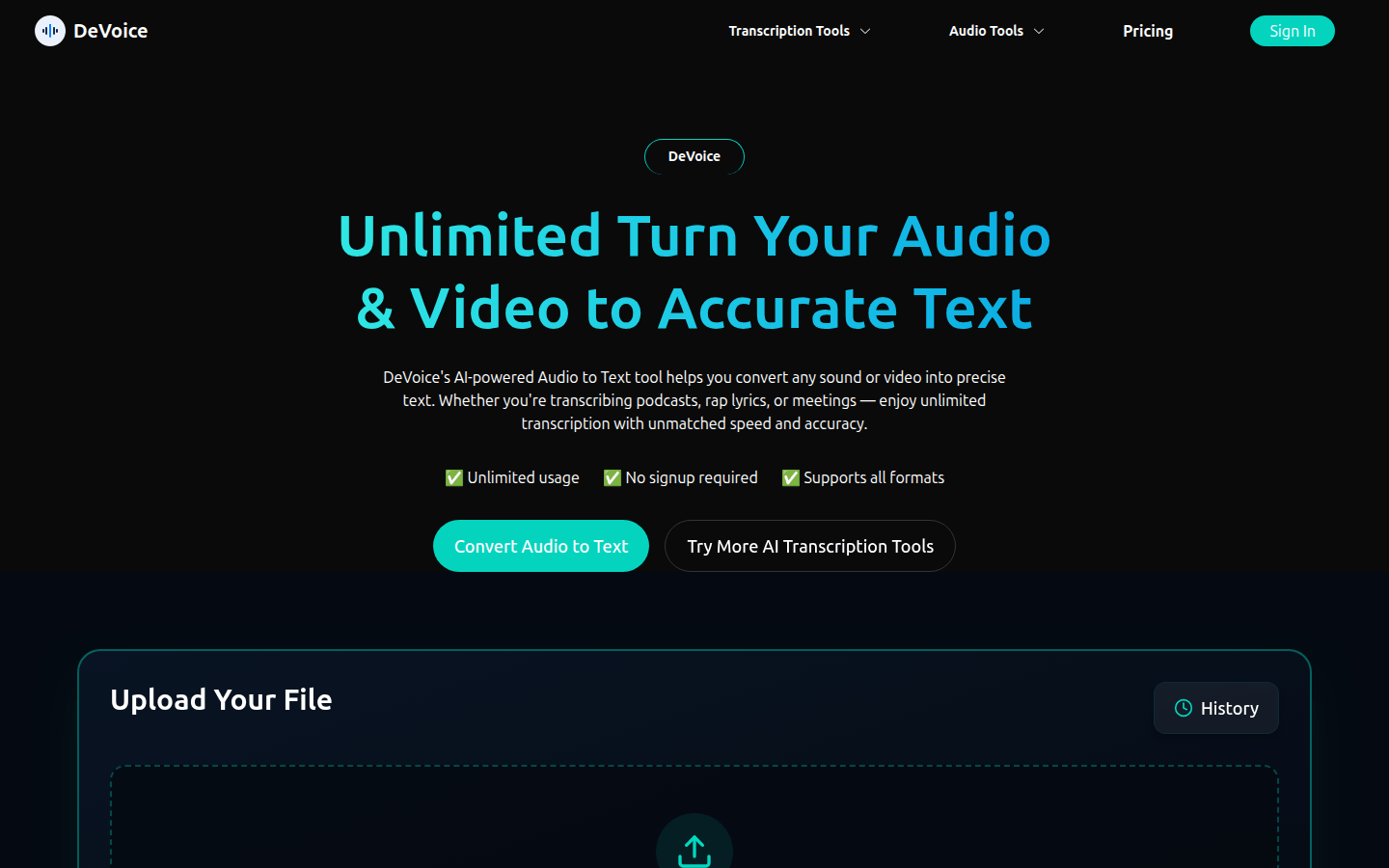
Screenshot archived from the listing page, for preview only.











