
DiagramPreview
Online preview for Mermaid and PlantUML chartsText to diagrams without registration
Highlights
What you can do with it
- A developer previews Mermaid charts written in code before committing them
- A project manager drafts architecture and flow diagrams for planning
- A technical writer turns written specs into charts for documentation
How to use it
- 1 Open the DiagramPreview website
- 2 Choose a tool such as the AI chart generator or Text to Mermaid
- 3 Enter your text, prompt, or product notes in the input box
- 4 Generate the chart and preview the result
- 5 Use the repair or adjustment tools if needed, then export
Who it is for
Pros
- No registration required to start
- AI repair saves time debugging chart syntax
- Covers both Mermaid and PlantUML in one place
Limitations
- AI-generated diagrams need manual verification before use
- AI features depend on upstream models that can change or fail
- No published pricing means the free status is not guaranteed long term
- Complex diagrams may still need cleanup after generation
What DiagramPreview is
DiagramPreview is an online chart preview and conversion tool built for developers. It takes text-based chart descriptions and renders them as visual diagrams, and it adds AI helpers on top: a chart generator that works from natural language prompts, a text-to-Mermaid converter for product notes and architecture descriptions, a repairer for broken Mermaid syntax, and an AI PlantUML generator that runs through DeepSeek. The site states that no registration is required, and it does not publish pricing, so access currently works as a free tool.
What you can do with it
- Generate Mermaid charts from plain language prompts instead of writing syntax by hand.
- Convert product notes, event descriptions, and architecture text into Mermaid diagrams.
- Repair damaged Mermaid syntax so a broken chart renders again.
- Produce architecture diagrams that show system structure and component relationships.
- Create PlantUML charts through the AI generator, then preview and export the result.
Who it is for
- Developers who describe charts in code and want a quick visual check.
- Project managers who need architecture and flow diagrams for planning discussions.
- Technical document writers who want diagrams embedded in specs and manuals.
What to watch out for
AI output is a draft, not a finished artifact: labels, relationships, and layout should be verified against the source material before a diagram goes into documentation. The AI features depend on upstream models, so availability and quality can shift without notice. Because the site publishes no pricing, the current free access should be treated as subject to change rather than a permanent promise. Complex diagrams often need manual cleanup, and the tool is a preview aid rather than a full drawing application.
FAQ
Do I need to register?
No, the site states the tools can be used without registration.
Which diagram types are supported?
It handles Mermaid and PlantUML charts, including architecture diagrams and flowcharts.
How does the repair tool work?
The Mermaid AI repairer uses AI to fix broken syntax so the chart renders correctly.
Is it free?
The page does not list pricing, so it is currently free to use, but that can change.
Why it is free
What the official page says: free to use
Free limits, trial length and features are decided by the official site and can change at any time.
Product preview
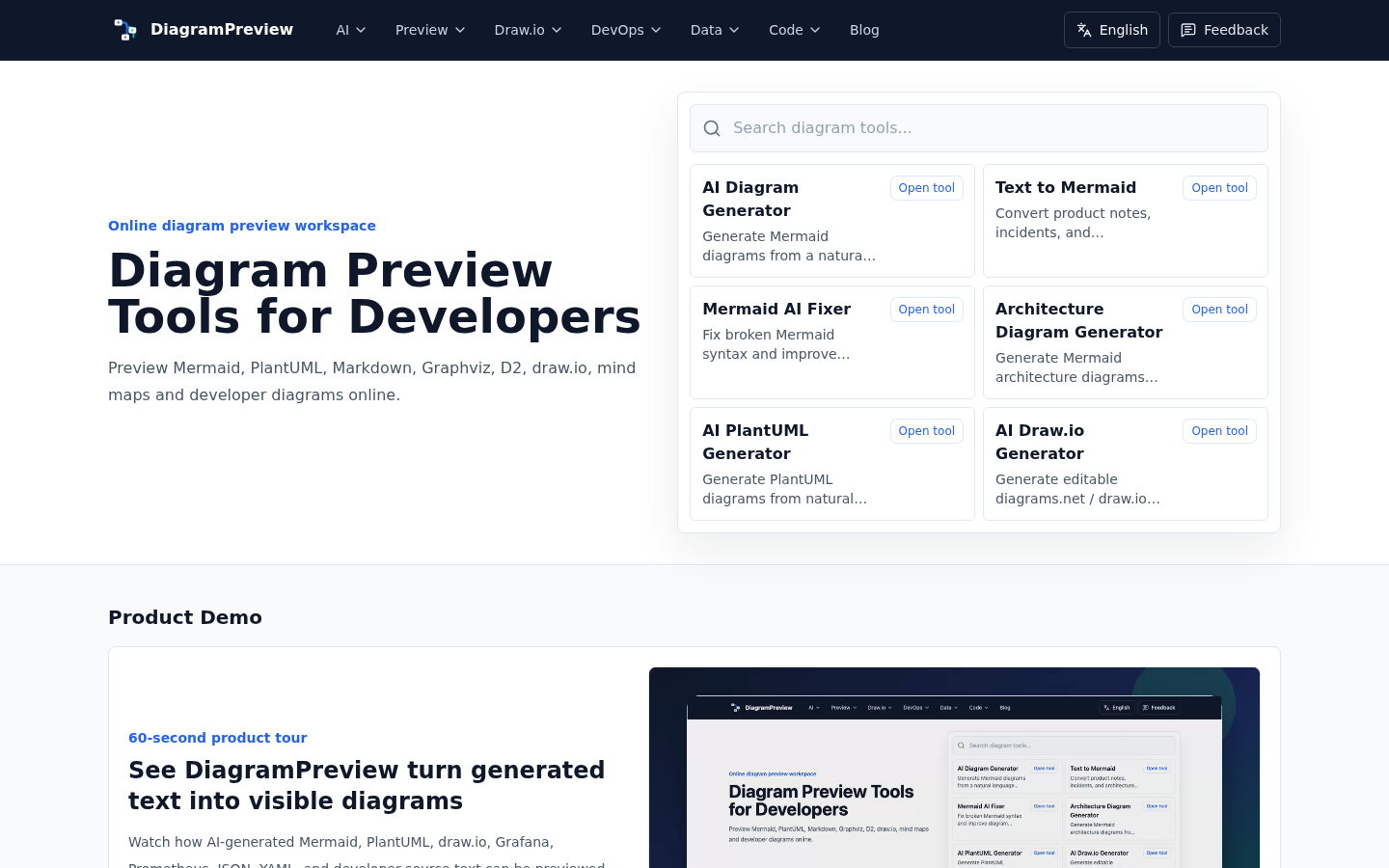
Screenshot archived from the listing page, for preview only.











