
Dictato
Private Mac voice-to-text app80ms dictation, fully on-device
Highlights
What you can do with it
- A writer records ideas without breaking flow
- A developer dictates code comments and docs
- A professional captures meeting or lecture content
How to use it
- 1 Install Dictato on a Mac with macOS 14 or newer
- 2 Set the global hotkey in settings
- 3 Place the cursor where you want text
- 4 Hold the hotkey and speak
- 5 Release to insert the transcribed text
Who it is for
Pros
- Very low latency for near-instant text
- Fully local processing protects privacy
- 25 languages and three engine choices
- One-time $9.99 with two years of updates
Limitations
- It is a paid app at $9.99, not free
- Requires macOS 14 or newer and Apple Silicon
- Transcription accuracy depends on audio and accents
What Dictato is
Dictato is a voice-to-text application designed specifically for Mac, aimed at writers, developers, and professionals. It converts speech to text with an ultra-low latency of about 80ms, so text appears almost as fast as you talk. You can choose between three transcription engines, Whisper, Parakeet, and Apple, and switch based on your language and accuracy needs. It supports 25 languages with automatic detection, has no 60-second time limit like the built-in Mac dictation, and includes AI proofreading to clean filler words and fix grammar. It runs 100 percent on the local device with no cloud service, which protects privacy. It is a one-time payment of $9.99 with two years of free updates.
What you can do with it
- Dictate text into any app with a global hotkey
- Transcribe with about 80ms latency
- Choose between Whisper, Parakeet, and Apple engines
- Speak in 25 languages with auto detection
- Clean up filler words and grammar with AI proofreading
Who it is for
- Writers capturing ideas without breaking flow
- Developers dictating code comments and documentation
- Professionals like lawyers, journalists, and analysts
- Mac users who want private, local dictation
What to watch out for
Dictato is a paid app at a one-time $9.99, not a free tool, so budget for the purchase. It requires macOS 14 or newer and an Apple Silicon chip, so older Macs cannot run it. Transcription accuracy still depends on audio quality, accents, and background noise, so review important text. Because it is a paid one-time purchase with two years of updates, check how updates are handled after that period ends. Behavior may vary across browsers and devices, so test before production use and consult the help docs if errors appear.
FAQ
How much does Dictato cost?
It is a one-time payment of $9.99, which includes two years of free updates.
Is my voice data private?
Yes. The description says it processes data entirely on the local device and does not send audio to the cloud.
What are the system requirements?
It is compatible with macOS 14 and above and requires an Apple Silicon chip.
Why it is free
What the official page says: 免费
Free limits, trial length and features are decided by the official site and can change at any time.
Product preview
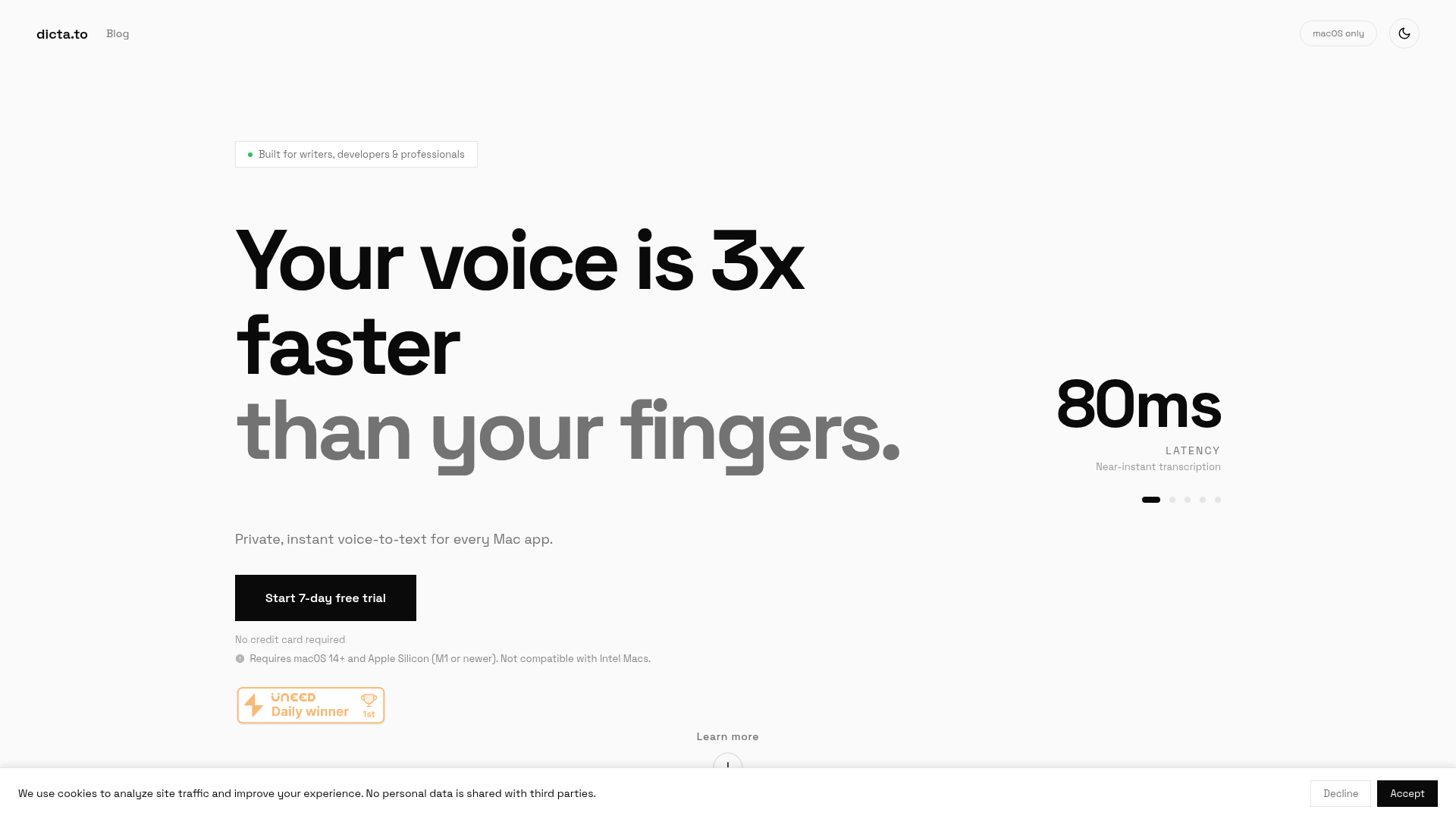
Screenshot archived from the listing page, for preview only.











