
Dishi
Step-by-step timed cooking assistantComplex recipes, one timer at a time
Highlights
What you can do with it
- Build a timed plan for a family dinner
- Follow step-by-step timing while preparing dishes
- Coordinate cooking times for several dishes in a restaurant
How to use it
- 1 Open Dishi on your device and start the free trial
- 2 Add your recipe in a few steps
- 3 Let Dishi generate the step-by-step timing
- 4 Follow the timer as you cook
Who it is for
Pros
- Free trial with no credit card required
- Simple interface that beginners can use
- Data syncs across phone, tablet, and computer
Limitations
- Trial limits and pricing after the trial are not stated
- Focused on timing rather than meal planning or shopping lists
- Free trial terms can change over time
What Dishi is
Dishi is an automatic step-by-step cooking timer. Instead of juggling several timers while you cook, you add a recipe and Dishi generates the timing for each step, turning a complex dish into a sequence you can follow with one button. You can add recipes in just a few steps, and the app supports preparing multiple recipes at the same time, which is useful when dinner has several parts. It works on phones, tablets, and computers with data sync, so you can start on one device and continue on another. The interface is deliberately simple, so it works whether you are a tech enthusiast or a beginner in the kitchen. Dishi is available as a free trial, and no credit card is required to begin.
What you can do with it
- Add recipes quickly and generate step-by-step timing
- Follow a guided timer instead of tracking steps yourself
- Prepare multiple recipes at the same time
- Use it on phone, tablet, or computer with synced data
Who it is for
- Home cooks who want dinner to run on time
- Beginners working through recipes they do not know yet
- Busy kitchens and restaurants coordinating several dishes
What to watch out for
Dishi focuses on timing, not on meal planning, nutrition, or shopping lists, so you still decide what to cook and buy the ingredients. The trial is a good way to test the flow, but the page does not state trial length or what a paid plan costs, and free terms can change. If you cook complex meals often, compare it with your current routine to see whether the guided timing genuinely saves you stress. Timers also cannot taste the food, so final adjustments stay in your hands.
FAQ
What does Dishi do?
It converts recipes into automatic step-by-step cooking timers.
Is there a free trial?
Yes, and no credit card is required to start.
Can I use it on several devices?
Yes, it works on phones, tablets, and computers with sync.
Can I cook multiple dishes at once?
Yes, it supports preparing multiple recipes at the same time.
Why it is free
What the official page says: free trialno credit card
Free limits, trial length and features are decided by the official site and can change at any time.
Product preview
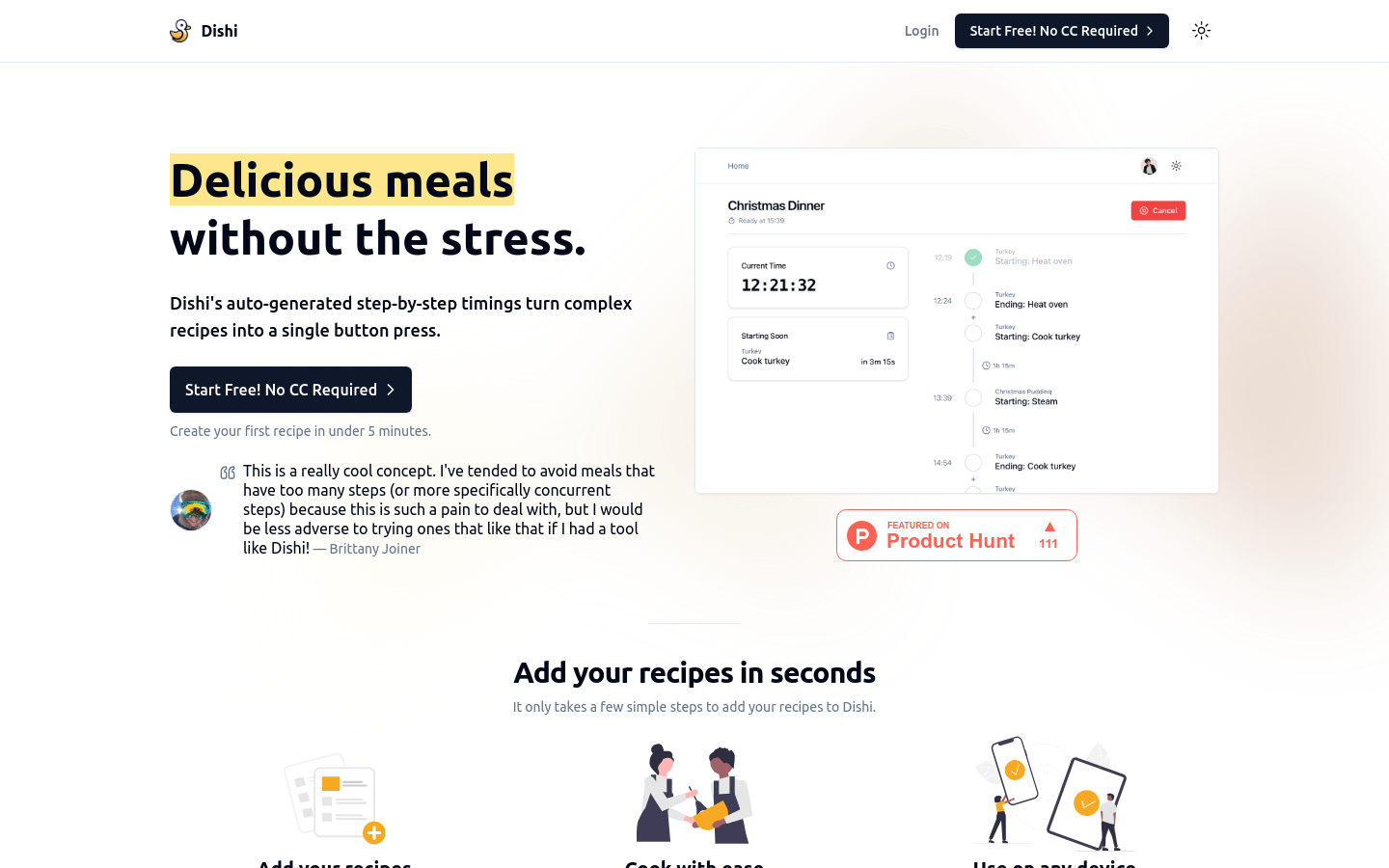
Screenshot archived from the listing page, for preview only.











