
DocstoAudio
Free document to audiobook converter for EPUB, PDF, DOCX, TXTTurn documents into MP3 or M4B audiobooks with AI voices
Highlights
What you can do with it
- Students convert textbook EPUBs into audiobooks for spare time listening
- Visually impaired users turn TXT novels into audiobooks they can enjoy
- Office workers listen to PDF reports during the commute
How to use it
- 1 Upload a PDF, EPUB, DOCX, or TXT file
- 2 Select the chapters you want to include
- 3 Preview the extracted text and delete parts you do not want read aloud
- 4 Pick a voice from the 300 free options
- 5 Wait for conversion and download the MP3 ZIP or M4B file
Who it is for
Pros
- Free tier with no registration and no usage cap
- Wide format and language coverage
- Browser parsing keeps original documents off the server
- Flexible output as MP3 files or a single M4B
Limitations
- Very large files can slow the browser even with no hard size limit
- Premium voices require an account and credits
- Free voice quality is functional rather than premium
- Free tier terms may change
What DocstoAudio is
DocsToAudio is an online converter that turns documents into audiobooks. It accepts EPUB, PDF, DOCX, and TXT files and outputs either a ZIP archive of MP3 files per chapter or a single M4B audiobook with chapter markers. The standard version is permanently free, requires no registration, and has no usage limits. It offers over 300 AI voices across 30 languages. Documents are parsed in the browser, so the original file is not uploaded to a server, and there is no hard file size limit. A premium version uses ElevenLabs voices with over 800 voices across 50 languages for a more natural sound.
What you can do with it
- Convert an EPUB, PDF, DOCX, or TXT file into an audiobook.
- Pick the chapters you want and see word counts and estimated listening time.
- Edit the extracted text before conversion to skip parts you do not want read aloud.
- Download MP3 files per chapter or a single M4B with chapter markers.
Who it is for
- Students who want to listen to textbooks and study materials.
- Visually impaired readers who prefer audio versions of novels and documents.
- Busy commuters and office workers who want to catch up on reports while traveling.
What to watch out for
Very large files can slow the browser even though there is no hard size limit, so convert fewer chapters at a time for long documents. The premium voices require an account and credits. The free tier is described as permanent, but terms can still change, so check the page before you depend on it. Voice quality on the free tier is functional rather than premium, so listen to a sample before converting a long book.
FAQ
Is DocsToAudio free?
The standard version is permanently free with no registration and no usage limits. The premium version uses an account and credits.
Which file formats are supported?
You can upload EPUB, PDF, DOCX, and TXT files, and export as MP3 files or a single M4B audiobook.
Are my documents uploaded to a server?
The original document is parsed in the browser and is not uploaded. Only the selected chapter text is sent to generate audio.
Why it is free
What the official page says: for free
Free limits, trial length and features are decided by the official site and can change at any time.
Product preview
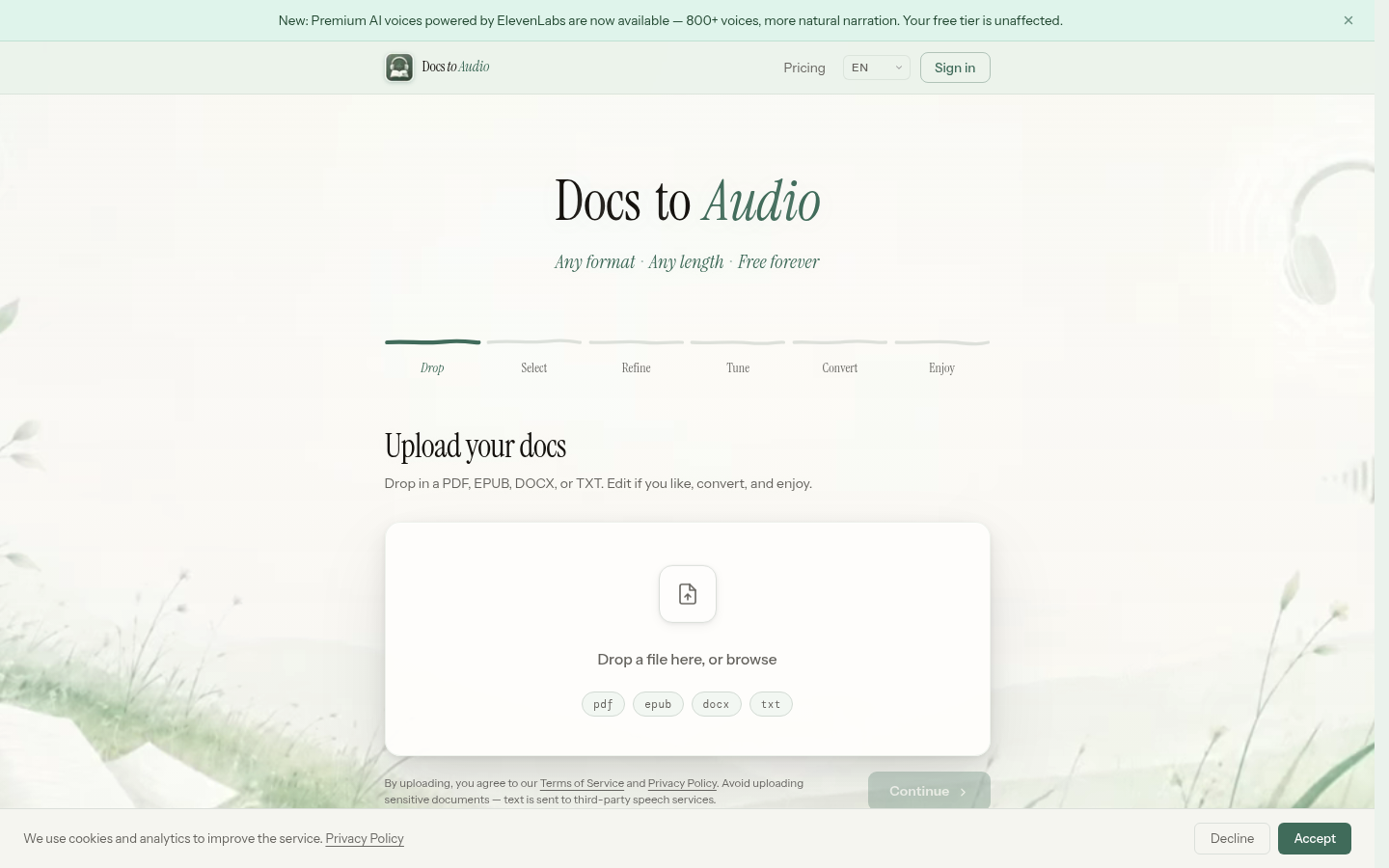
Screenshot archived from the listing page, for preview only.











