DocTranslator
AI document translation that keeps layoutTranslate Office and PDF files in 100+ languages
Highlights
What you can do with it
- Translate an English contract into Chinese
- Process a large PDF report quickly
- Turn business documents into several languages
How to use it
- 1 Open the DocTranslator site and start a new translation.
- 2 Upload the document you want translated.
- 3 Choose the source and target languages.
- 4 Wait for the translation to finish, then check the layout.
- 5 Download the translated file and review the wording.
Who it is for
Pros
- Keeps the original formatting and layout
- Wide language and file format coverage
- Fast on large files
- A free trial is available
Limitations
- Priced per word from $0.005, so long documents add up
- Free trial and storage limits apply
- Machine translation needs human review for legal text
- The listed address has shown redirects, so confirm the live page
What DocTranslator is
DocTranslator is an AI document translation tool. It supports over 100 languages and works with PDF, Word, Excel, and PowerPoint files, keeping the original formatting and layout instead of returning a block of plain text. Large files are translated quickly, which matters when a report runs to hundreds of pages. Free trial and storage plans are offered alongside paid ones, and pricing starts at $0.005 per word. The jobs it is built for are practical: a contract that has to move between languages, a report that has to be readable tomorrow, a business document that has to exist in several versions at once.
What you can do with it
- Translate PDF, Word, Excel, and similar files while keeping the layout.
- Work across more than 100 languages.
- Push large documents through quickly.
- Try the service on a free trial before committing to paid use.
Who it is for
- Business users who handle multilingual documents.
- Translators working with Office and PDF files.
- Students and researchers reading papers in other languages.
- Teams that need the same file in several languages.
What to watch out for
Pricing is per word, so a long document costs real money and the total is not obvious until you upload it. Free trial and storage limits apply, so check how much you get before you start a big job. Machine translation is not the same as professional translation: contracts, legal notices, and anything with liability attached need a human reviewer before you sign or send. Formatting is usually preserved, but complex layouts with heavy graphics can still shift, so check the output page by page. Confidential documents are uploaded to a third party service, which matters for sensitive client work, and the listed address has shown redirects, so confirm you are on the live page.
FAQ
Is there a free trial?
Yes, free trial and storage plans are listed.
Which file formats work?
PDF, DOCX, Excel, and more are supported.
Does it keep the layout?
Yes, the original format and layout are preserved.
How is it priced?
Prices start at $0.005 per word, so cost scales with document length.
Why it is free
What the official page says: free trial
Free limits, trial length and features are decided by the official site and can change at any time.
Product preview
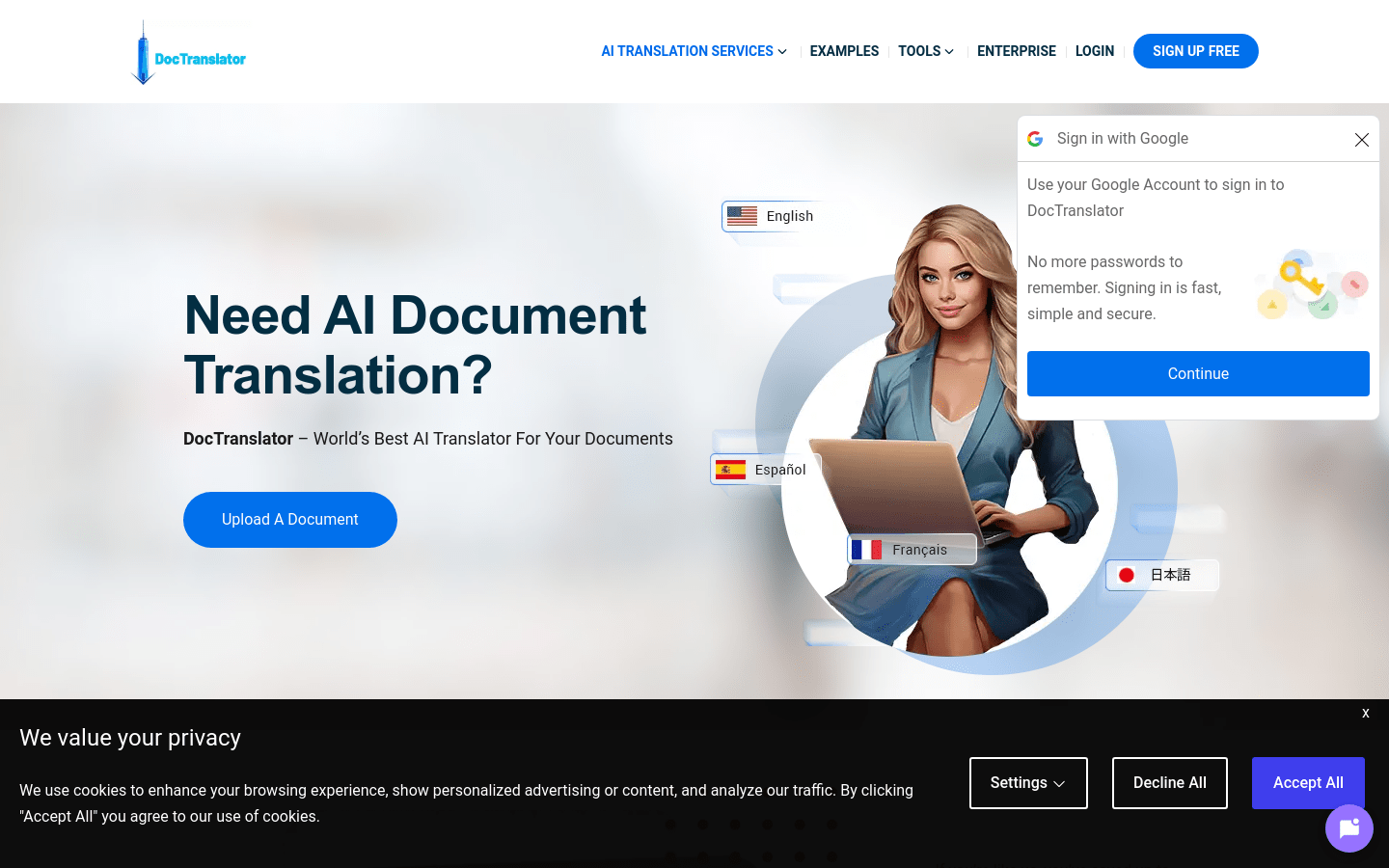
Screenshot archived from the listing page, for preview only.