Doxxo
AI document file tools32 AI tools for files and documents
Highlights
What you can do with it
- Pull totals, dates, and line items from invoices into a finance system.
- Summarize a contract or report before a legal review.
- Compress and convert office files for easier storage and sharing.
How to use it
- 1 Visit Doxxo and click Sign Up to create an account.
- 2 Upload a PDF, DOCX, XLSX, JPG, or PNG file.
- 3 Pick a tool from the suggestions or search for a specific one.
- 4 Follow the prompts, then download the processed file.
Who it is for
Pros
- One platform covers many routine document jobs.
- Beta access is free with no credit card required.
- Files are encrypted and auto-deleted after 24 hours.
Limitations
- Beta status means features and free access may change without notice.
- Pay-as-you-go billing starts once the beta terms change.
- Accuracy on complex or low-quality scans still needs checking.
What Doxxo is
Doxxo is a cloud platform that bundles 32 AI tools for everyday file and document work. It can pull tables out of any PDF into a clean CSV that opens in Excel, compress images while keeping visual quality, merge up to 10 PDFs, summarize an uploaded document, run OCR on scanned pages and screenshots, extract structured data from invoices, convert photos of contracts into editable text, and read contact details off a business card. Files are encrypted in storage and, according to the site, deleted automatically after 24 hours. The platform is in beta, free to use with no credit card, and uses pay-as-you-go billing for the functions you actually run.
What you can do with it
- Convert PDF tables into structured CSV files for spreadsheets.
- Compress, merge, and convert documents and images in one place.
- Extract invoice fields, OCR text, and business card contacts.
- Summarize long PDFs or pasted text into key points.
Who it is for
- Accounting staff handling invoices, statements, and receipts.
- Legal teams reviewing contracts and pulling out clauses.
- Office workers who need quick file conversion and compression.
What to watch out for
The platform is in beta, so features, limits, and the free no-credit-card access can change as it moves toward full release. Pay-as-you-go billing means costs track usage, and extraction accuracy on messy scans or complex layouts still needs a human check before the data goes into a financial or legal record. The auto-delete window is 24 hours, so download anything you need to keep. Confirm current beta terms and privacy details on the official site before uploading sensitive material.
FAQ
Is Doxxo free?
It is in beta and currently free to use with no credit card; you only pay for functions you actually use.
What happens to my files?
The site says files are encrypted for storage and automatically deleted after 24 hours.
What kind of tools does it include?
It offers 32 tools including PDF to Excel, image compression, OCR, invoice extraction, and document summaries.
Why it is free
What the official page says: free to useno credit card
Free limits, trial length and features are decided by the official site and can change at any time.
Product preview
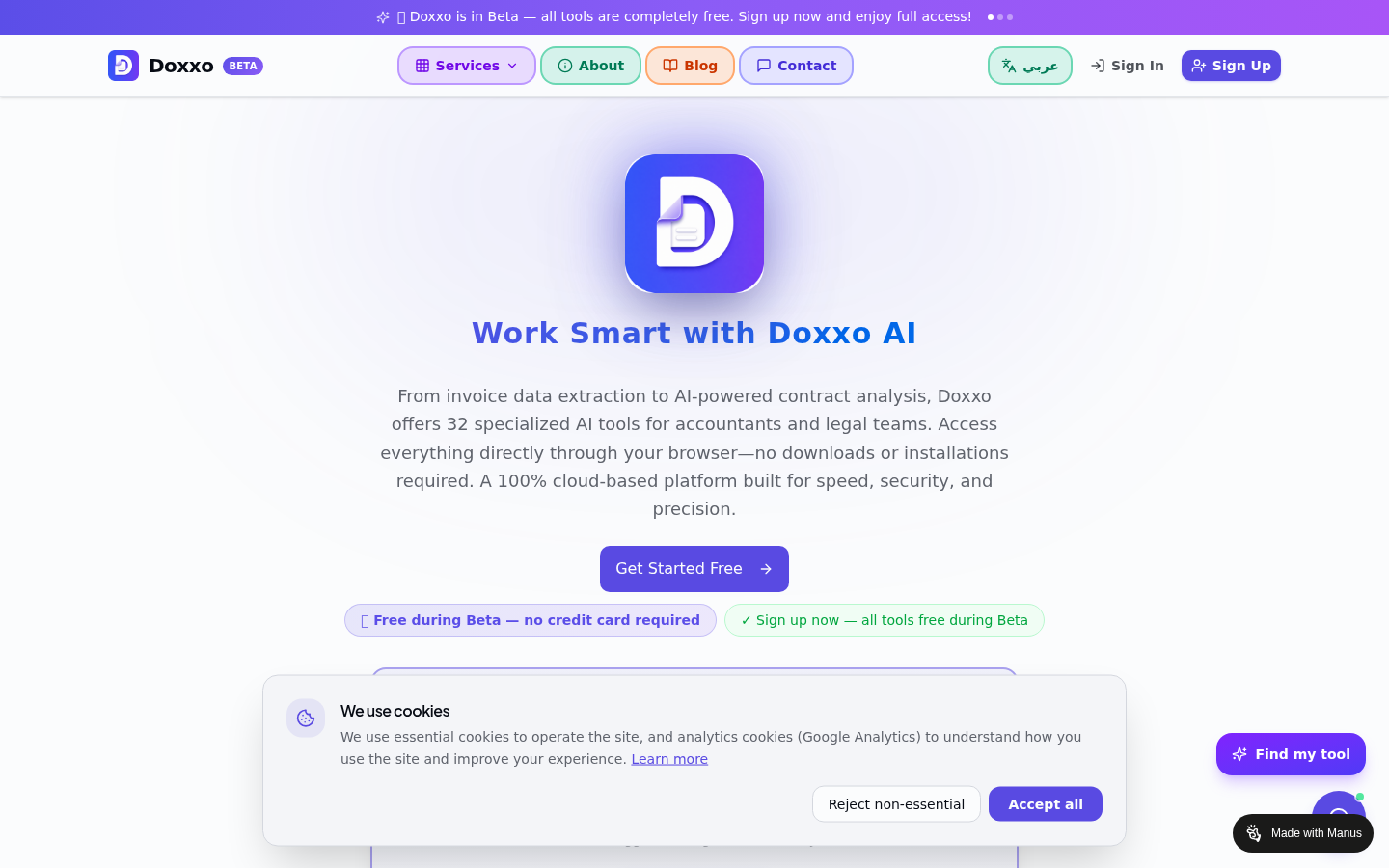
Screenshot archived from the listing page, for preview only.











