DraftCheck
AI contract review assistantReview contracts faster with local AI
Highlights
What you can do with it
- Review client contracts faster in a law firm
- Catch conflicting terms across related documents
- Keep a scanned history of contract changes
How to use it
- 1 Start the 30-day free trial on the DraftCheck site
- 2 Install the plugin and open a contract
- 3 Run the automatic review and read the document score
- 4 Check multi-document conflicts and save the history
Who it is for
Pros
- Automates the first pass of contract review
- Cross-document checks catch conflicting terms
- Local processing supports confidentiality
Limitations
- After the 30-day trial, the site lists 20 dollars per month
- AI review is a first pass, not legal advice
- Works best on standard contract structures
What DraftCheck is
DraftCheck is an intelligent contract assistant built for lawyers and business professionals. Its job is the slow, detail-heavy part of contract work. It reviews documents automatically, checks terms and definitions across multiple files for conflicts and broken cross-references, scores documents so you can prioritize attention, and keeps a contract history with continuous scanning so changes do not slip through. You can run several projects at once and navigate long agreements quickly. The site emphasizes that all processing happens locally on your device, which is meant to protect sensitive client material. Access begins with a 30-day free trial, after which the site lists a 20 dollar monthly subscription.
What you can do with it
- Run automatic review on a contract
- Check terms and definitions across multiple documents
- Score documents and keep a scan history
- Work on several contract projects at once
Who it is for
- Lawyers reviewing contracts against deadlines
- In-house counsel drafting and checking agreements
- Business professionals who read contracts regularly
What to watch out for
The free trial lasts 30 days, then the site lists 20 dollars per month, so it is a subscription rather than a one-off purchase. The tool is an assistant, not a lawyer: its output is a first pass that a qualified person still needs to verify, and it should not be treated as legal advice. Because processing is local, performance depends on your own hardware, and very large or unusual documents may be slower. Review the terms before relying on it for client work. Run one full task end to end first, then expand once you are comfortable with the workflow and the result quality.
FAQ
Who is DraftCheck for?
Lawyers and business professionals who work with contracts.
Where is data processed?
The site says all processing is done locally on your device.
How much does it cost?
A 30-day free trial, then the site lists 20 dollars per month.
Why it is free
What the official page says: free trial
Free limits, trial length and features are decided by the official site and can change at any time.
Product preview
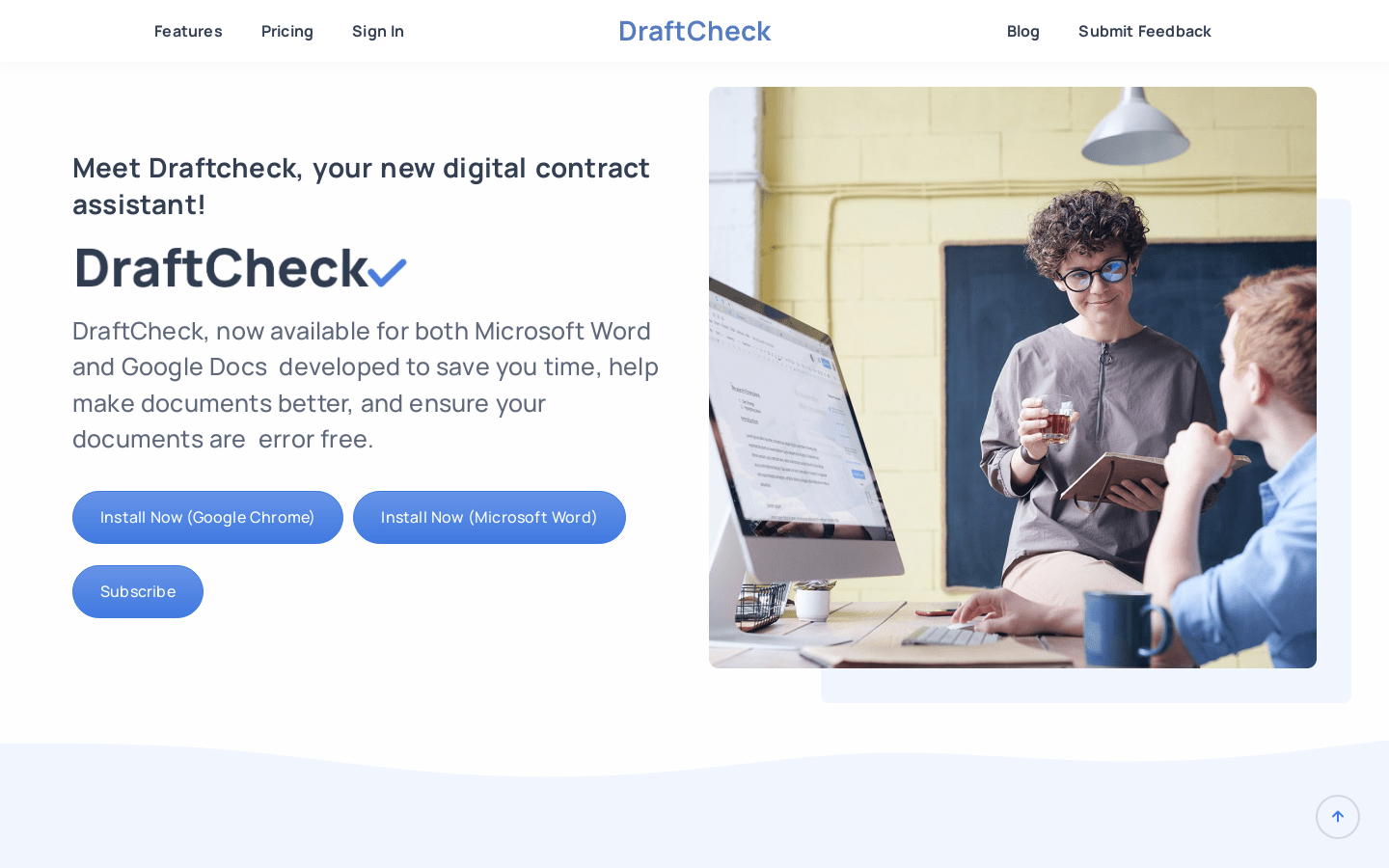
Screenshot archived from the listing page, for preview only.











