
Dubbify
AI video translation and voice cloning serviceTranslate video audio into 20 languages, with a $5 credit
Highlights
What you can do with it
- Dub a tutorial video into another language for a wider audience
- Localize a product demo without re-recording the narration
- Plug translation into an existing product through the API
How to use it
- 1 Sign up for a Dubbify account and claim the $5 free credit.
- 2 Upload the video you want translated.
- 3 Choose the target language and the voice for the output.
- 4 Review the generated audio and adjust as needed.
- 5 Export the result, or call the API if you are automating the flow.
Who it is for
Pros
- Wide input coverage with 57 source languages
- Voice cloning gives a more natural result than a generic voice
- An API means the same features can be built into other products
Limitations
- The $5 credit is a one-off trial allowance and paid plans apply after it runs out
- Voice cloning may break platform rules or rights, and any misuse is the user's responsibility
- Output quality depends on the clarity of the source audio
What Dubbify is
Dubbify is a video translation tool that aims to make translation simple, fast, and accurate. It accepts video content in 57 languages and delivers AI voice translation in 20 of them, including voice cloning with a choice of voices so the result can follow the original speaker more closely. You can use the service directly or reach it through an API if you want translation inside another product. New accounts get a $5 free credit, and pricing plans are described as flexible. Speed and accuracy depend heavily on how clean the source audio is, so a clear recording gives a better track than a noisy one.
What you can do with it
- Submit a video in one of 57 input languages.
- Generate a dubbed voice track in one of 20 output languages.
- Choose a cloned or alternate voice for the narration.
- Automate the same workflow through the API.
Who it is for
- Creators publishing to audiences who speak another language.
- Teams localizing training, marketing, or product videos.
- Developers who want translation features inside their own product.
What to watch out for
Voice cloning is the part that needs care. Cloning a voice without the speaker's permission can break platform rules, copyright, or local law, and any consequence falls on the user rather than on the tool. The $5 credit is a trial allowance, not a permanent free tier, so budget for paid usage if you plan to dub regularly. Source audio quality also drives the result: background noise, overlapping speech, or unclear narration will show up in the final track. Check the terms of any platform where you publish, since some sites restrict synthetic or cloned voices.
FAQ
How many languages does Dubbify support?
The listing says video content can be submitted in 57 languages, with AI voice translation in 20 languages.
Is there a free credit?
Yes, the site advertises a $5 free credit when you sign up.
Can I use it in my own app?
The listing mentions API access, so the translation features can be integrated into other products.
Why it is free
What the official page says: 免费额度免费
Free limits, trial length and features are decided by the official site and can change at any time.
Product preview
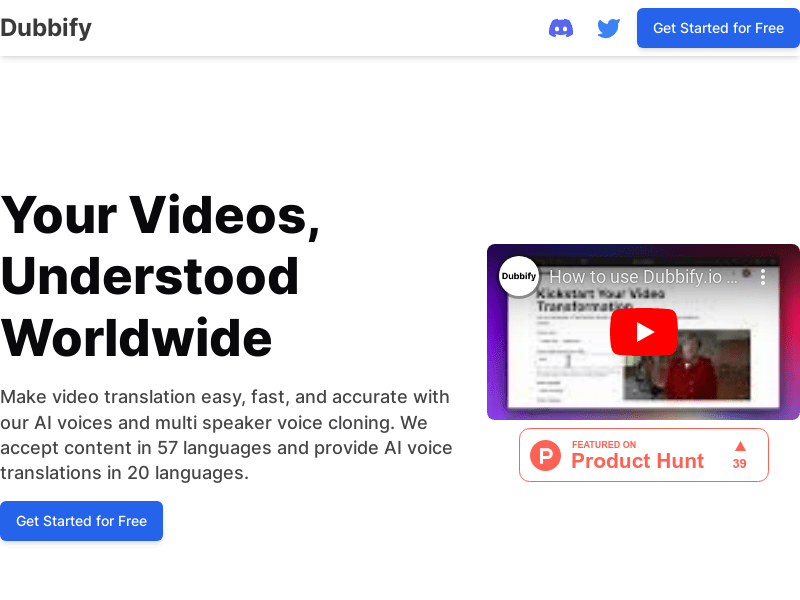
Screenshot archived from the listing page, for preview only.











