EasyScribe
Free AI transcription for audio and videoTurn recordings into text, summaries, and subtitles
Highlights
What you can do with it
- Teams turn meeting audio into accurate written records
- Podcast creators produce transcripts, blogs, and subtitles
- Students convert lecture videos into text for review
How to use it
- 1 Drag and drop an audio or video file onto EasyScribe
- 2 Select the source language and add translation if needed
- 3 Start transcription and wait for it to finish
- 4 Edit, then export as TXT or DOCX or share a public link
Who it is for
Pros
- Free to use with 120 language support
- Speaker identification helps with meetings and interviews
- AI summaries and chat make content easier to use
- Simple upload, transcribe, and export flow
Limitations
- Accuracy depends on audio quality, noise, and accents
- Free service terms and features may change over time
- Very long files may take longer to process
- AI summaries may miss nuance, so review key points
What EasyScribe is
EasyScribe is a free AI transcription tool that converts audio and video into accurate text records, summaries, subtitles, and translated text. It supports 120 languages and dialects and states accuracy up to 99.5 percent. Beyond plain transcripts, it can identify different speakers in multi-speaker audio, which helps with meetings and interviews, and it can turn content into structured summaries and notes. A built-in AI assistant can answer questions about the transcript, and you can edit everything with timestamps. You upload a file in formats such as MP3, MP4, WAV, M4A, MOV, and WebM, choose the language, and export as TXT or DOCX or share a public link. It is free to use.
What you can do with it
- Transcribe audio and video into accurate text across 120 languages.
- Identify speakers in multi-speaker recordings for clearer records.
- Generate summaries and notes, and chat with the content for answers.
- Edit with timestamps, then export as TXT or DOCX or share a link.
Who it is for
- Students turning lectures, seminars, and recorded courses into notes.
- Educators creating transcripts, summaries, and translations from recordings.
- Professionals, researchers, and creators who work with audio and video.
What to watch out for
Accuracy depends on audio quality, background noise, and accents, so clear recordings give better results and important text should be reviewed. Very long files can take longer to process, and the free service's terms and features may change over time, so confirm current details. AI summaries are a shortcut and may miss nuance, so check key points against the full transcript before quoting or publishing. For sensitive recordings, consider your privacy obligations before uploading files to an online service.
FAQ
Is EasyScribe free?
Yes. EasyScribe is described as a free AI transcription tool for converting audio and video into text, summaries, and subtitles.
How many languages does it support?
It supports 120 languages and dialects, and can also translate the transcript.
What formats can I upload?
It supports more than 20 formats, including MP3, MP4, WAV, M4A, MOV, and WebM.
Why it is free
What the official page says: free of charge
Free limits, trial length and features are decided by the official site and can change at any time.
Product preview
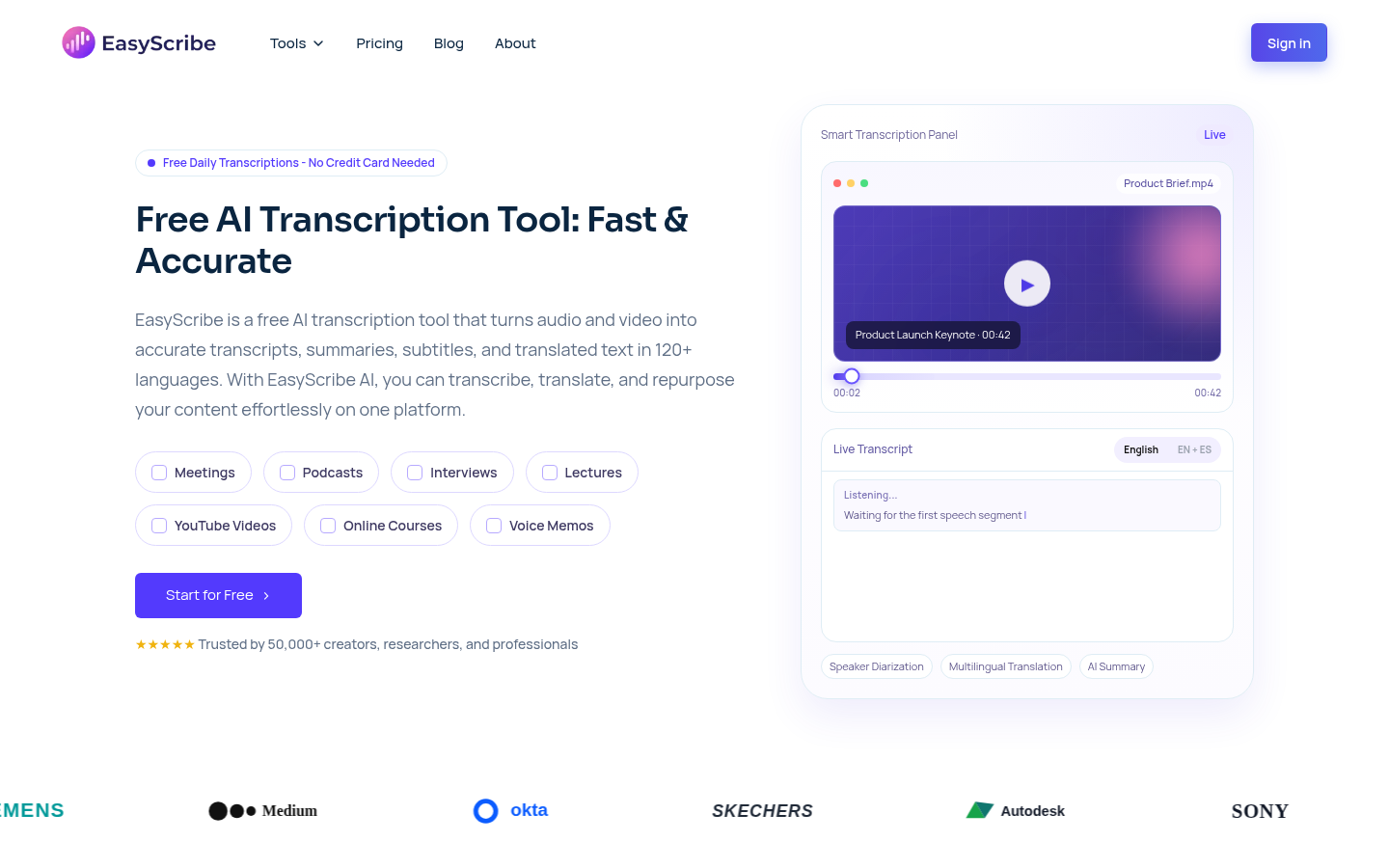
Screenshot archived from the listing page, for preview only.