
Ebsynth
Paint-to-video restylingFree video restyling by painting
Highlights
What you can do with it
- Creating hand-painted animation from ordinary video
- Applying an art style across a piece of footage
- Turning illustrations into moving scenes
How to use it
- 1 Install the EbSynth desktop client.
- 2 Choose the video you want to restyle.
- 3 Paint the key frame in the style you want.
- 4 Let EbSynth propagate the painting across the other frames.
- 5 Export or save the animated result.
Who it is for
Pros
- Completely free
- Unusual painting-based approach that suits artists
- Runs locally on the desktop
Limitations
- Results depend heavily on your painting input and the footage
- It is a single-purpose tool with a specific workflow
- You still need to learn the painting and keyframe process
What EbSynth is
EbSynth is a desktop application that restyles video by painting. The idea is simple and unusual: instead of applying a filter, you paint one frame by hand in the style you want, and the software propagates that painting across the rest of the clip. That turns a static image into animation and gives footage a hand-made look that automated filters rarely match, because the style comes from your own brushwork rather than a preset. The tool is described as fast, powerful, and easy to use, and it is priced at free, which makes it a practical option for artists who want a painted video look without paying for a subscription.
What you can do with it
- Paint a single key frame in your own style
- Apply that painting across an entire video automatically
- Turn still artwork into moving animation
- Work locally on a desktop without uploading footage anywhere
- Combine several painted passes when a scene needs more than one treatment
Who it is for
- Animators who want a painted look without frame-by-frame work
- Digital artists exploring how their style behaves in motion
- Illustrators who want to move a still image without learning a full animation suite
- Hobbyists and students experimenting with stylised video on a budget
What to watch out for
The quality of the result is tied closely to how well you paint the key frame and how cooperative the footage is. Fast camera movement, heavy motion blur, and complex scenes are harder to carry across frames than a clean, stable shot, so short and simple clips tend to work better than busy ones. It is also a single-purpose tool with its own workflow, so expect to spend time learning how to pick and prepare key frames rather than getting a good result on the first attempt. Because it is a free desktop application, check the current version and system requirements on the official site before you install it, and keep a copy of your project files in case anything goes wrong partway through a render.
FAQ
How much does EbSynth cost?
The product is priced at free.
How does it change a video's style?
You paint a single frame and EbSynth applies that painting to the entire video.
Where does it run?
It is a desktop client application.
Why it is free
What the official page says: 免费
Free limits, trial length and features are decided by the official site and can change at any time.
Product preview
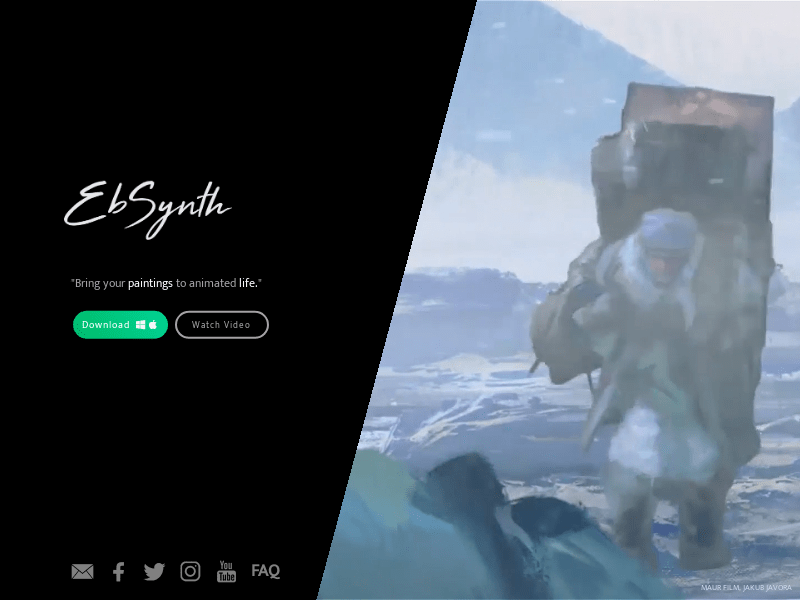
Screenshot archived from the listing page, for preview only.











