Evolink AI Model API
One API gateway for 40+ AI modelsAccess many AI models through a single API
Highlights
What you can do with it
- Build video and social tools using models like Veo 3.1 through one API.
- Create text-to-video apps with models such as BytePlus Seedance.
- Produce corporate promo videos with models like OpenAI Sora 2.
How to use it
- 1 Register an account; it takes about 30 seconds and no credit card.
- 2 Create a global API key with one click.
- 3 Pick an integration format such as OpenAI, Anthropic, or Google.
- 4 Update your base URL and API key, then start calling models.
Who it is for
Pros
- One API for many models reduces integration work.
- Intelligent routing and cost monitoring can lower spend.
- High availability with failover plus a free quota to start.
Limitations
- The free quota is limited, so real usage moves to pay-as-you-go.
- Model availability and pricing depend on upstream vendors and can change.
- Routing favors lower-cost vendors, so check output quality on demanding tasks.
What Evolink AI Model API is
Evolink AI Model API, also called EvoLink, is a unified API gateway that gives you access to more than 40 AI models from vendors like OpenAI, Anthropic, and Google through one API. Instead of integrating with each vendor separately, you point your code at a single endpoint. Intelligent routing watches real-time vendor prices and sends requests to the lowest-cost option, which the company says can cut costs by 20 to 70 percent. It also offers 99.9 percent high availability with automatic failover, real-time monitoring of usage and cost, and compatibility with mainstream SDKs so you can migrate existing code without rewriting it. New users get a free quota, and pricing is pay-as-you-go with no hidden fees. It is built for teams that want one gateway instead of many separate integrations.
What you can do with it
- Reach 40+ AI models across chat, vision, and video through one API
- Cut integration work by using OpenAI, Anthropic, or Google formats directly
- Monitor usage and cost in real time and let routing pick lower-cost vendors
- Keep services online with automatic failover when a vendor has issues
Who it is for
- Developers building AI apps who want a single integration point and quick setup
- Enterprises that need reliable, cost-controlled access to many models
- Creative professionals using models for video and content generation at scale
What to watch out for
The free quota is a starting point, so real usage moves to pay-as-you-go billing, and you should watch your spend. Model availability and pricing depend on upstream vendors, so a model can change or disappear outside your control. Because routing favors lower-cost vendors, check output quality on demanding tasks rather than assuming the cheapest option is always right. Test your integration against the models you actually plan to use before you commit to the gateway in production. Start with the free quota to confirm the models and latency meet your needs.
FAQ
How many models does EvoLink support?
It provides access to over 40 AI models from vendors such as OpenAI, Anthropic, and Google.
Is there a free quota?
Yes, new users get a free quota, and registration does not require a credit card.
How does it save costs?
Its intelligent routing watches real-time vendor prices and sends requests to the lowest-cost option.
Why it is free
What the official page says: 免费额度免费
Free limits, trial length and features are decided by the official site and can change at any time.
Product preview
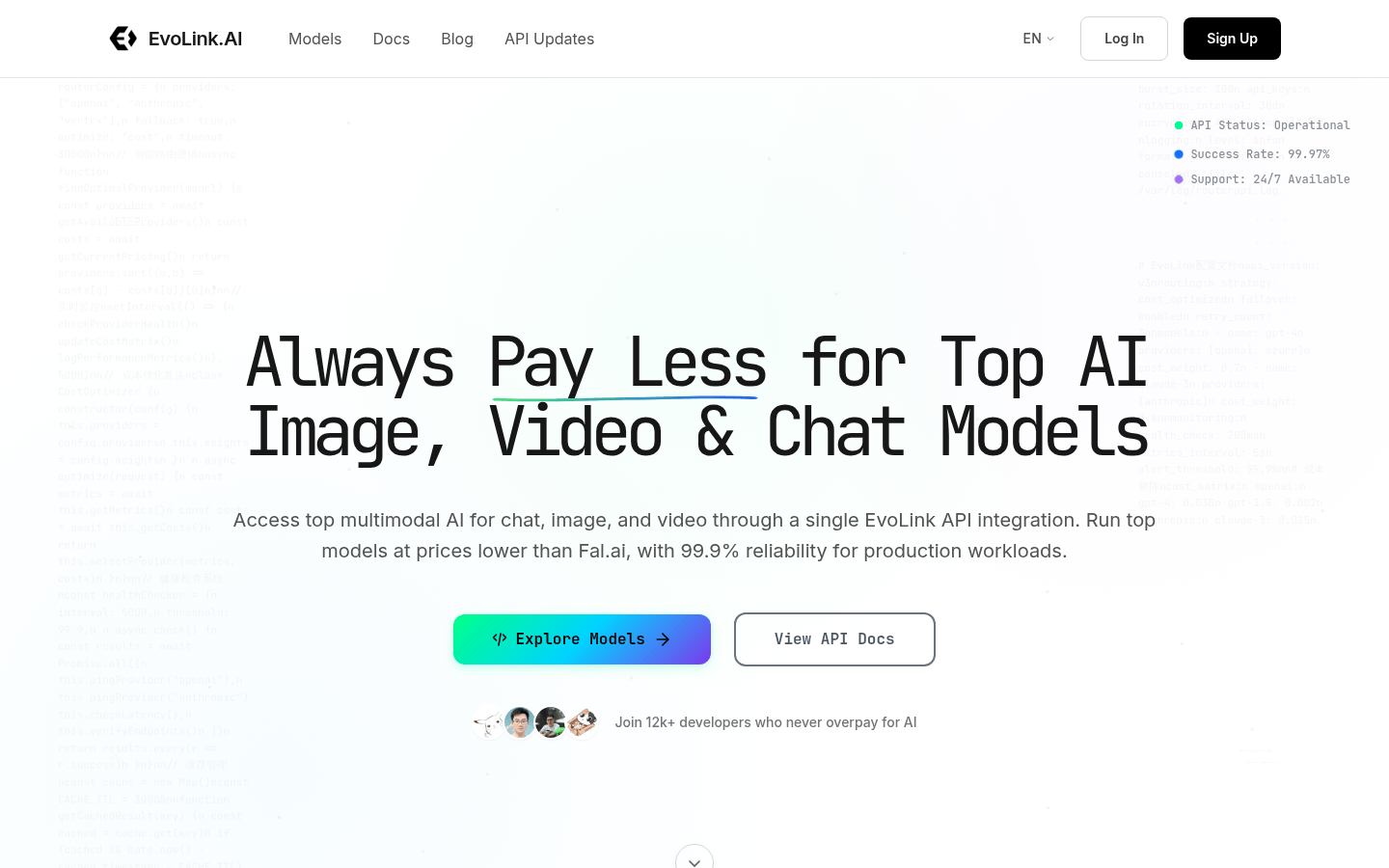
Screenshot archived from the listing page, for preview only.