
ExcelGen | AI Excel Formula Generator & Spreadsheet Assistant
AI Excel formula generator and spreadsheet assistantDescribe the task, get formulas, charts, and analysis
Highlights
What you can do with it
- Compare channel sales across regions and build trend charts.
- Generate formulas for budget variance analysis.
- Preview a workbook before sharing results with a client.
How to use it
- 1 Upload a workbook and describe the changes, or pitch a new sheet.
- 2 Watch the progress as it reads your data.
- 3 Review the preview and request changes if needed.
- 4 Download the file once you are happy.
Who it is for
Pros
- Natural language formulas save learning complex syntax.
- Edits never overwrite the original file.
- Free credits on first login with no credit card.
Limitations
- The workspace needs a login, and free credits and paid terms can change.
- It is built for spreadsheets, so it will not replace a full BI tool.
- Complex or unusual formulas may still need checking by hand.
What ExcelGen is
ExcelGen is an AI spreadsheet workspace where you create, analyze, and transform workbooks by describing what you want in plain language. Its core task is generating and explaining Excel formulas: you state the calculation, the cell ranges, and the conditions, and it writes formulas such as IF, SUMIFS, and XLOOKUP and inserts them into your workbook. It also edits data, runs analysis, and builds charts, all in one place. You preview results before you download them, and edits never overwrite your original file, so your data stays intact. First-time logins get 30 free credits with no credit card, the workspace requires a login, and there is a separate free formula bot with its own usage limits.
What you can do with it
- Turn a description into a working Excel formula.
- Analyze uploaded data and build trend or bar charts.
- Create a new workbook from an idea.
- Preview, request changes, and download safely.
Who it is for
Data and operations teams that live in spreadsheets, financial analysts working on budgets and statements, independent consultants building client reports, and project managers tracking tasks and timelines. If formula syntax slows you down, this removes that friction and lets you focus on the question rather than the code behind the cell.
What to watch out for
The workspace requires a login, and while first-time logins get 30 free credits, the free and paid terms can change, so confirm current limits before you rely on it. It is a spreadsheet tool, not a full business intelligence platform, so very large or complex data models may outgrow it. Generated formulas are a strong start, but you should still spot-check anything that feeds important numbers, since a small error in a range or condition can quietly change a whole report.
FAQ
What does ExcelGen do?
It generates and explains Excel formulas and helps analyze data and build charts.
Is there a free trial?
Yes, first-time logins get 30 free credits with no credit card.
Will it change my original file?
No, edits do not overwrite the original; you preview and download a new version.
Why it is free
What the official page says: 免费使用免费
Free limits, trial length and features are decided by the official site and can change at any time.
Product preview
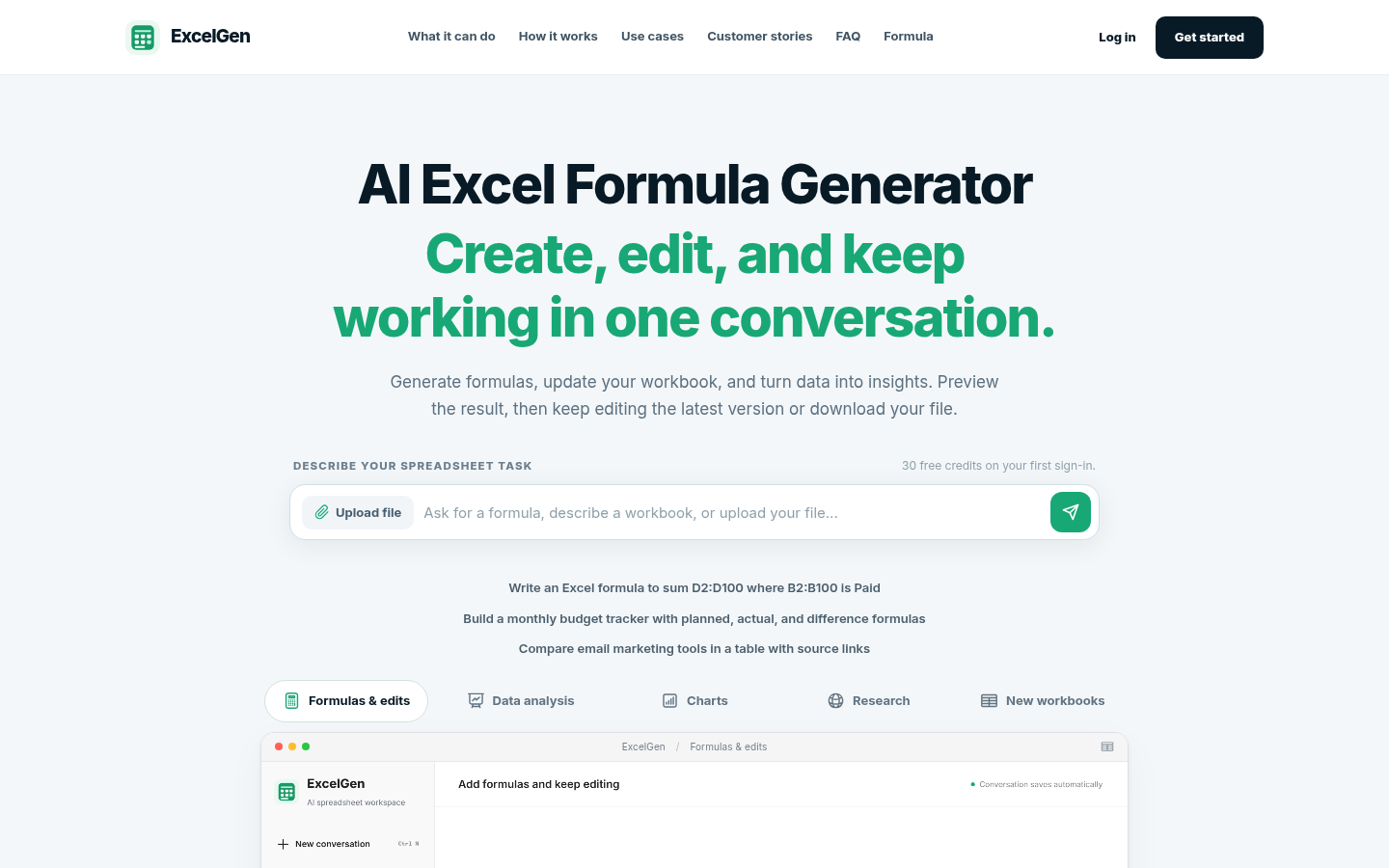
Screenshot archived from the listing page, for preview only.











