
Excelly-AI
Text to Excel formula converterTurn plain text into Excel formulas
Highlights
What you can do with it
- Turn a described task into a working formula
- Understand what a formula does via explanation
- Convert formulas between formats or generate VBA
How to use it
- 1 Type what you want the formula to do in plain text
- 2 Let Excelly-AI generate the Excel formula
- 3 Read the explanation to confirm it lines up
- 4 Copy the formula into Excel or Google Sheets
Who it is for
Pros
- Instant formula generation from plain text
- Explanations help you learn the formula
- Supports Excel, Google Sheets, and VBA
Limitations
- Only five formulas per month are free and more needs payment
- Complex needs may still need manual editing
- Generated formulas should be tested before use
What Excelly-AI is
Excelly-AI is an online tool that instantly converts plain text into Excel formulas, so you no longer have to search for formulas in a browser. You describe what you want and it generates the formula in seconds. It supports formulas in both Excel and Google Sheets formats and intelligently generates explanations so you understand what the formula does. It also handles formula conversion and VBA generation. Pricing offers five free formulas per month.
What you can do with it
- Turn a plain-text task into an Excel formula
- Get an explanation of what the formula does
- Convert formulas between supported formats
- Generate VBA when you need automation
Who it is for
- Spreadsheet users who dislike formula syntax
- Analysts who build formulas quickly
- Anyone converting formulas or generating VBA
What to watch out for
Only five formulas per month are free, and more requires payment, so check current pricing. Complex needs may still need manual editing, so treat output as a starting point. Always test a generated formula on sample data before relying on it. Because it is an online tool, availability and pricing can change over time. When quality matters, export a small draft first to confirm the result before producing the final file. Generated suggestions are for reference only, so verify anything that affects professional judgment or important data. Save a backup of the original file before large batch jobs, and keep an exported copy of key results in case the page or service becomes temporarily unavailable. Save a backup of the original file before large batch jobs, and keep an exported copy of key results in case the page or service becomes temporarily unavailable.
FAQ
Is Excelly-AI free?
Pricing offers five free formulas per month. Confirm current terms on the site.
What does it do?
It converts plain text into Excel formulas and generates explanations.
Does it support Google Sheets?
Yes. It supports formulas in both Excel and Google Sheets formats.
Why it is free
What the official page says: 免费
Free limits, trial length and features are decided by the official site and can change at any time.
Product preview
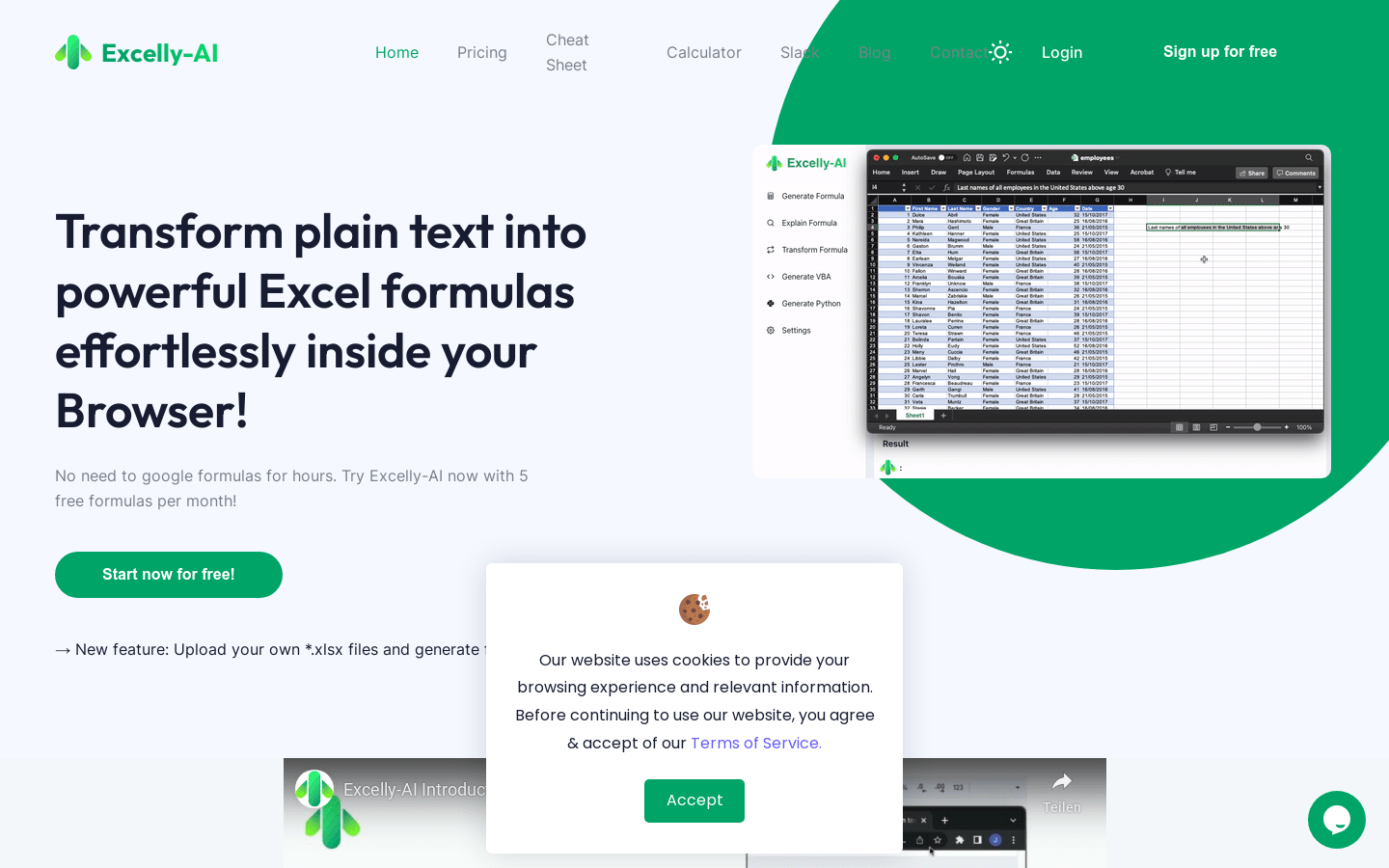
Screenshot archived from the listing page, for preview only.











