
Exmergo Viz
AI agent that turns messy data into interactive dashboards without codeAsk in plain language, get a dashboard in minutes
Highlights
What you can do with it
- A marketing company merges multi-channel campaign data into one dashboard to see performance fast
- A startup turns CSV data into investor-ready dashboards for presentations
- A supply chain team monitors inventory and supplier delivery in real time and catches delays early
How to use it
- 1 Visit the site and create an account
- 2 Pick a plan, starting with the free trial if you are unsure
- 3 Upload CSV or Excel files, or connect a database on the enterprise plan
- 4 Ask questions in natural language, such as a request for last month's sales trend
- 5 Read the generated dashboard and adjust it to your needs
Who it is for
Pros
- No coding is required to build a dashboard
- Setup is described as minutes instead of long BI projects
- Free trial lets you test before you pay
Limitations
- Database connections are limited to the enterprise plan
- A free trial is offered, and pricing or limits can change
- Dashboard quality still depends on the data you feed it
What Exmergo Viz is
Exmergo Viz is a SaaS dashboard AI agent platform. Instead of building charts by hand, you upload data or type a question in plain language and the agent handles the query, the analysis, and the visualization. The page says it can turn messy data into reliable, interactive dashboards within minutes. It is positioned as an alternative to heavier BI setups that need a dedicated analyst, and as a step beyond chat assistants because the dashboards persist. A free trial is available, and the page describes the pricing as simple and transparent.
What you can do with it
- Upload CSV or Excel files on any plan and get charts immediately.
- Connect SQL Server, MySQL, or PostgreSQL on the enterprise plan for live data.
- Ask natural language questions and let the agent build the view for you.
- Use data quality checks so ad-hoc analysis rests on cleaner numbers.
Who it is for
- Marketing teams that need campaign and customer behavior in one dashboard.
- Startups with no data team that must show investors something clear.
- Recruitment and supply chain teams that want live tracking of pipelines, inventory, or suppliers.
What to watch out for
A dashboard is only as good as the data behind it, so messy uploads will still need cleaning. Real-time database connections sit on the enterprise plan, so smaller plans work from file uploads. The page offers a free trial, and trial length, plan limits, and pricing can change at any time, so confirm current terms before you build a workflow around it. Behavior may vary across browsers and devices, so test before production use and consult the help docs if errors appear.
FAQ
Do I need to write code?
No. The AI agent handles query, analysis, and visualization from natural language.
What data can I use?
CSV and Excel files on each plan. The enterprise plan also supports SQL Server, MySQL, and PostgreSQL.
Is there a free option?
The page says pricing is simple and transparent and that a free trial is available.
How is this different from a chat assistant?
The page says it produces persistent dashboards rather than one-off text answers.
Why it is free
What the official page says: free trial
Free limits, trial length and features are decided by the official site and can change at any time.
Product preview
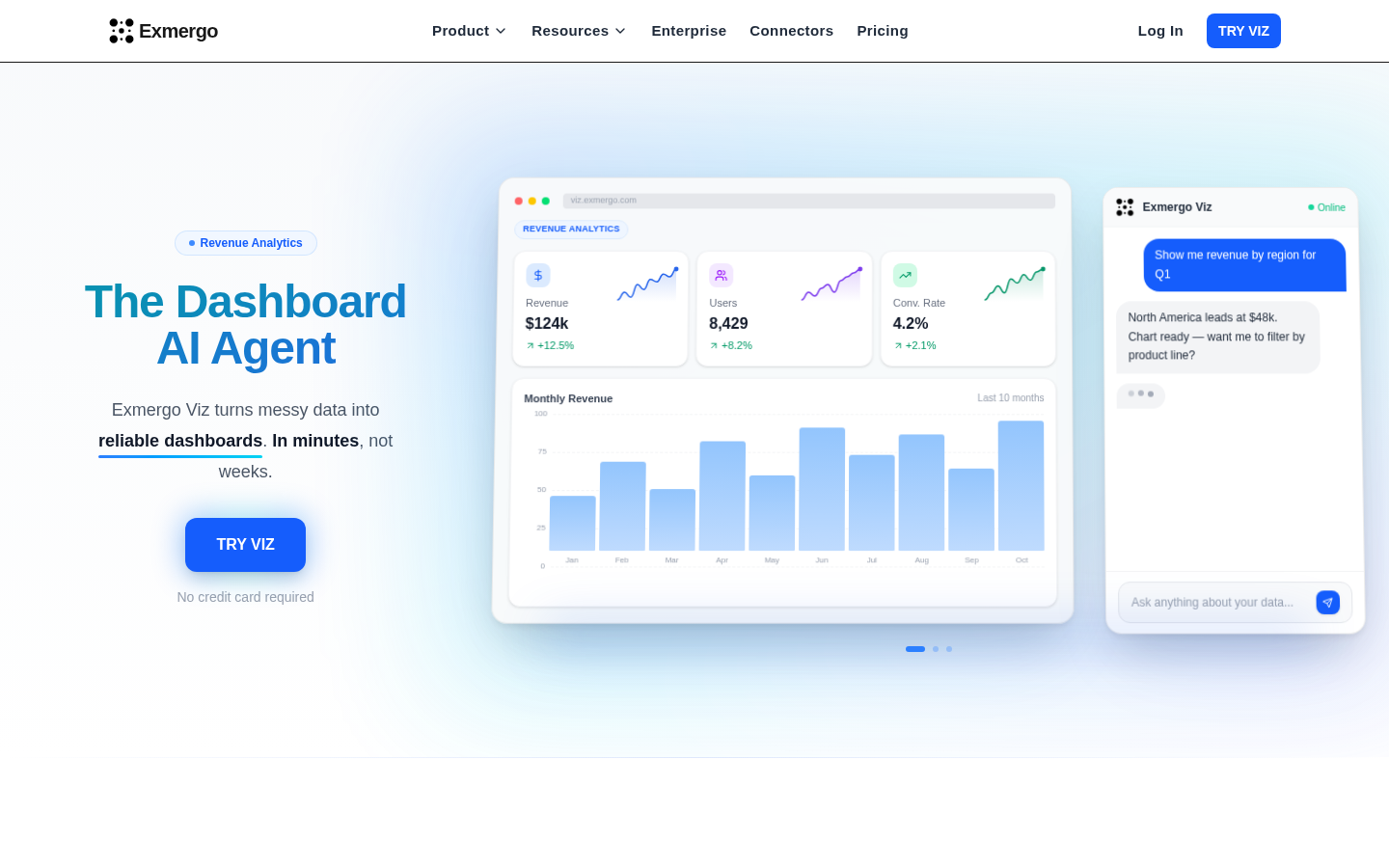
Screenshot archived from the listing page, for preview only.











