
ExplainTXT
Browser extension that explains highlighted textHighlight any text and get a plain explanation
Highlights
What you can do with it
- A student reading a dense academic paper
- An engineer decoding technical documentation
- A professional scanning a long industry report
How to use it
- 1 Install the ExplainTXT extension from explaintxt.com
- 2 Open the page you want to read
- 3 Highlight text and pick explain, translate, or ask
- 4 Set the complexity level that suits you
- 5 Read the result and keep going
Who it is for
Pros
- Works inside the pages you already read
- Explanation depth is adjustable
- Translation and questions in one place
Limitations
- Exact pricing was unclear in the listing
- Simplified explanations can drop important detail
- A browser extension needs permission to read pages
What ExplainTXT is
ExplainTXT is an AI reading assistant delivered as a browser extension. You highlight a passage on any supported page and it returns a clear, concise explanation, with the depth of that explanation under your control. It can also translate the selected text into your preferred language and answer specific questions about what you highlighted. The aim is to make dense reading faster, whether that is an academic paper, a technical document, or a long industry report.
What you can do with it
- Highlight text and receive a concise explanation
- Translate the selection into the language you prefer
- Ask a specific question about the highlighted passage
- Adjust the complexity level to match your understanding
- Use it across the websites you already read
Who it is for
- Students working through academic writing above their level
- Engineers and developers reading technical documentation
- Language learners who need a bridge into harder material
What to watch out for
A simplified explanation is a summary, and summaries lose things. If the passage is a contract, a safety instruction, or a methods section, read the original carefully rather than relying on the condensed version. Exact pricing was unclear in the listing, so check the extension page for the current offer and any limits before you depend on it daily. Because a browser extension reads the pages you open, look at what permissions it asks for and what it does with the text you highlight. When quality matters, export a small draft first to confirm the result before producing the final file. Generated suggestions are for reference only, so verify anything that affects professional judgment or important data.
FAQ
How does ExplainTXT work?
You highlight text on a page and the extension returns an explanation, a translation, or an answer to a question you ask.
Can I choose how simple the explanation is?
Yes, the complexity level of the explanation is adjustable.
Where does it run?
It is a browser extension, so it works on the websites you visit.
Why it is free
What the official page says: free trial
Free limits, trial length and features are decided by the official site and can change at any time.
Product preview
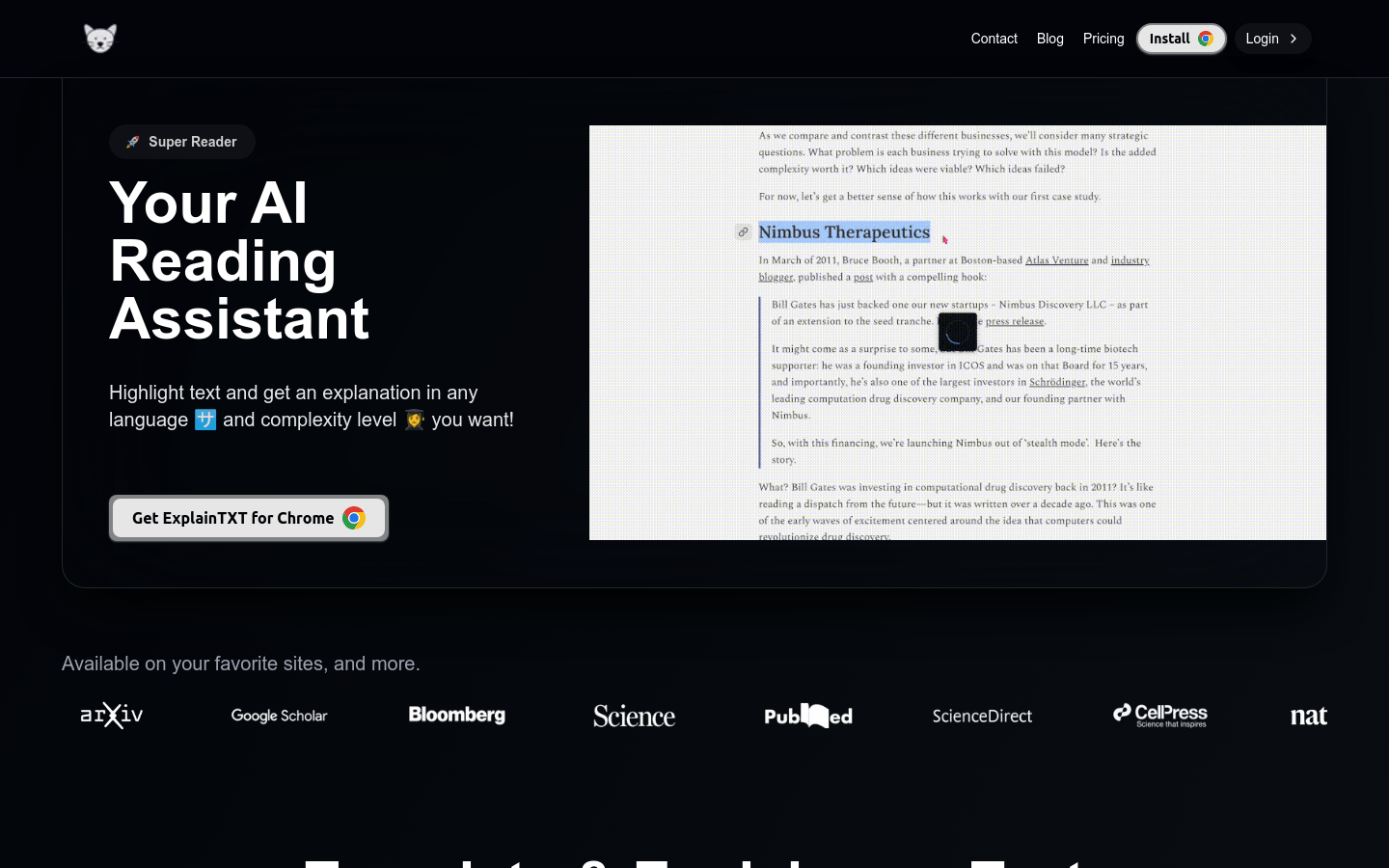
Screenshot archived from the listing page, for preview only.











