
Express Scribe
Transcription playback software with foot pedal controlFree transcription player for Windows and Mac typists
Highlights
What you can do with it
- Medical transcriptionists turning dictation and lecture recordings into written reports
- Legal assistants typing up court hearings and depositions
- Video producers and journalists transcribing interview footage
How to use it
- 1 Download the installer from the official NCH website and choose the free version.
- 2 Install it on Windows or Mac and connect a USB foot pedal if you have one.
- 3 Open the recording and set a comfortable playback speed.
- 4 Type into your word processor, using the pedal or hotkeys to pause, rewind, and resume.
- 5 Save the transcript and proofread it before delivery.
Who it is for
Pros
- A free version can be downloaded and used without a subscription
- Foot pedal support allows hands free typing at speed
- Broad format support covers most recorder and media files
Limitations
- The free version has fewer features than the paid professional edition
- It is desktop software for Windows and Mac, with no mobile or web version
- Hotkeys and pedals need practice before you work at full speed
- Accuracy depends on the person typing, not on automatic recognition
What Express Scribe is
Express Scribe is a professional transcription playback program from NCH Software that runs on Windows and Mac. It plays audio and video files so a human typist can turn recordings into written text. The download includes a free version, while a professional version adds extra features and support. It is not an automatic speech recognition engine; it is the player that sits between your recording and your word processor. You open a file, control how it plays, and type what you hear into the editor you already use. That narrow focus is the point, because transcription work is mostly about controlling playback precisely while keeping both hands busy.
What you can do with it
- Control playback with a USB foot pedal or hotkeys so your hands stay on the keyboard.
- Slow audio down or speed it up while keeping the natural pitch of voices.
- Open files in dozens of audio and video formats, including recordings from portable recorders.
- Load files automatically and work alongside word processors and voice recognition software.
Who it is for
- Medical and legal transcriptionists who work from long recordings.
- Video producers and journalists transcribing interviews.
- Students and researchers typing up lectures or focus groups.
What to watch out for
The free version covers core playback, but advanced features sit behind the professional licence, so heavy users may eventually need to pay. Foot pedal and hotkey workflows take practice before you reach full speed. Desktop software also means it is tied to a computer, not a phone or browser. Finally, the text you produce depends on your own typing and proofreading, so budget time for review. Treat it as a tool that makes manual work faster, not one that removes the work.
FAQ
Does Express Scribe transcribe audio automatically?
No. It is a playback tool. You listen and type the text yourself, though it can run alongside voice recognition software.
Is Express Scribe free?
A free version is available for download. A professional version with more features and support is sold separately.
Does it work with a foot pedal?
Yes. It supports professional USB foot pedal controllers as well as keyboard hotkeys.
Why it is free
What the official page says: free version
Free limits, trial length and features are decided by the official site and can change at any time.
Product preview
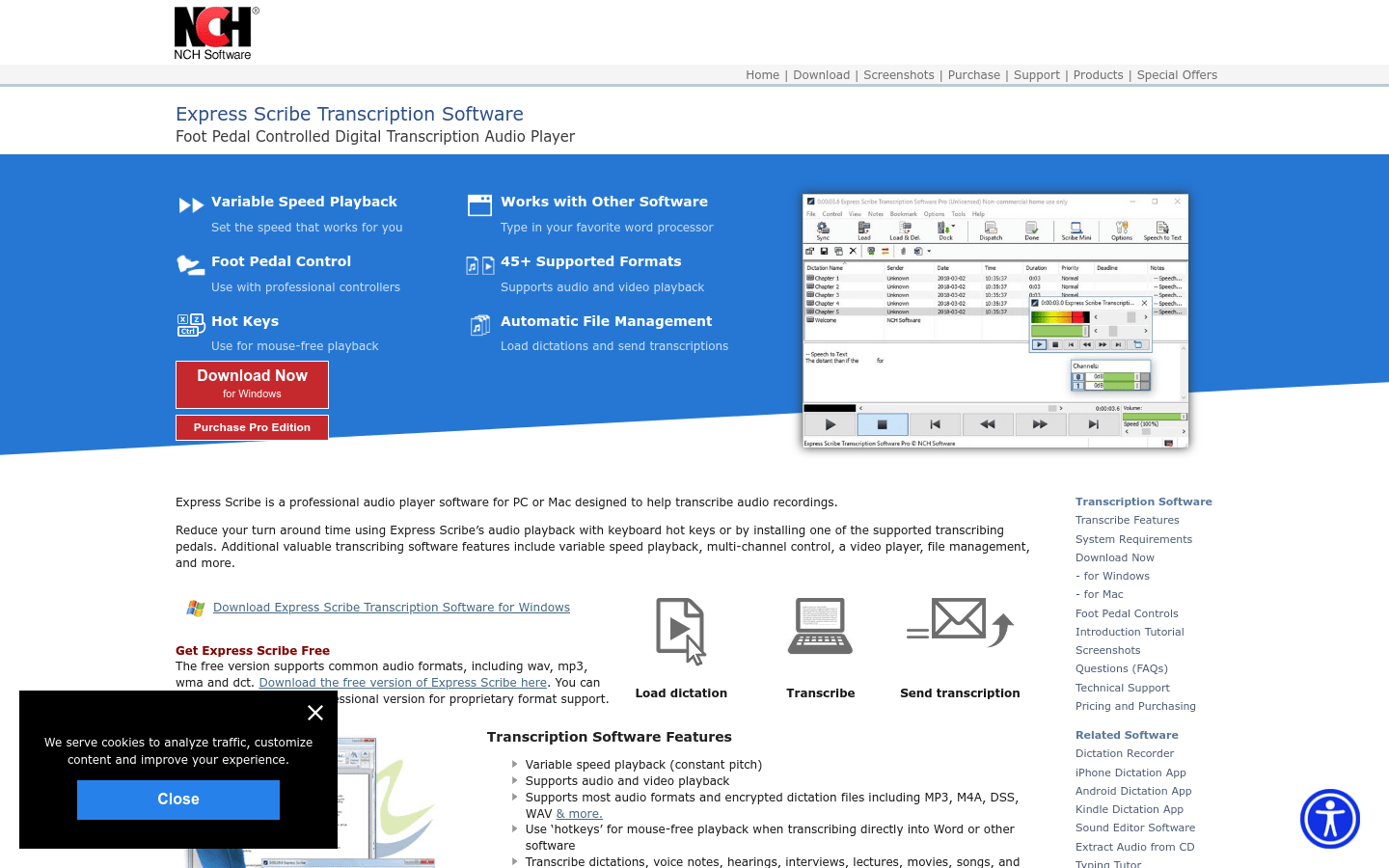
Screenshot archived from the listing page, for preview only.











