
Fable
Interactive product demosTurn your product into a demo
Highlights
What you can do with it
- Sending a clickable product demo in sales outreach
- Guided walkthroughs that reduce support tickets
- Partner and channel enablement with shareable demos
How to use it
- 1 Register an account on the Fable website.
- 2 Use the browser extension to capture your product.
- 3 Use the AI presentation assistant to build content and branding.
- 4 Publish and share the demo on a site, by email, or in a help center.
- 5 Track viewers and engagement, and connect your GTM tools if needed.
Who it is for
Pros
- Prospects can explore the product without scheduling a call
- Analytics show which demos attract attention
- Connects to common CRM and marketing tools
Limitations
- It is a commercial product, so paid plans follow the free trial
- Building a polished demo still takes setup and content effort
- Pricing, limits, and integrations are set by the vendor and can change
What Fable is
Fable is AI-driven software for creating interactive product demos. Instead of recording a video or booking a live call, you capture your actual product with a browser extension and turn it into something a prospect can click through on their own. An AI presentation assistant helps generate the content, apply your branding, and assemble the demo into modules, so the asset does not have to be built entirely by hand. The finished demo can be embedded on a website, sent by email, or dropped into a help center, which means the same material works for sales, marketing, and support. The site lists a 4.9 rating on G2 and offers a free trial alongside paid plans.
What you can do with it
- Capture a live product and turn it into an interactive demo
- Generate and brand demo content with the AI assistant
- Share demos by link, email, or embed, and organize them in a demo center
- Track who watched each demo and how far they engaged
- Connect the demo flow to your CRM and marketing tools
Who it is for
- Sales teams that want to show a product without a scheduled call
- Customer success teams building guided walkthroughs that cut ticket volume
- Partner managers who need shareable material for channel sellers
- Marketing teams that want one asset working across the site and email
What to watch out for
A demo is only as good as the product flow you capture, so plan which journey matters before you start rather than trying to record everything. The tool is commercial, so after the trial you will be comparing paid plans, and pricing, seat limits, and the list of integrations are set by the vendor and can change. Demos built on a live product also need refreshing when the product changes, otherwise they will show an outdated interface to prospects. Finally, an interactive demo does not replace a conversation for complex buyers, so think of it as a way to qualify interest and answer early questions rather than a way to close a deal on its own.
FAQ
Is there a free trial?
Yes, Fable offers a free trial along with paid options.
What tools does it integrate with?
The site lists GTM tools including HubSpot, Salesforce, and Marketo.
Do I need to code to build a demo?
No, you capture the product with a browser extension and build with the AI assistant.
Why it is free
What the official page says: free trial
Free limits, trial length and features are decided by the official site and can change at any time.
Product preview
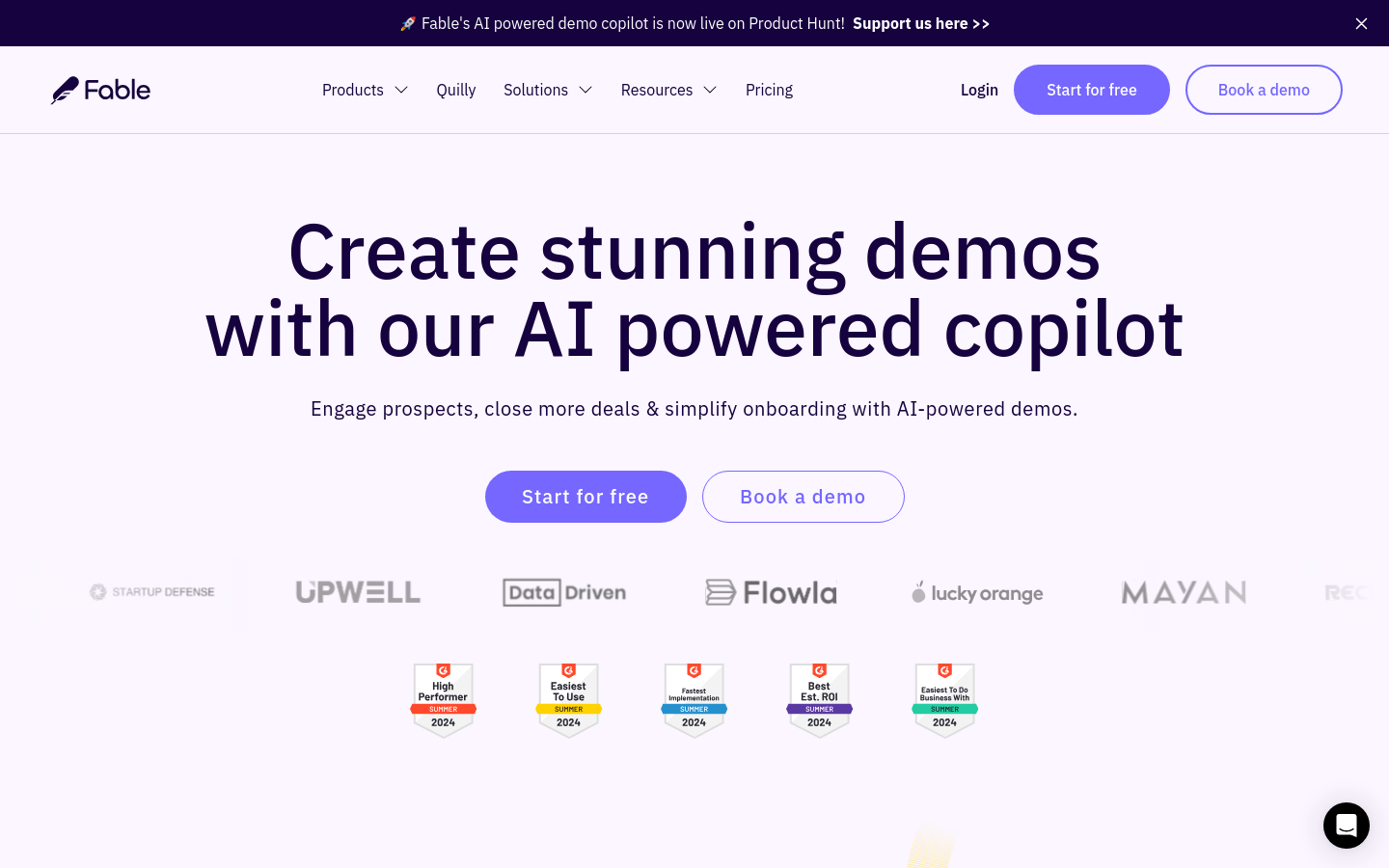
Screenshot archived from the listing page, for preview only.











