
Fathom
Free AI meeting assistant for video callsNever take notes during video calls again
Highlights
What you can do with it
- Capture a written record of a video call without taking notes
- Pull out action items and paste them into your task tools
- Keep CRM records updated with notes generated from each meeting
How to use it
- 1 Set Fathom up with your video call platform; the site says it takes minutes.
- 2 Join your meeting as usual and let Fathom record in the background.
- 3 Let the tool transcribe the call and mark the important content.
- 4 Open the automatic summary once the meeting ends.
- 5 Copy the summary and action items into the applications you use.
- 6 Sync the generated meeting notes into your CRM if you use one.
Who it is for
Pros
- Described as completely free with no hidden traps
- Setup is quick according to the site
- Removes the need to write notes while you are talking
- Summaries and action items move easily into other apps
- CRM sync keeps records in one place
Limitations
- Free terms can change, so check the current offer before relying on it
- Recording captures other participants, so you need their agreement and must follow your organisation's rules and local law
- CRM syncing assumes you already use a compatible CRM
- Transcription quality depends on audio quality, accents, and overlapping speech
What Fathom is
Fathom is a free AI meeting assistant for video calls. It records your meetings, transcribes what was said, marks the parts that matter, and produces a summary so you can stay in the conversation instead of taking notes. The site describes it as completely free with no hidden traps and says that setup takes only minutes. Fathom sits in the meeting assistant and speech to text categories, and its core promise is simple: you should never have to take notes during a video call again. Once it is running, it works in the background during the call and gives you a written record and a summary afterwards, which you can then move into the other tools you already use.
What you can do with it
- Record and transcribe meetings automatically
- Mark the parts of a conversation that matter and get a summary of them
- Copy summaries and action items straight into other applications
- Generate meeting notes and sync them to your CRM
Who it is for
- People who join frequent video calls and do not want to take manual notes
- Teams that need a written record and clear action items after each call
- Sales and customer-facing teams that keep meeting notes inside a CRM
What to watch out for
Fathom is described as completely free today, and free terms can change, so check the current offer before you depend on it for important work. Recording a meeting captures other participants, so you need their agreement and you should follow the rules of your organisation and local law before you record anything. Syncing notes to a CRM assumes you already use one and have it connected. Transcription quality depends on audio quality, accents, crosstalk, and how clearly people speak, so expect to review the text before you share it. Automatic summaries are a starting point rather than a final record, and action items should be confirmed with the people involved rather than assumed to be correct.
FAQ
What does Fathom do?
It records, transcribes, highlights, and summarizes your meetings so you can focus on the conversation.
How much does it cost?
The site describes Fathom as completely free with no hidden traps.
How long does setup take?
According to the site, setup takes only minutes.
Can I move the output into other tools?
Yes. Summaries and action items can be copied and pasted into other applications.
Does it work with a CRM?
It can automatically generate meeting notes and sync them to a CRM.
Why it is free
What the official page says: completely free
Free limits, trial length and features are decided by the official site and can change at any time.
Product preview
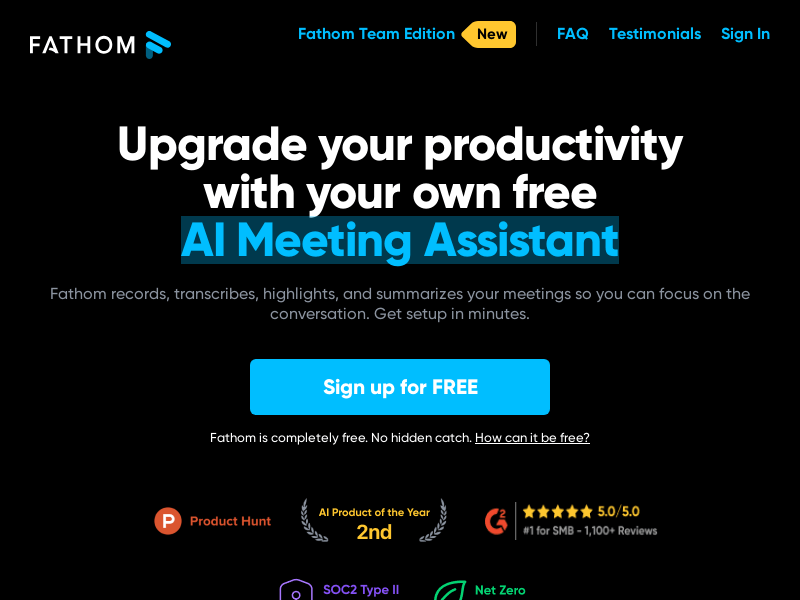
Screenshot archived from the listing page, for preview only.











