
Feedpik
AI RSS reader you control with plain languageSort your own feeds instead of a black-box algorithm
Highlights
What you can do with it
- A tech fan prioritizes AI and security articles across media
- A content creator imports feeds and filters by creative theme
- A financial analyst tracks companies and market trends by priority
How to use it
- 1 Visit feedpik.com and add feeds by pasting a site address or RSS URL
- 2 Import an OPML file to migrate subscriptions from another reader
- 3 Describe your sorting rules in natural language
- 4 Read the ranked content in the web reader or mobile app
Who it is for
Pros
- Open-source and free to use
- You control the sorting with plain language
- OPML import and export avoid data lock-in
- AI agents can help re-rank after you authorize them
Limitations
- Requires some setup to add and organize feeds
- Ranking quality depends on the rules you write
- AI agent access needs careful authorization and permissions
- Being open-source, availability and terms can change
What Feedpik is
Feedpik is an AI RSS reader that puts the algorithm under your control. Instead of showing a fixed timeline or a black-box feed tuned for ads and attention, it lets you adjust the sorting of your subscribed content with simple natural language, and you can involve AI agents in managing the order. You can subscribe to any RSS or Atom feeds, including news sites, blogs, newsletters, podcasts, and social platforms, and you can connect agents such as Codex, Claude Code, OpenClaw, and Hermes to read your ranked content and re-adjust it after you grant access. It is open-source and free, supports OPML import and export so your data is not locked in, and includes a discovery directory of over 900 sources.
What you can do with it
- Subscribe to any RSS or Atom feed and add sources by pasting a URL.
- Import and export OPML files to move in and out of other readers.
- Adjust the ranking with natural language, such as prioritizing some topics.
- Connect authorized AI agents to read and re-rank your content.
Who it is for
- Information collectors who follow many sources and want control.
- Content creators who gather material and inspiration in one place.
- Professional researchers tracking the latest work in a field.
What to watch out for
Setting up and organizing feeds takes some effort, and the quality of your ranking depends on how clearly you write your sorting rules. Connecting AI agents requires careful authorization, since they can read your ranked content, so review permissions before granting access. Because it is open-source and free, availability, features, and terms can change, so confirm current details. If you rely on many feeds, expect to spend time tuning the rules to get an order that suits you.
FAQ
What is Feedpik?
Feedpik is an AI RSS reader that lets you control the algorithm and sort subscribed content using natural language.
Can I move my feeds from another reader?
Yes. It supports OPML import and export, so you can migrate from readers like Feedly and Inoreader and leave with your data.
Is it free?
Yes. Feedpik is described as open-source and free to use.
Why it is free
What the official page says: free to use
Free limits, trial length and features are decided by the official site and can change at any time.
Product preview
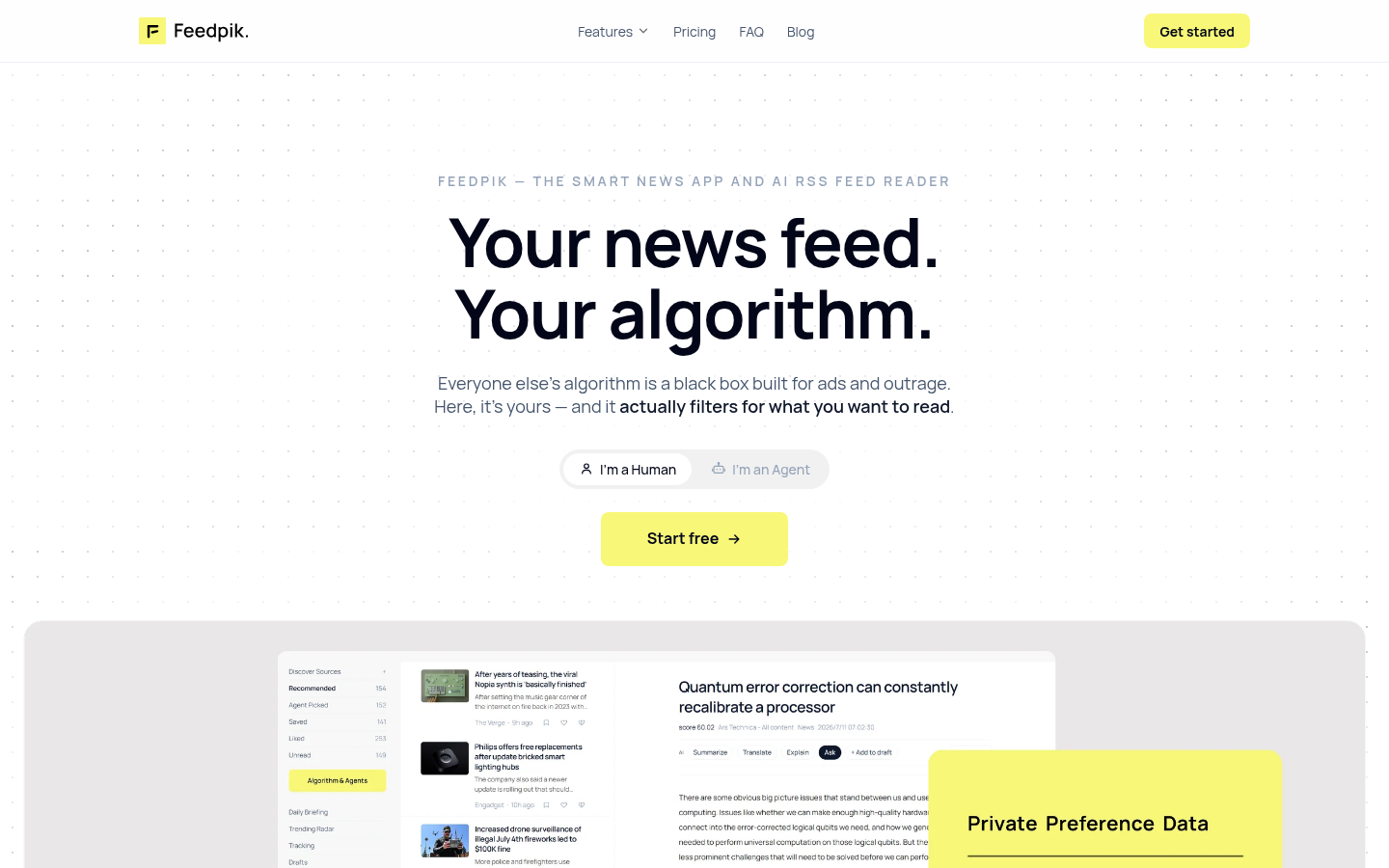
Screenshot archived from the listing page, for preview only.











