
Filently
Auto-organize and rename cloud storage filesLet AI tidy your Drive, OneDrive, and Dropbox
Highlights
What you can do with it
- Freelance designers keep design files sorted without manual work
- Small businesses set up shared folder structures for teams
- Accountants tidy and secure financial records
How to use it
- 1 Visit the site and click Start for free to register
- 2 Connect the cloud drives you want to manage, such as Google Drive or Dropbox
- 3 Set renaming and organization rules, like sorting by type, date, or keyword
- 4 Let Filently rename and organize your files automatically
- 5 Check the results and adjust the rules when needed
Who it is for
Pros
- Automation saves time on routine renaming and sorting
- Works across several cloud drives and local drives
- States strong privacy protection and GDPR compliance
Limitations
- The free start and annual-offer terms may change over time
- It needs access to your cloud accounts, so permissions and trust matter
- Default rules may need tuning to fit how you work
What Filently is
Filently is an AI-driven document organization tool for cloud storage. Instead of renaming and sorting files by hand, it does the work for you across services like Google Drive, OneDrive, Dropbox, and local drives. It can build folder structures based on your rules, keep handling new files as they arrive, and clean up existing storage by removing duplicate and unused files. The product states that it offers full privacy protection and complies with the GDPR standard. You can start for free, and the annual billing plan advertises extra free months in the first year. It is built for individuals and teams who want tidier storage without the manual effort, and it aims to keep a drive organized on its own once the rules are set.
What you can do with it
- Auto-rename and classify files in your connected cloud drives
- Build folder structures that follow your own rules
- Clean up duplicate and unused files to free up space
- Keep new files organized automatically over time
Who it is for
- Freelancers who handle many drafts, contracts, and documents
- Small businesses that need shared, organized folders
- Accountants, individuals, and associations with large file libraries
What to watch out for
The free start and the annual-offer terms may change over time, so confirm current pricing before you commit. The tool needs access to your cloud accounts, so review the permissions and privacy claims carefully before you connect anything sensitive. Its default rules may not fit how you actually work, so plan to adjust the settings and check the results at first. Automated moves can also affect shared folders, so test on a small set of files before you let it run broadly across an important drive. Because it changes files in place, keep a backup of anything critical until you trust the rules.
FAQ
Which cloud drives does Filently support?
It works with Google Drive, OneDrive, Dropbox, and local drives.
Is my data private?
The product states full privacy protection and says it complies with the GDPR standard.
Can I try it for free?
You can start for free, and annual billing offers extra free months in the first year.
Why it is free
What the official page says: 免费使用免费
Free limits, trial length and features are decided by the official site and can change at any time.
Product preview
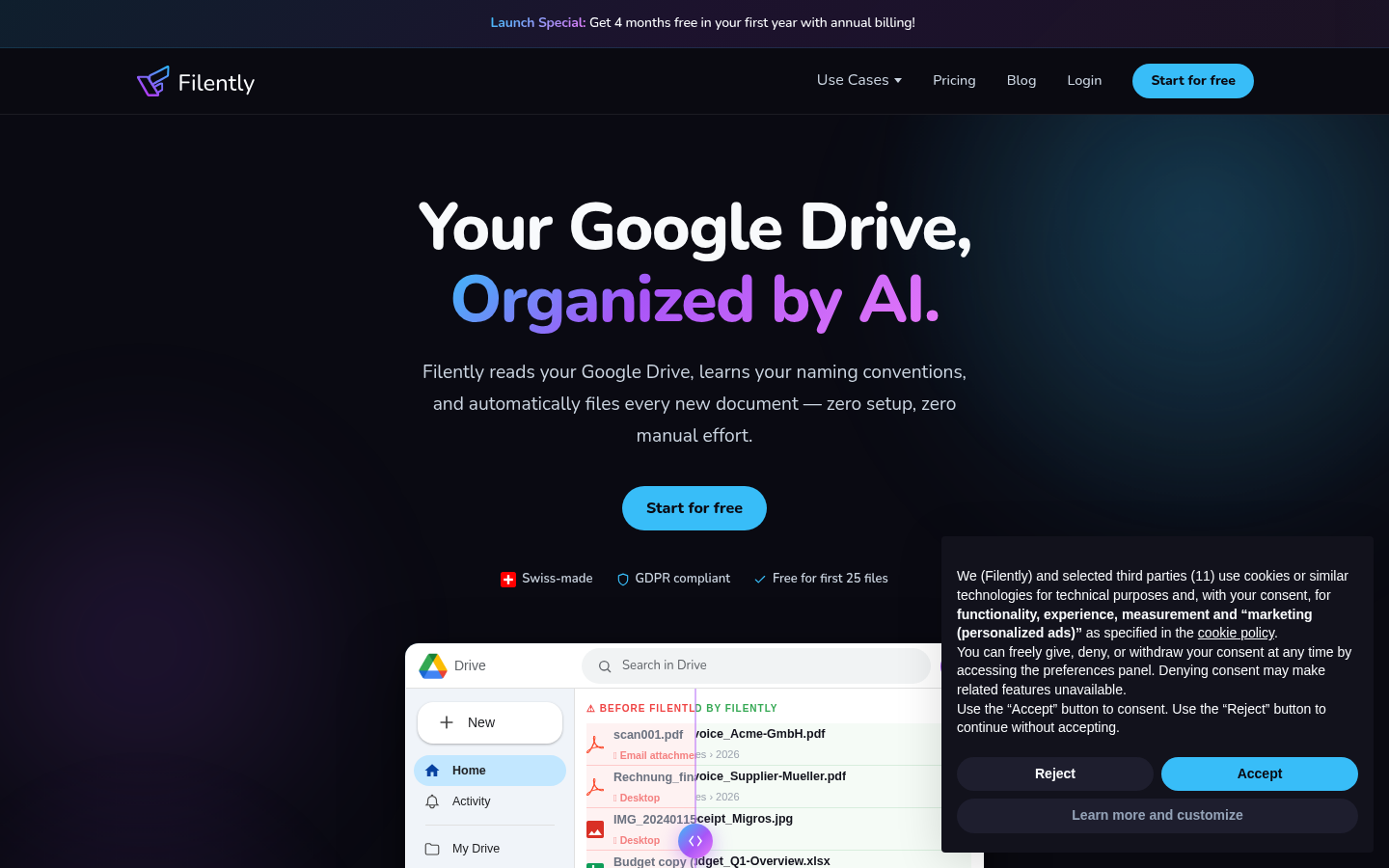
Screenshot archived from the listing page, for preview only.











