
Fluently
AI English coach with real-time call feedbackFix your English during real calls
Highlights
What you can do with it
- A professional practicing business English before interviews
- A student preparing for a study abroad exam
- An immigrant adapting to a new language environment
How to use it
- 1 Register and choose the skills you want to improve
- 2 Take the short level test
- 3 Follow the personalized plan
- 4 Connect it during calls for live feedback
- 5 Track progress and reassess
Who it is for
Pros
- Free trial week to test properly
- Correction inside real conversations, not drills
- Plan built from an actual level test
- Progress tracking over time
Limitations
- Free trial then paid subscription
- It needs access to your calls, which is a real privacy consideration
- Improvement depends on regular practice
- Live correction can be distracting at first
What Fluently is
Fluently is an AI English learning app for non-native speakers. It starts with a short level test, then builds a personalized learning plan around the skills you want to improve, whether that is pronunciation, grammar, or vocabulary. Practice happens in realistic scenarios such as interviews and meetings rather than isolated drills. The feature that sets it apart is live correction: you connect it during an actual online call and it flags grammar, pronunciation, and vocabulary errors as you speak. Progress is tracked over time, and multiple meeting platforms are supported. A free trial week is available, with a paid subscription after that.
What you can do with it
- Take a level test and get a personalized plan.
- Practice English in interview and meeting scenarios.
- Get real-time correction during live calls.
- Track progress and reassess over time.
Who it is for
- Professionals who need English for meetings and interviews.
- Students preparing for exams or study abroad.
- Immigrants adapting to a new language environment.
What to watch out for
The live correction feature requires access to your calls, which is a real privacy consideration. Check what the app records, how long it keeps it, and whether other participants know it is running, and follow the rules of the platform you are meeting on. A free trial week is enough to see whether the style suits you, but continued use is a paid subscription. Live correction can be distracting in the first days, so give it time before you judge the experience. Like any language tool, progress depends on how often you actually practice rather than on the plan itself.
FAQ
Is there a free trial?
Yes, the site describes a free trial week.
How does the real-time correction work?
You connect it during online calls and it corrects grammar, pronunciation, and vocabulary as you speak.
Who is it for?
Non-native speakers who need English for work or daily life.
Why it is free
What the official page says: free trial
Free limits, trial length and features are decided by the official site and can change at any time.
Product preview
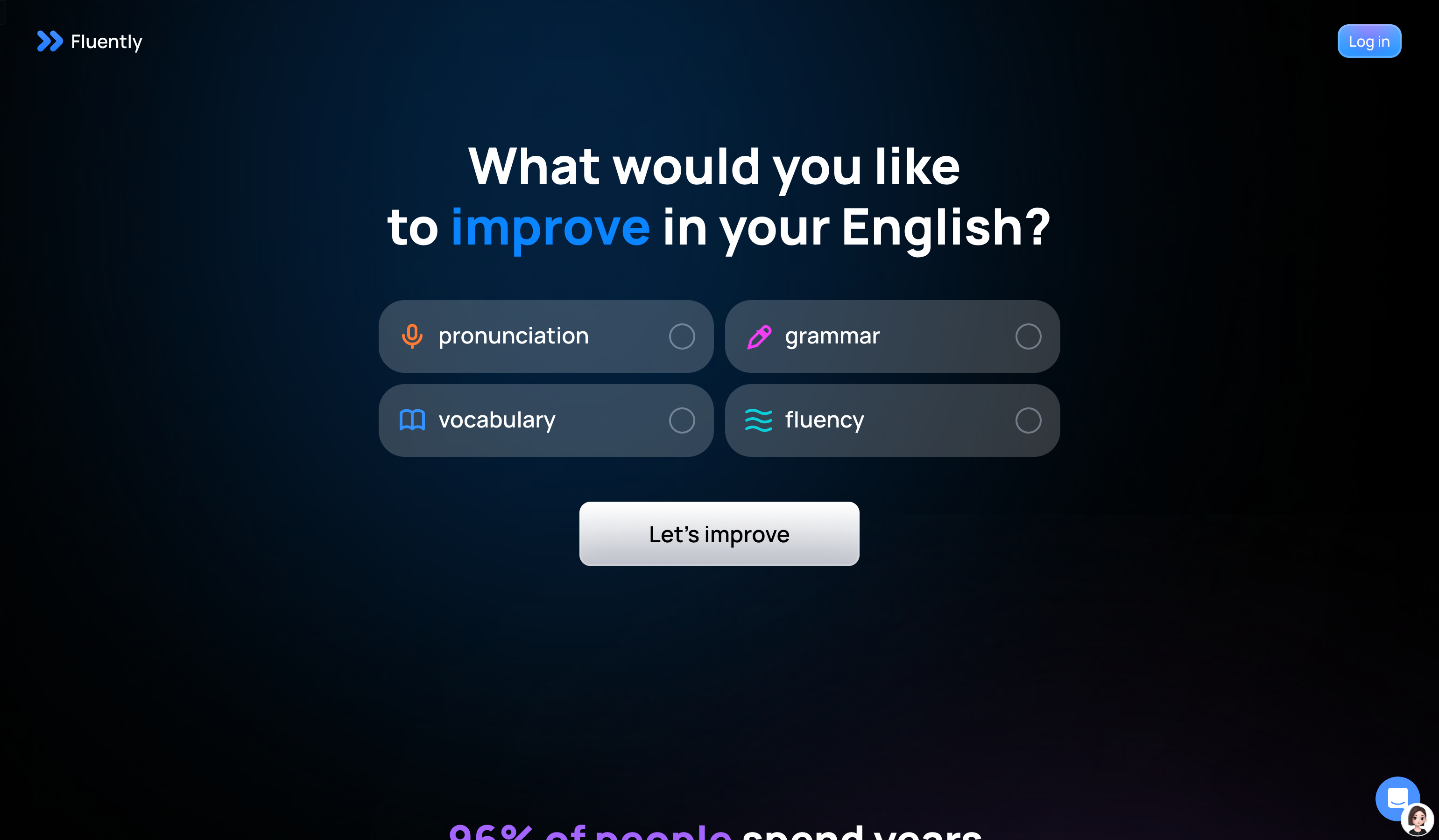
Screenshot archived from the listing page, for preview only.











