
Focus Fox
AI calendar assistantManage your calendar with an AI assistant
Highlights
What you can do with it
- Add calendar events without manual entry
- Keep tasks and schedule in one place
- Stay organized through Google Calendar
How to use it
- 1 Join the testing program for a free trial
- 2 Connect Focus Fox to Google Calendar
- 3 Ask it to create events and tasks
- 4 Manage your schedule from one place
Who it is for
Pros
- Fast calendar event creation
- Works with Google Calendar
- Free trial via the testing program
Limitations
- Still in testing, so features may change
- Trial access depends on the program
- Best for calendar tasks, not full project management
What Focus Fox is
Focus Fox is an AI assistant that helps you manage your calendar and schedule tasks. Its main job is to create calendar events quickly, so you spend less time on admin and more time on the work that matters. It integrates with Google Calendar, which means you can manage your schedule in a tool you likely already use rather than switching to something new. The product is still being refined, and you can join its testing program to get a free trial while helping shape how it develops. It is aimed at people who want a faster, simpler way to keep their schedule organized.
What you can do with it
- Create calendar events quickly with AI help
- Manage tasks alongside your schedule
- Keep everything inside Google Calendar
- Boost work efficiency by cutting admin time
Who it is for
- Busy professionals who juggle many events
- Google Calendar users who want some automation
- Anyone who wants a simpler, tidier schedule
What to watch out for
Focus Fox is still in testing, so features may change, break, or be incomplete while the product is refined. Access comes through the testing program, so a free trial is not guaranteed for everyone and terms may change. It is focused on calendar and task management, so it is not a full project management tool for complex team work. Because it connects to Google Calendar, review the permissions it asks for before you link your account. For team use, agree on naming and editing conventions in advance to avoid version conflicts or duplicated work. Name and archive exported files consistently so you can find and reuse them, and keep a backup copy of key data.
FAQ
What does Focus Fox do?
It is an AI assistant that helps manage your calendar and schedule tasks, creating events quickly.
Does it work with Google Calendar?
Yes, it integrates with Google Calendar.
How do I try it?
You can join the testing program for a free trial.
Why it is free
What the official page says: free trial
Free limits, trial length and features are decided by the official site and can change at any time.
Product preview
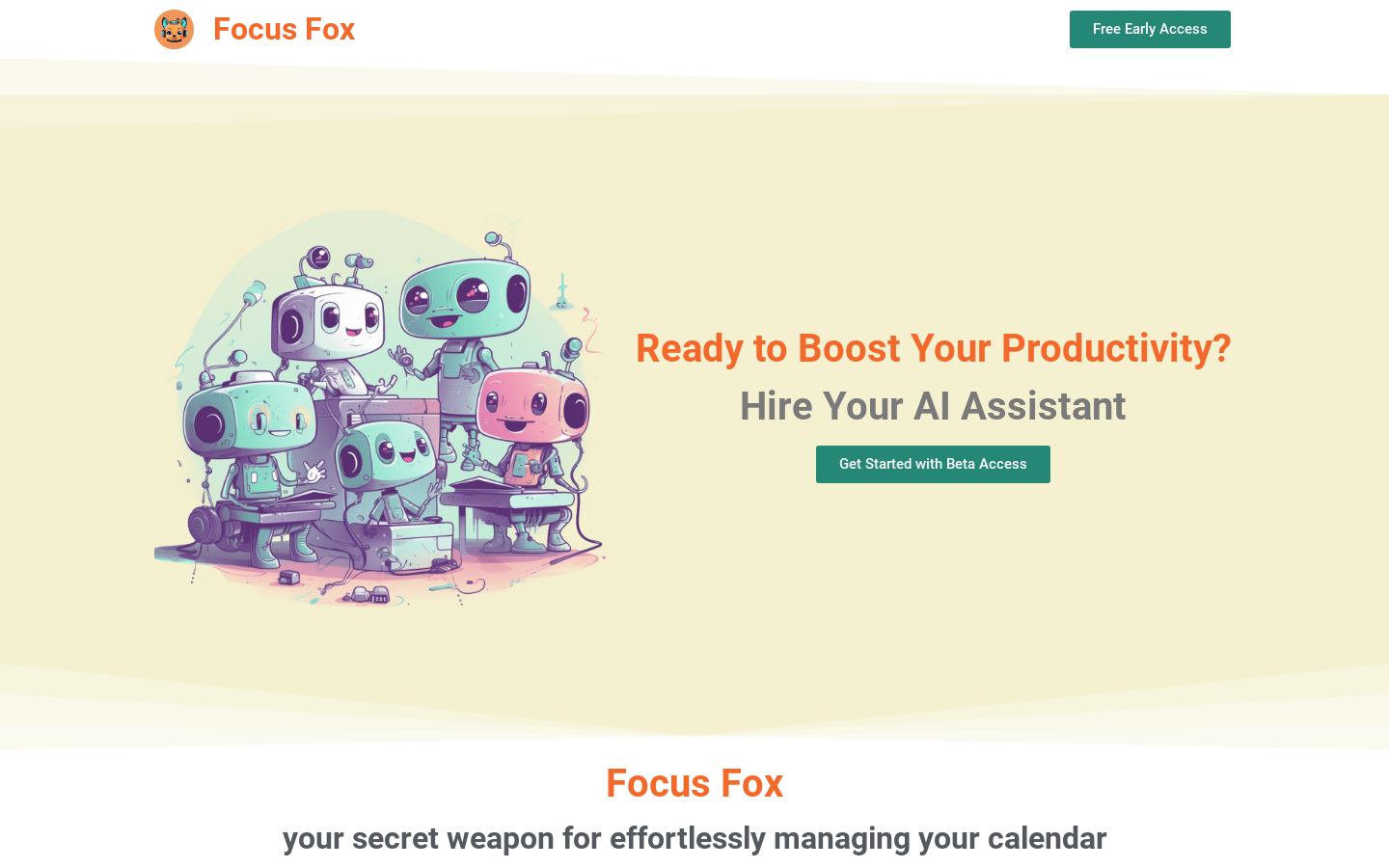
Screenshot archived from the listing page, for preview only.











