
Foneclaw
Voice control for Android phones120 voice commands for your phone
Highlights
What you can do with it
- Check navigation and message notifications by voice while driving.
- Set alarms and reminders hands free while studying.
- Place a call by saying a contact's name, without searching the address book.
How to use it
- 1 Open the FoneClaw website and download the APK.
- 2 Install the APK on your Android phone.
- 3 Open the app and complete the settings and permissions it asks for.
- 4 Give a voice command such as checking messages, setting an alarm, or running a phone health check.
Who it is for
Pros
- It is completely free and asks for no credit card details.
- Voice control replaces several taps for common phone tasks.
- A wide range of operations and interface languages are covered.
Limitations
- Free access can change, and the app is Android only, which limits who can install it.
- Installing an APK from outside an app store carries its own risk, so verify the source.
- System level control needs broad permissions, which not everyone will want to grant.
- Some operations depend on supported Android workflows, so not every command works on every device.
What Foneclaw is
FoneClaw is an AI agent built for Android that controls the phone by voice rather than only answering questions. It covers over 120 voice operations in 16 categories, including device health, messages, settings, screenshots, and navigation, and it says execution happens at system level so actions run smoothly. A daily briefing summarizes message notifications by contact and time, and one command can check battery, storage, network, and permission risks. It is described as completely free to use with no credit card details required, and it supports multiple interface languages such as English, Chinese, Japanese, Korean, Spanish, and Arabic.
What you can do with it
- Run common phone tasks by voice, from settings and screenshots to navigation.
- Get a briefing of message notifications grouped by contact and time.
- Check battery, storage, network, and permission risks in one command.
- Use hands free control while driving, studying, or cooking.
Who it is for
- Busy office workers who want phone admin handled faster.
- Older users and people with disabilities who find menus hard to navigate.
- Drivers who need to keep their hands on the wheel and eyes on the road.
What to watch out for
Free use is the current offer and can change, and the app is Android only. It is installed as an APK from the website rather than a store listing, so check the source before you install anything. System level control needs broad permissions over messages, settings, and files, which is a real privacy trade off, so read what it asks for. Some features also depend on supported Android workflows, so not every command will work on every device. If you use it while driving, follow local rules on hands free phone use.
FAQ
What is FoneClaw?
It is an AI agent for Android that lets you control the phone with voice commands instead of only answering questions.
How many operations does it support?
Over 120 voice operations across 16 categories, including device health, messages, settings, screenshots, and navigation.
Does it cost anything?
The product states it is completely free to use and needs no credit card information.
How is it installed?
You download the APK from the official website, install it, then complete the settings and permissions the app requests.
Why it is free
What the official page says: completely freefree to use
Free limits, trial length and features are decided by the official site and can change at any time.
Product preview
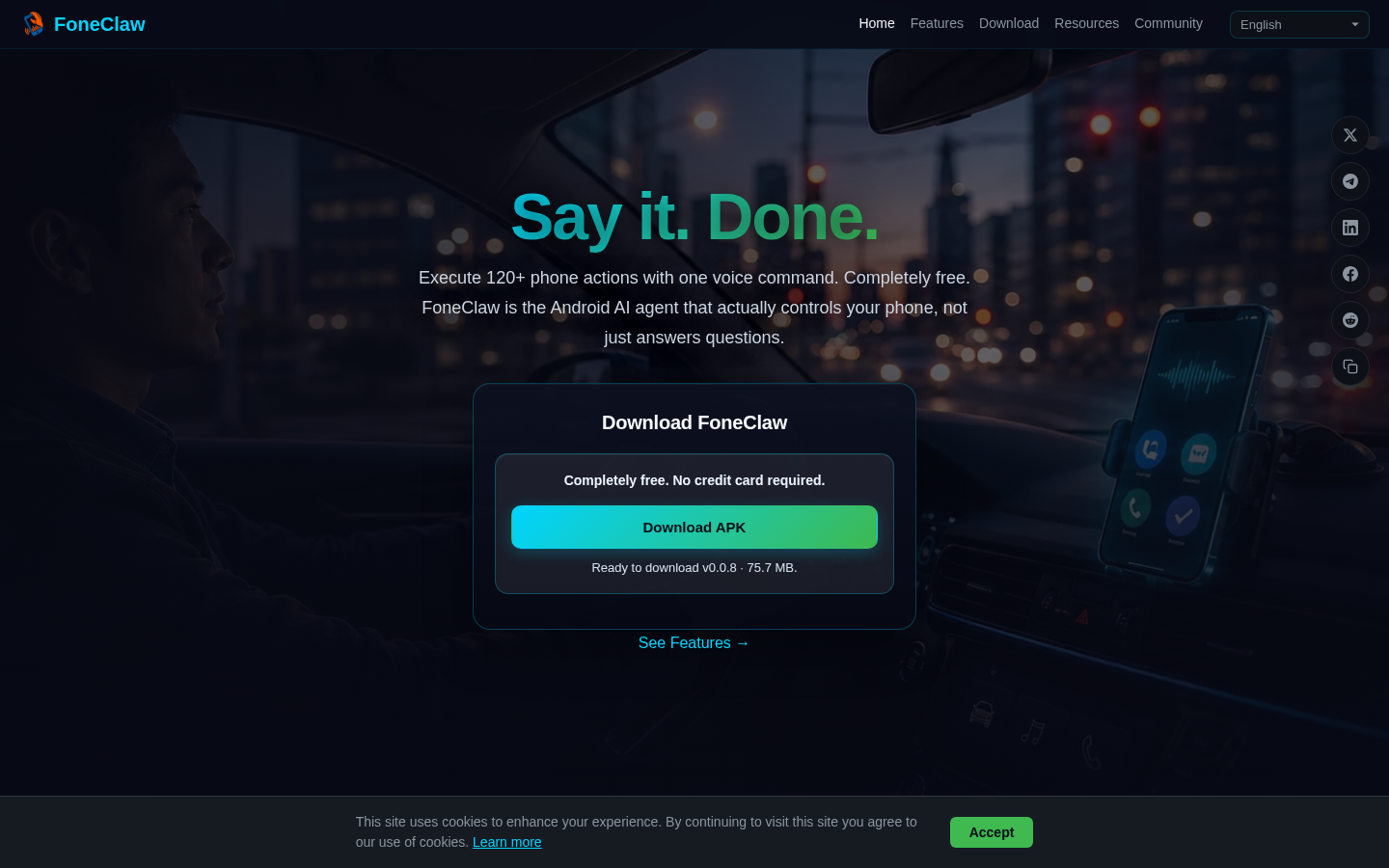
Screenshot archived from the listing page, for preview only.











