
Formable
AI-native contract management for review, negotiation, and signing.Review, redline, and sign contracts in one place.
Highlights
What you can do with it
- A marketing team speeds up contract signing and approval
- A legal department catches risky clauses before they cause disputes
- A business team signs partner contracts quickly with e-signing
How to use it
- 1 Open formabledocs.com and sign up
- 2 Use write to answer questions and generate a draft from a template
- 3 Run review to let AI flag risks and missing clauses, then edit
- 4 Negotiate with the redline editor, then send for e-signing
- 5 Track status and revisions on the dashboard
Who it is for
Pros
- AI review shortens time to spot risks and gaps
- Redline negotiation and e-signing live in one workflow
- Integrates with 20+ tools and offers an API for custom builds
Limitations
- Pricing is not clearly stated, so a free trial is unconfirmed
- AI flags are a starting point, not final legal advice
- Contracts are sensitive, so trusting the platform's security matters
What Formable is
Formable is an AI-native contract management tool built for legal teams. It tackles the mess of scattered links and inconsistent workflows in older tools by keeping writing, review, negotiation, signing, and tracking in one place. The AI reviews a draft against preset rules to flag hidden risks and missing clauses, and you can generate a first draft from standard templates by answering a few questions. A redline editor supports negotiation without long email chains, e-signing goes out in seconds with an anti-tamper audit trail, and a single dashboard tracks templates, signatures, and revisions. It integrates with more than 20 tools such as Salesforce, Slack, and Google Workspace and offers a REST API and real-time collaboration. Pricing is not clearly stated, though a free trial is likely.
What you can do with it
- Generate contract drafts from templates by answering questions
- Run AI review to catch risks and missing clauses
- Negotiate with a redline editor and send for e-signing
- Track everything on one dashboard and integrate with your tools
Who it is for
- Legal teams reviewing contracts and managing risk
- Business departments that negotiate with many counterparties
- Development teams embedding signing and redlines via the API
What to watch out for
Pricing is not clearly stated, so confirm any free trial before you rely on it. AI flags risks and gaps but is not final legal advice, so a qualified person should still review important terms. Contracts are highly sensitive, so weigh the platform's security and compliance before uploading confidential agreements. Free tiers and usage limits can change, so check the current rules on the official page before relying on it long term.
FAQ
What does the AI review do?
It flags hidden risks and missing clauses in a draft and suggests fixes.
Can I sign inside the tool?
Yes, it supports e-signing with an anti-tampering audit trail.
Does it integrate with other tools?
Yes, it supports 20+ integrations such as Salesforce, Slack, and Google Workspace, plus a REST API.
Why it is free
What the official page says: free trial
Free limits, trial length and features are decided by the official site and can change at any time.
Product preview
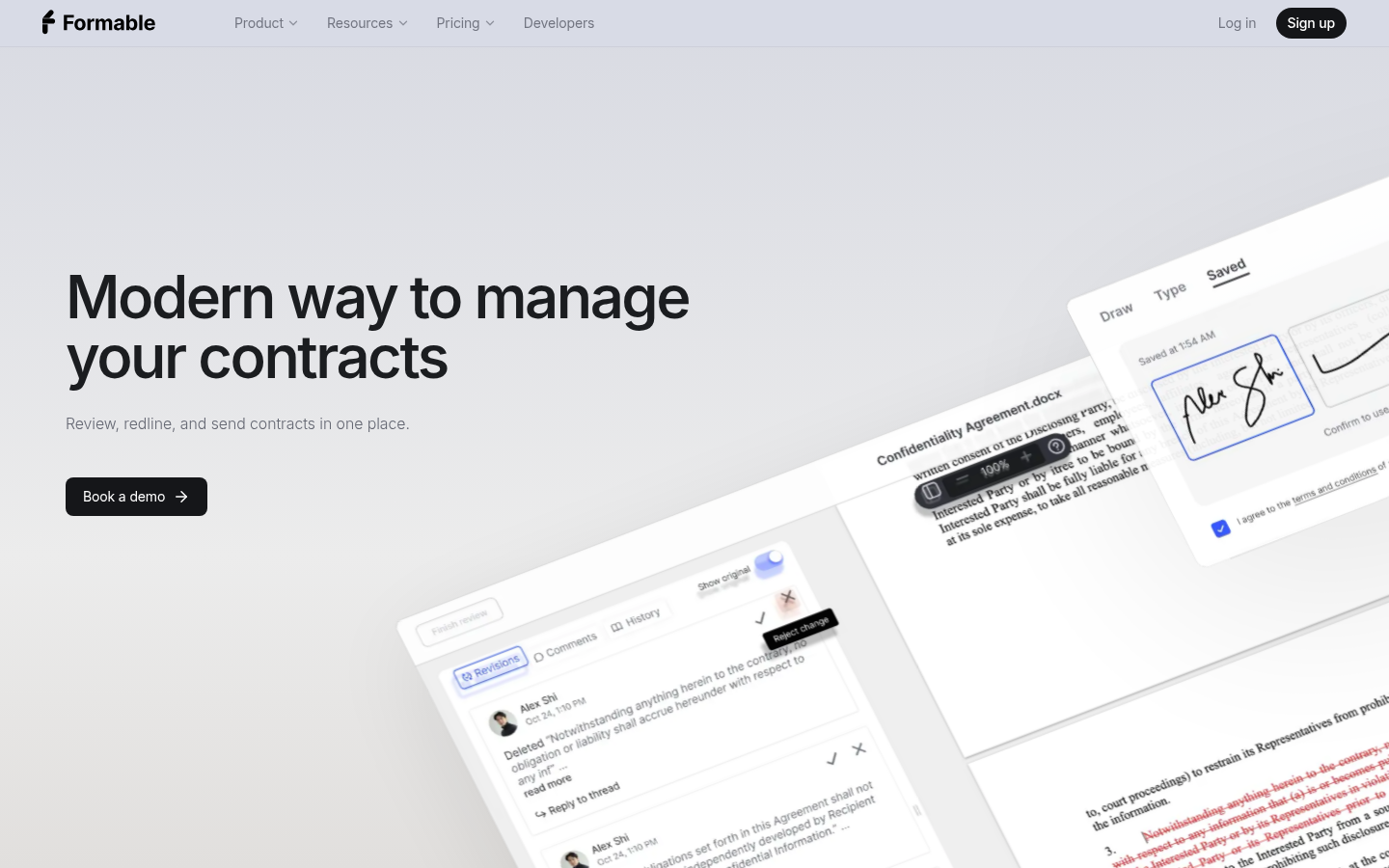
Screenshot archived from the listing page, for preview only.











