Free AI Text Humanizer & Detector
Free AI text humaniser and detectorRewrite AI text, check it, no signup
Highlights
What you can do with it
- Rewrite AI drafted copy so it reads naturally
- Check whether a passage looks machine generated
- Adjust tone for a business or academic audience
How to use it
- 1 Copy the AI generated text you want to change
- 2 Open the site and paste it into the input box
- 3 Set output length, similarity, and style
- 4 Click Humanize, review the result, then run the detector if you want a check
Who it is for
Pros
- Free and instant with no account
- Many language and style options
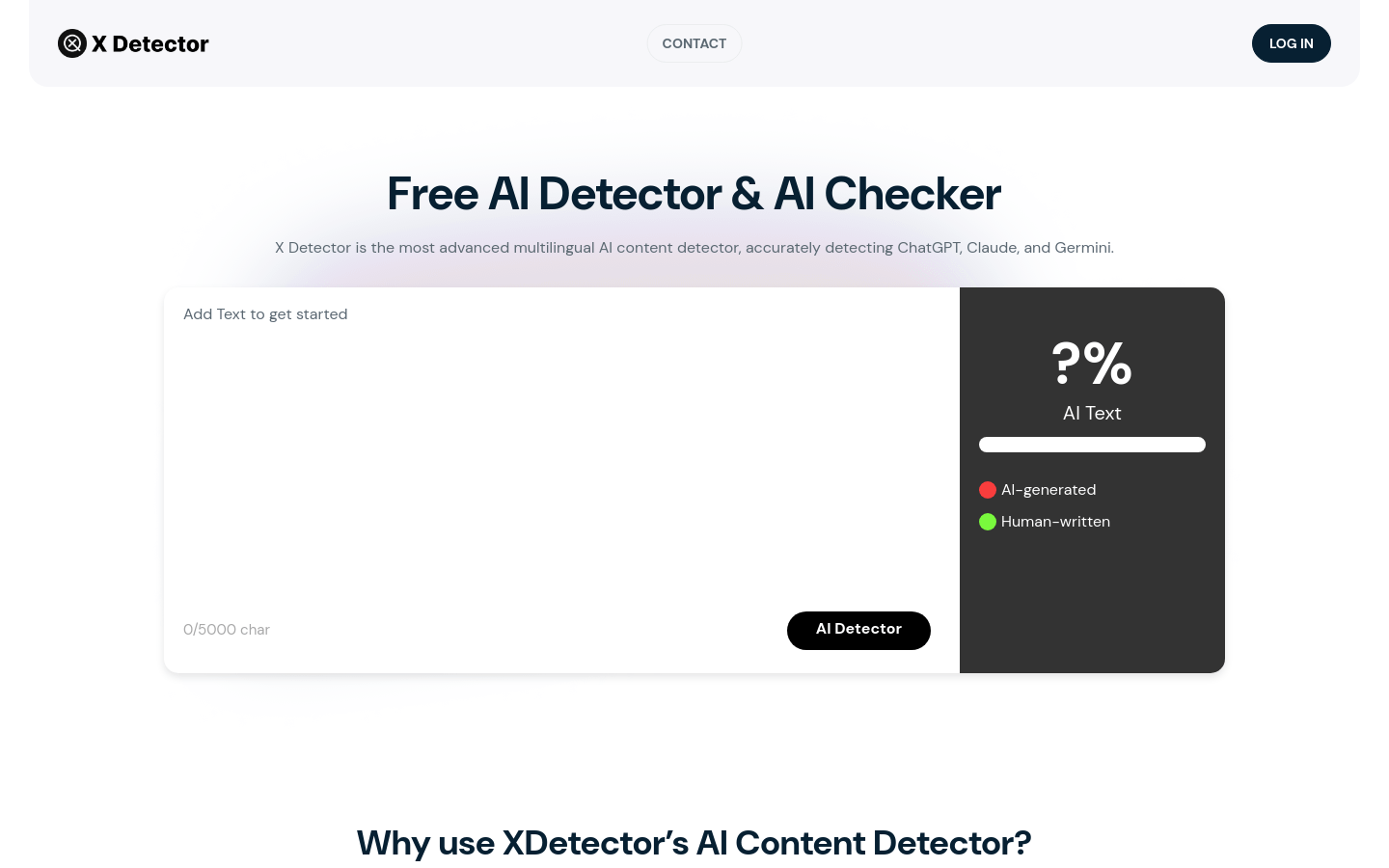
- Detector included on the same page
Limitations
- Rewriting text to avoid AI detection may breach school or platform rules, and the consequences fall on the user, so check the rules where you submit
- Free access and limits can change
- Rewritten text still needs your own review for facts and tone
What Free AI Text Humanizer and Detector is
The AI Humanizer Tool is a free online tool that does two jobs. It rewrites AI generated text into a more natural, fluent human style, and it runs a detection check on text to see whether it looks machine generated. It supports 12 languages, and you can control output length from concise to extended, similarity from low to high, and style across neutral, academic, business, creative, technical, and friendly options. There are 9 purpose based modes for things like academic papers and legal documents. No registration is required, and file upload for PDF, PPT, Word, and TXT is announced but not yet live.
What you can do with it
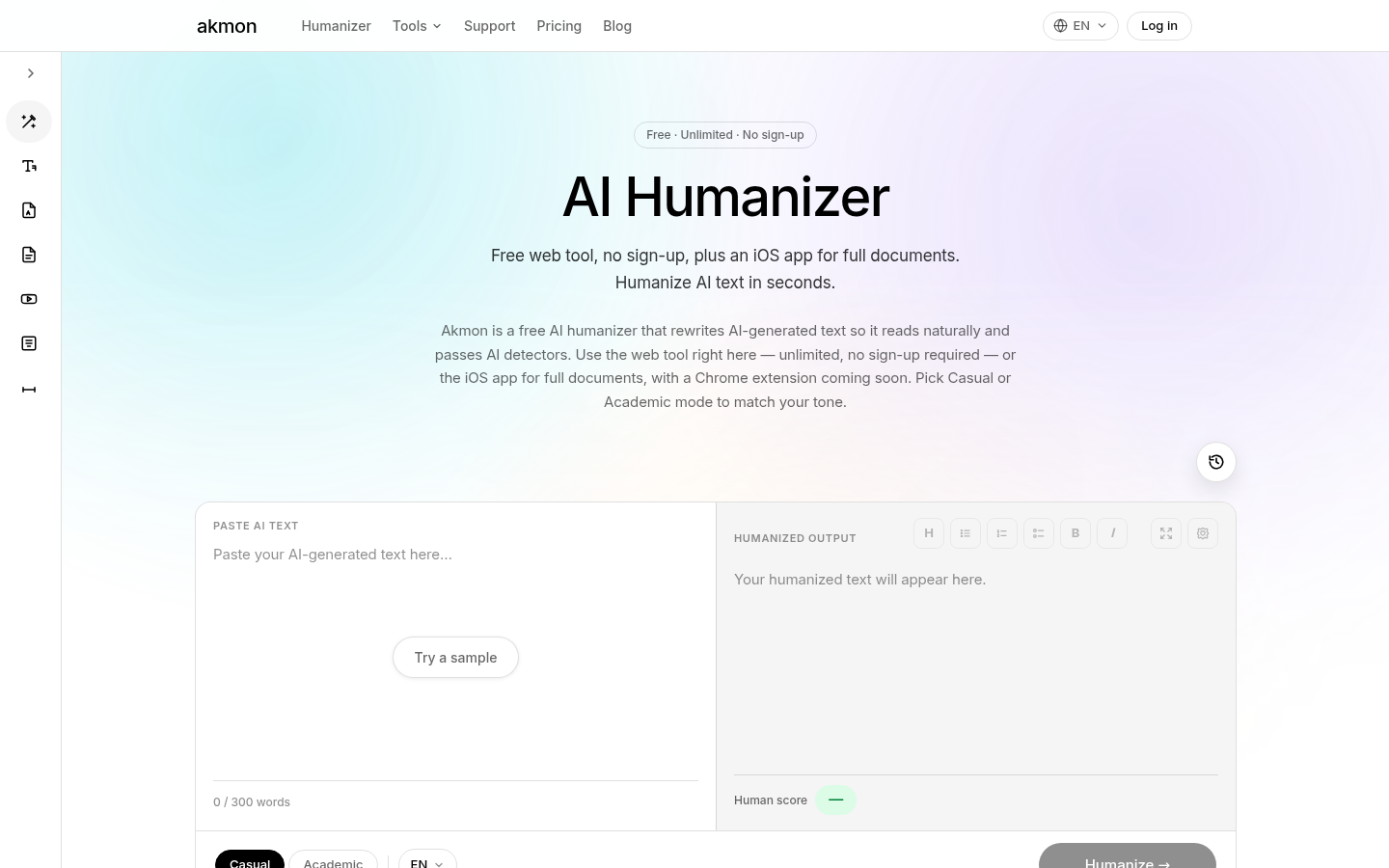
- Rewrite AI generated text so it reads more naturally.
- Choose output length, similarity, and style for the result.
- Pick a purpose based mode for academic, business, or legal writing.
- Run the built in detector to check whether a passage looks AI written.
Who it is for
- Marketers polishing AI drafted product and campaign copy.
- Bloggers updating drafts so they do not read as machine output.
- Students and professionals working with AI generated text.
- Anyone who wants both a rewrite and a check in one place.
What to watch out for
Be clear about the risk. Rewriting text specifically to avoid AI detection may breach school or platform rules, and the consequences of that fall on you rather than on the tool, so read the rules of wherever you plan to submit the work and do not rely on the detector as proof that something will pass. Free access and limits can change, and the file upload feature is not available yet, so plan around pasting text. Rewritten output still needs your own review for facts, tone, and accuracy, since the tool changes wording rather than verifying claims. Finally, detectors are imperfect in both directions, so treat any result as a hint rather than a verdict.
FAQ
Is it free?
Yes. The tool is described as free with no registration required.
How many languages?
12 languages are supported, including English, Russian, and Spanish.
When will file upload work?
File upload for PDF, PPT, Word, and TXT is announced but not fully available yet. You can join the waiting list.
Why it is free
What the official page says: no registration
Free limits, trial length and features are decided by the official site and can change at any time.
Product preview
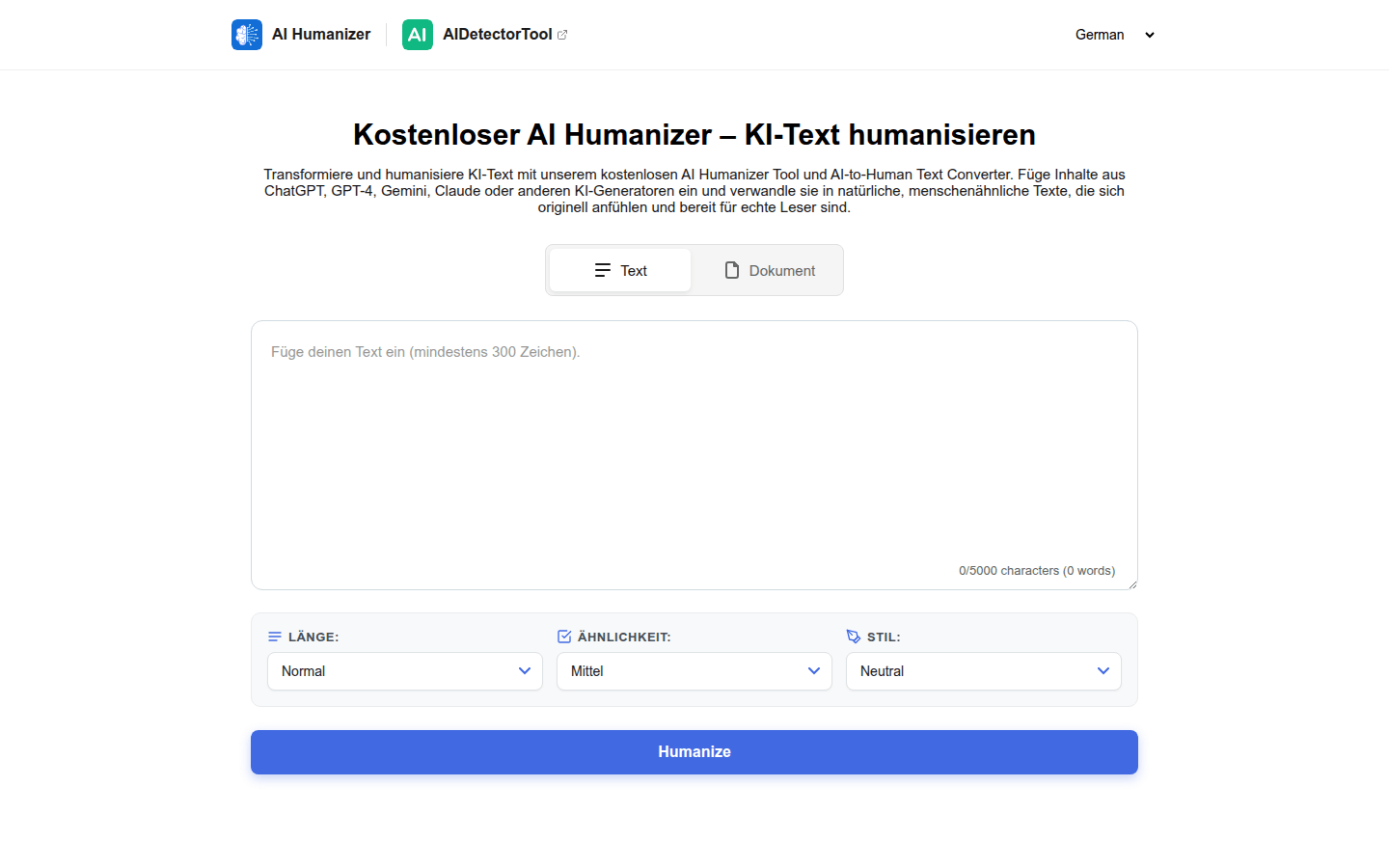
Screenshot archived from the listing page, for preview only.