Free Online AI Logo Generator - Customize Your Logo
Free AI logo generatorType a name, get logo ideas
Highlights
What you can do with it
- A startup builds a first brand logo on a small budget
- A YouTuber designs a channel logo and banner mark
- An event planner makes a logo for a one off event
- A side project tests a brand idea before investing
How to use it
- 1 Open the Logo Galleria site and start a new logo
- 2 Enter your business name, key symbols, and industry
- 3 Add prompts for style, colour, and elements
- 4 Browse the AI concepts and pick your favourites
- 5 Adjust text, hierarchy, and size, and remove watermarks
- 6 Download the final logo as a high quality PNG
Who it is for
Pros
- Fast way to see several directions at once
- No design software or experience needed
- Editable output before you download
- PNG output suits web and social use
Limitations
- AI concepts can look generic and need refinement
- Watermark removal suggests limits on free output
- Vector formats are not mentioned in the material
- Free access rules can change over time
What Logo Galleria is
Logo Galleria is an online platform that uses AI to generate logo designs. The listing describes the flow as entering your business information, choosing your preferences, and getting logo concepts back. Concretely, you type your company name, add key symbols, pick your industry, and then give prompts for style, colour, and the elements you want to see. The tool returns a set of AI generated concepts to explore, and you can iterate on the ones you like. Once you have a favourite, you adjust the text, hierarchy, and size, and the workflow includes removing watermarks before download. The final file comes as a high quality PNG. The listing positions it as an affordable and easy to use option for startups, content creators, and others building a brand identity.
What you can do with it
- Generate several logo concepts from a name and an industry.
- Steer the output with prompts about style, colour, and elements.
- Edit the chosen concept, including text, hierarchy, and sizing.
- Remove watermarks and download a high quality PNG.
Who it is for
- Startups that need a first logo before a design budget exists.
- Content creators building a channel or page identity.
- Event planners producing marks for specific occasions.
- Anyone who wants to see directions quickly before commissioning work.
What to watch out for
AI logo tools produce concepts, not finished brand systems. Output can look generic, and two users with similar prompts can end up with similar marks, so treat results as a starting point and refine them, or use them to brief a designer. The fact that watermark removal is a listed step suggests free output carries restrictions, so read the current terms before you use a file commercially. Only PNG download is mentioned in the material, and PNG does not scale cleanly for large print, signage, or embroidery, which need vector files. Check trademark availability in your market before adopting any generated mark, since a free tool cannot tell you whether a similar logo is already registered.
FAQ
How do I generate a logo?
You enter your business name, key symbols, and industry, then add style, colour, and element preferences.
What can I download?
The feature list says the final logo downloads in high quality PNG format.
Can I use it commercially?
The workflow description mentions downloading the logo for commercial or personal projects.
Are there watermarks?
The steps include removing watermarks, which suggests free output may carry one until you take that step.
Why it is free
What the official page says: 免费
Free limits, trial length and features are decided by the official site and can change at any time.
Product preview
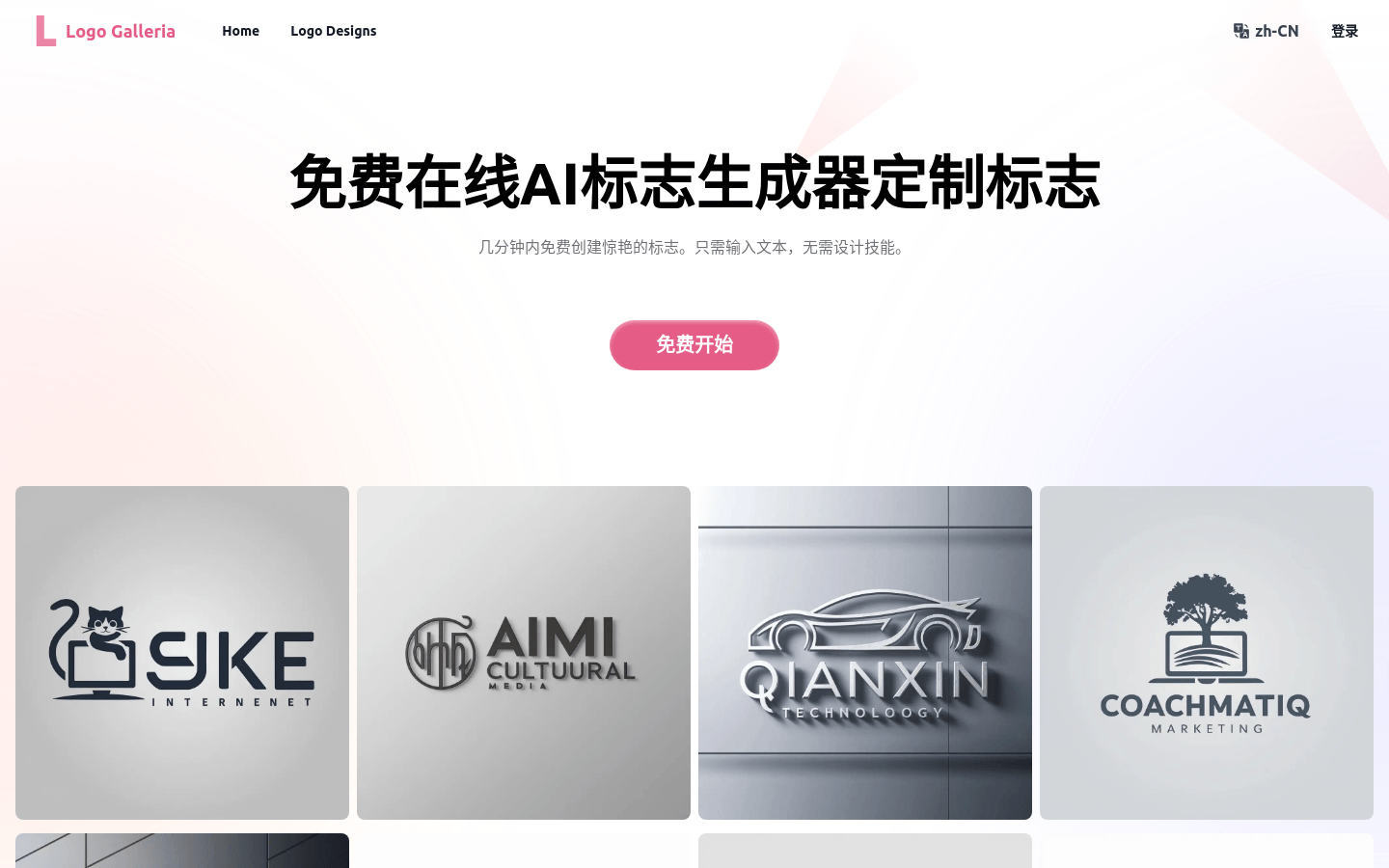
Screenshot archived from the listing page, for preview only.