
Free PDF to PPTX Converter by Wonderslide
Free PDF to editable PPTX converterTurn PDF pages into editable slides, no signup
Highlights
What you can do with it
- Sales convert a PDF proposal into an editable deck for a client meeting
- Teachers turn PDF courseware into slides and add notes
- Students rebuild a thesis PDF into a defense presentation
- Consultants keep whitepaper charts as slide backgrounds for training
How to use it
- 1 Open the Wonderslide PDF to PowerPoint page
- 2 Drag in your PDF, keeping it under 50MB and 100 pages
- 3 Wait for the upload and conversion to finish
- 4 Download the generated PPTX file
- 5 Open it in PowerPoint, Keynote or Google Slides and edit the text
Who it is for
Pros
- Free, no registration, no email and no watermark
- Editable text saves rebuilding slides by hand
- Layout stays visually consistent with the original PDF
- Short file lifecycle reduces privacy concerns
Limitations
- Files are capped at 50MB and 100 pages
- Images, charts and shapes are backgrounds and cannot be edited individually
- Scanned pages come out as images with no editable text
- The PPTX expires after 60 minutes, so download promptly
What Wonderslide's PDF to PPTX converter is
This free online tool converts each page of a PDF into a PowerPoint slide and gives you a downloadable PPTX file. Page proportions and the overall layout stay as close to the original as possible, so the deck looks familiar at first open. Text that is stored as characters in the PDF becomes editable text boxes, keeping the original font size, color, bold and italic styling as much as possible, so you can change wording directly. Images, charts, shapes and other complex visuals are preserved as part of the slide background: they look identical to the PDF, but they cannot be edited individually. The service is free, requires no registration or email and adds no watermark, and the resulting file opens in PowerPoint, Keynote or Google Slides.
What you can do with it
- Convert a PDF report, proposal or whitepaper into an editable deck
- Edit text directly in PowerPoint, Keynote or Google Slides
- Reuse charts and visuals from the PDF as slide backgrounds
- Convert scanned pages, which come out as images
- Add notes, reorder slides and annotate the result for a presentation
Who it is for
- Sales, marketing, consulting and project teams preparing client material
- Teachers, trainers and students reusing notes, theses and courseware
- Professionals who need to reuse PDF content without rebuilding slides
- Anyone who wants conversion without accounts, payment or watermarks
What to watch out for
The limits are firm: 50MB per file and up to 100 pages, so longer documents have to be split before conversion, and password-protected PDFs are not supported. Because images, charts and shapes sit in the slide background, any design that needs those elements moved or restyled has to be rebuilt manually. Scanned pages produce images rather than editable text, which means no direct text edits on those slides. The generated PPTX is deleted after 60 minutes, so download it straight away and keep your own copy. Free tools and their limits can change over time, so confirm the current rules before you rely on the service for a deadline.
FAQ
Is the converter free?
Yes, it is free, needs no registration or email and adds no watermark.
What are the file limits?
50MB per file and up to 100 pages; larger documents must be split first.
Can I edit images and charts in the PPTX?
No, those are kept as slide backgrounds and cannot be edited individually, though the text is editable.
How long do files stay on the server?
The PDF is deleted right after conversion and the PPTX is deleted after 60 minutes.
Why it is free
What the official page says: for freeno registration
Free limits, trial length and features are decided by the official site and can change at any time.
Product preview
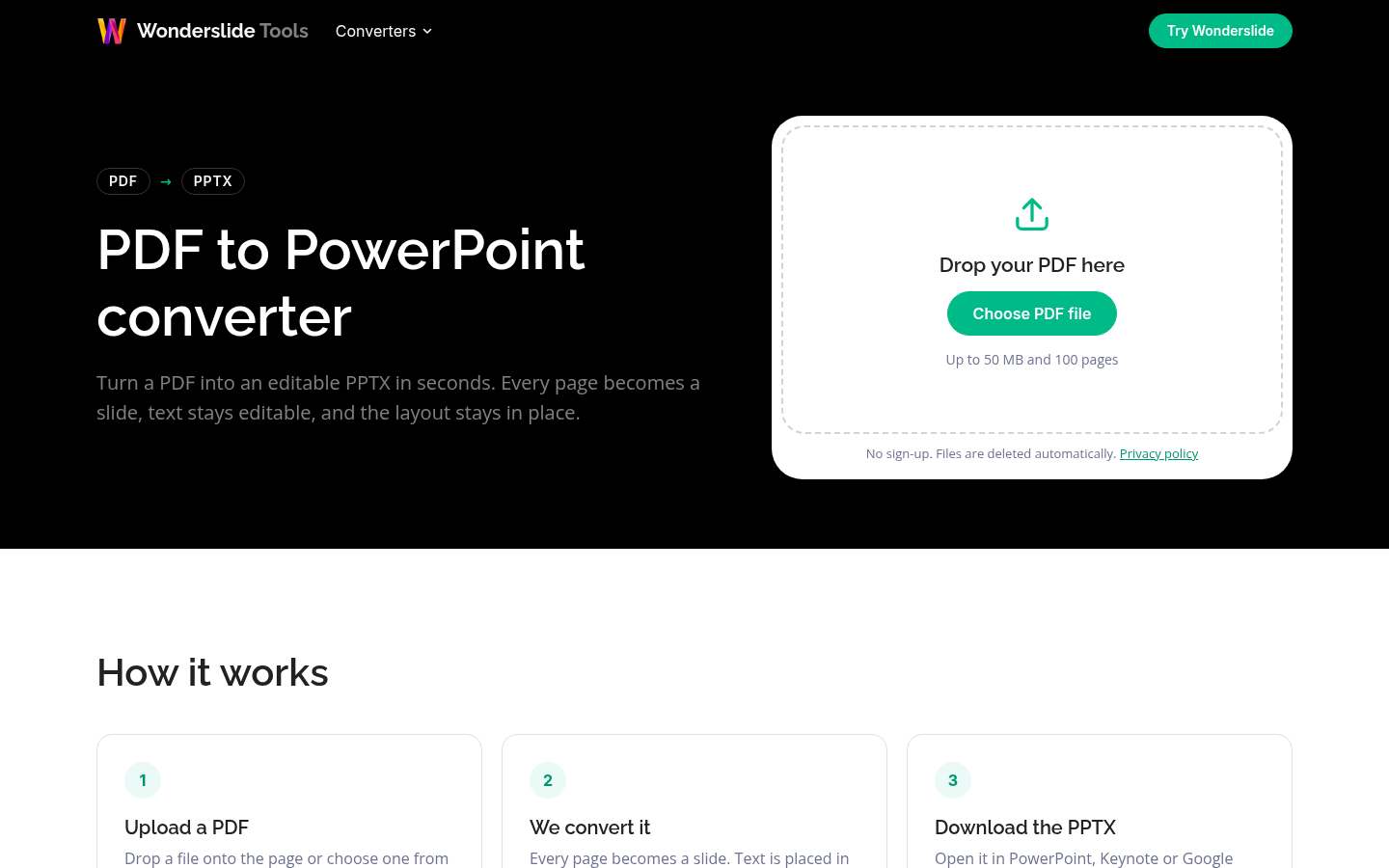
Screenshot archived from the listing page, for preview only.











