
Free Videoswapface
Free online AI face swap tool for video and photosSwap faces in video and images online, free and no login
Highlights
What you can do with it
- Creators making playful clips for social media
- Social media managers testing engaging post ideas
- Individuals experimenting with face swap for fun
How to use it
- 1 Open the Videoswapface website
- 2 Upload a video with a face and a face photo
- 3 Click the replace face option to process the file
- 4 Adjust the output if the tool allows
- 5 Export and share the result
Who it is for
Pros
- Free to use without logging in
- Handles both video and photo inputs
- Exports without a watermark
Limitations
- Swapping real faces can violate platform rules or personal consent and consequences fall on the user
- Free access and processing limits may change at any time
- Output quality depends on source image angle, lighting, and resolution
What Free Videoswapface is
Free Videoswapface is an AI powered tool that replaces faces in video and images. You upload a video that contains a face and a photo of the face you want to use, then the tool processes the file. It supports MP4 and WEBM videos plus JPG, PNG, and WEBP photos. The service claims high quality output, intelligent face mapping, and watermark free exports. It is free to use and does not require login. It targets personal entertainment as well as social media managers, creators, and marketers who want creative content.
What you can do with it
- Swap a face inside a video clip
- Swap a face inside a still photo
- Work with common video and image file formats
- Export results without a watermark
Who it is for
- Social media managers who build engaging posts
- Content creators making personalized video clips
- Individuals who want face swap for personal entertainment
What to watch out for
This tool works with real human faces, so misuse can cause serious harm. Only swap faces you have clear permission to use, and never create content that could harass, defraud, or impersonate someone. Many social platforms ban misleading face swap media, and some regions have laws about likeness and consent, so breaking those rules carries consequences for you, not the tool. Output quality depends on the source angle, lighting, and resolution, so results vary. Free access and processing limits can change at any time. Start with a small sample to confirm the output meets your expectations before processing the full batch. Free tiers and usage limits can change, so check the current rules on the official page before relying on it long term.
FAQ
Is Free Videoswapface really free?
Yes, it is free to use and does not require login.
What files can I upload?
You can upload MP4 and WEBM videos and JPG, PNG, and WEBP photos.
Is it safe to swap anyone's face?
No, you should only use faces you have the right to use, and misuse may break platform rules or laws with consequences on you.
Why it is free
What the official page says: free of charge
Free limits, trial length and features are decided by the official site and can change at any time.
Product preview
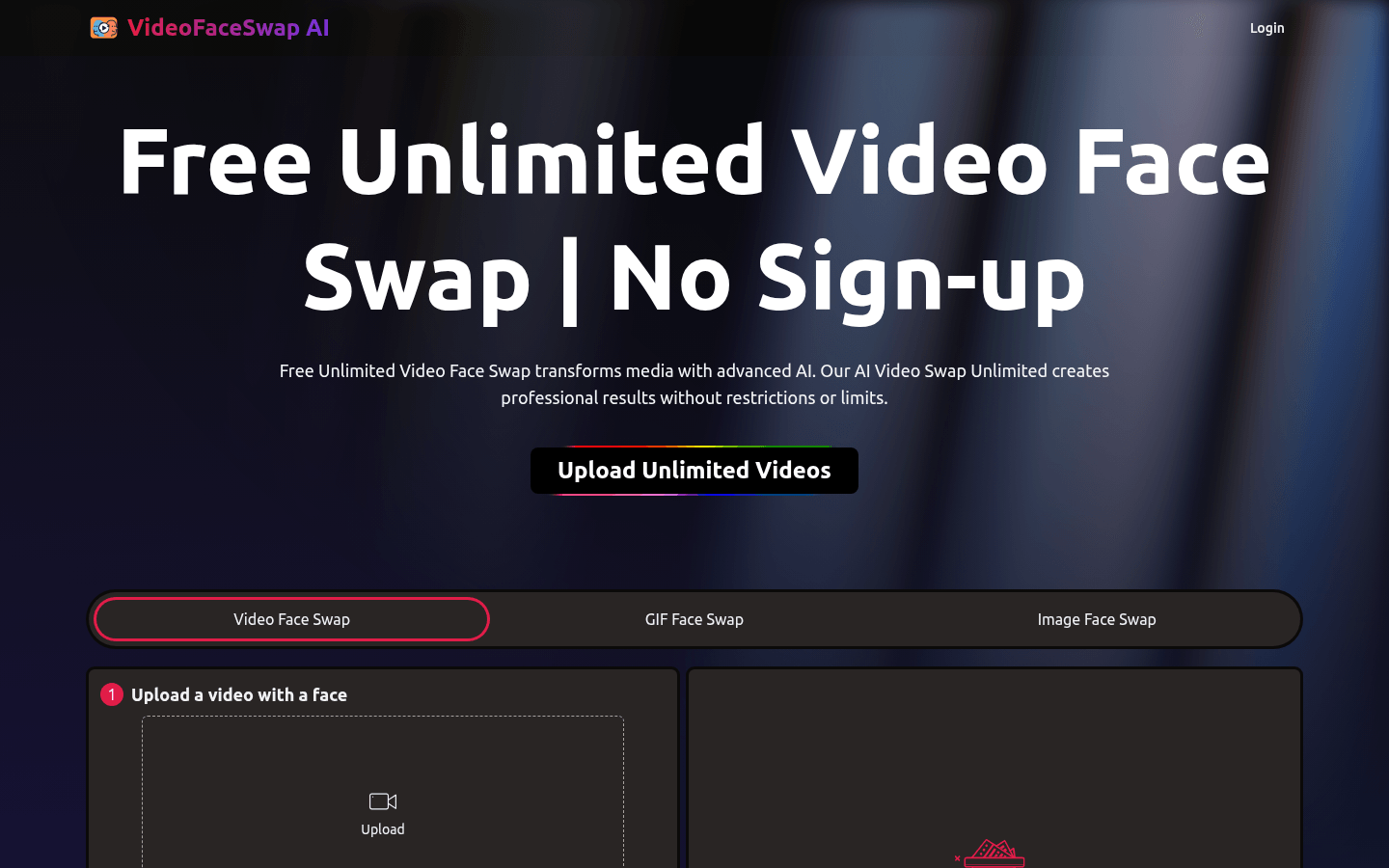
Screenshot archived from the listing page, for preview only.











