
Galeby
AI assistant for repetitive support ticketsAnswer common questions twice as fast
Highlights
What you can do with it
- Answer shipping and refund questions in one click
- Keep a consistent tone across support agents
- Speed up first response time on a help desk
How to use it
- 1 Sign up for the free trial
- 2 Connect your support tool such as Crisp or Freshdesk
- 3 Create answer templates
- 4 Let Galeby suggest the right template per ticket
- 5 Edit and send, or take over the conversation directly
Who it is for
Pros
- Free trial to test with your own inbox
- Integrates with existing support apps
- Consistent, personalized replies
- Cuts time spent on repeat questions
Limitations
- Best for repetitive questions; unusual tickets still need a human
- The free trial ends and continued use requires payment
- Suggested replies need review before sending to customers
What Galeby is
Galeby is an intelligent AI customer service assistant built for one narrow job: answering the questions you answer every single day. You create reply templates, and when a customer message comes in, the AI picks the closest matching template and personalizes it, so the agent sends a good answer without typing it from scratch. The site claims this lets you answer repetitive questions twice as fast. It does not replace your help desk; it plugs into support applications such as Crisp and Freshdesk, and you can step in and answer directly whenever a conversation needs a human. There is a free trial to test it against your real inbox.
What you can do with it
- Store answer templates for common questions.
- Let the AI select and personalize the right template per ticket.
- Work inside tools like Crisp and Freshdesk.
- Take over the conversation directly when needed.
Who it is for
- Small support teams handling repeat tickets.
- E-commerce shops with predictable questions about shipping and returns.
- Help desk managers trying to cut first response time.
What to watch out for
Galeby shines on repetitive questions and struggles with anything unusual, so plan for a human path for edge cases rather than trusting suggestions blindly. Suggested replies still need a quick read before sending; an automated answer with the wrong detail is worse than a slow one. The free trial is an evaluation window, and continued use requires payment, so check the pricing against the hours you expect to save. Template quality also drives everything: if your templates are thin, the AI has little to work with. When quality matters, export a small draft first to confirm the result before producing the final file.
FAQ
What does Galeby do?
It is an AI customer service assistant that answers repetitive questions using templates the AI selects automatically.
Which support tools does it work with?
The site mentions integration with support applications such as Crisp and Freshdesk.
Can I try it for free?
Yes, Galeby offers a free trial.
Why it is free
What the official page says: for free
Free limits, trial length and features are decided by the official site and can change at any time.
Product preview
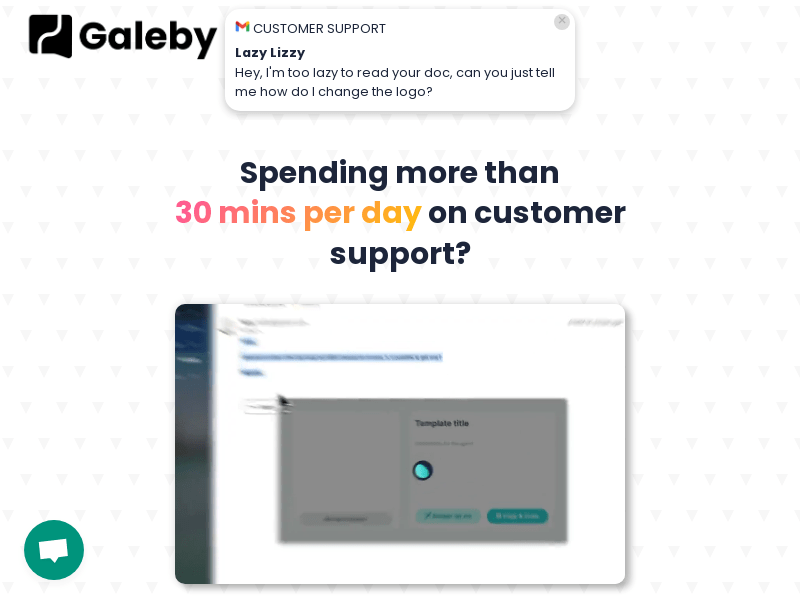
Screenshot archived from the listing page, for preview only.











