Gapier
50 free API actions for custom GPTsGive your GPT real actions
Highlights
What you can do with it
- Connecting a GPT to a third-party service
- Running text analysis inside a GPT
- Fetching and operating on data through an API
How to use it
- 1 Open Gapier and review the available actions
- 2 Pick the actions your GPT needs
- 3 Integrate them into your custom GPT
- 4 Test each action with real inputs
- 5 Publish your GPT with the actions enabled
Who it is for
Pros
- Free actions to start with
- Aimed squarely at GPT builders
- Broad action coverage across common tasks
Limitations
- Only useful if you actually build GPTs
- Actions call third-party services, so permissions and data handling matter
- Free terms may change over time
What Gapier is
Gapier provides 50 customised free Actions APIs for people who build GPTs. The idea is simple: a GPT that can only generate text is limited, so you wire in actions that let it actually do things. Those actions cover reaching third-party services, performing text analysis and natural language processing, and retrieving or manipulating data. Integration is pitched as diverse and easy, so a builder can expand a GPT's functionality without writing everything from scratch. It is a developer tool, aimed at GPT creators rather than people who just want to chat.
What you can do with it
- Extend a custom GPT with real API actions
- Connect the GPT to third-party services
- Run text analysis and language processing inside a GPT
- Retrieve and operate on data through an API
Who it is for
- Builders creating custom GPTs for themselves or clients
- Developers extending what ChatGPT can accomplish
- Automation tinkerers wiring services together
What to watch out for
This only helps if you build GPTs; there is nothing here for an end user. More importantly, actions call third-party services, which means permissions, credentials, and data flow all matter. Review what each action actually does before enabling it, and be careful about passing sensitive data through an API you did not write. The free allocation of 50 actions is a starting point and terms can change, so do not build a paid product on the assumption that it stays free forever. Run one full task end to end first, then expand once you are comfortable with the workflow and the result quality. Behavior may vary across browsers and devices, so test before production use and consult the help docs if errors appear.
FAQ
Is Gapier free?
It provides 50 free Actions APIs for GPT creators.
Who is it for?
Creators of custom GPTs who want to expand what their GPT can do.
What kinds of actions are available?
Connecting to third-party services, text analysis, natural language processing, and data retrieval and operations.
Why it is free
What the official page says: 免费
Free limits, trial length and features are decided by the official site and can change at any time.
Product preview
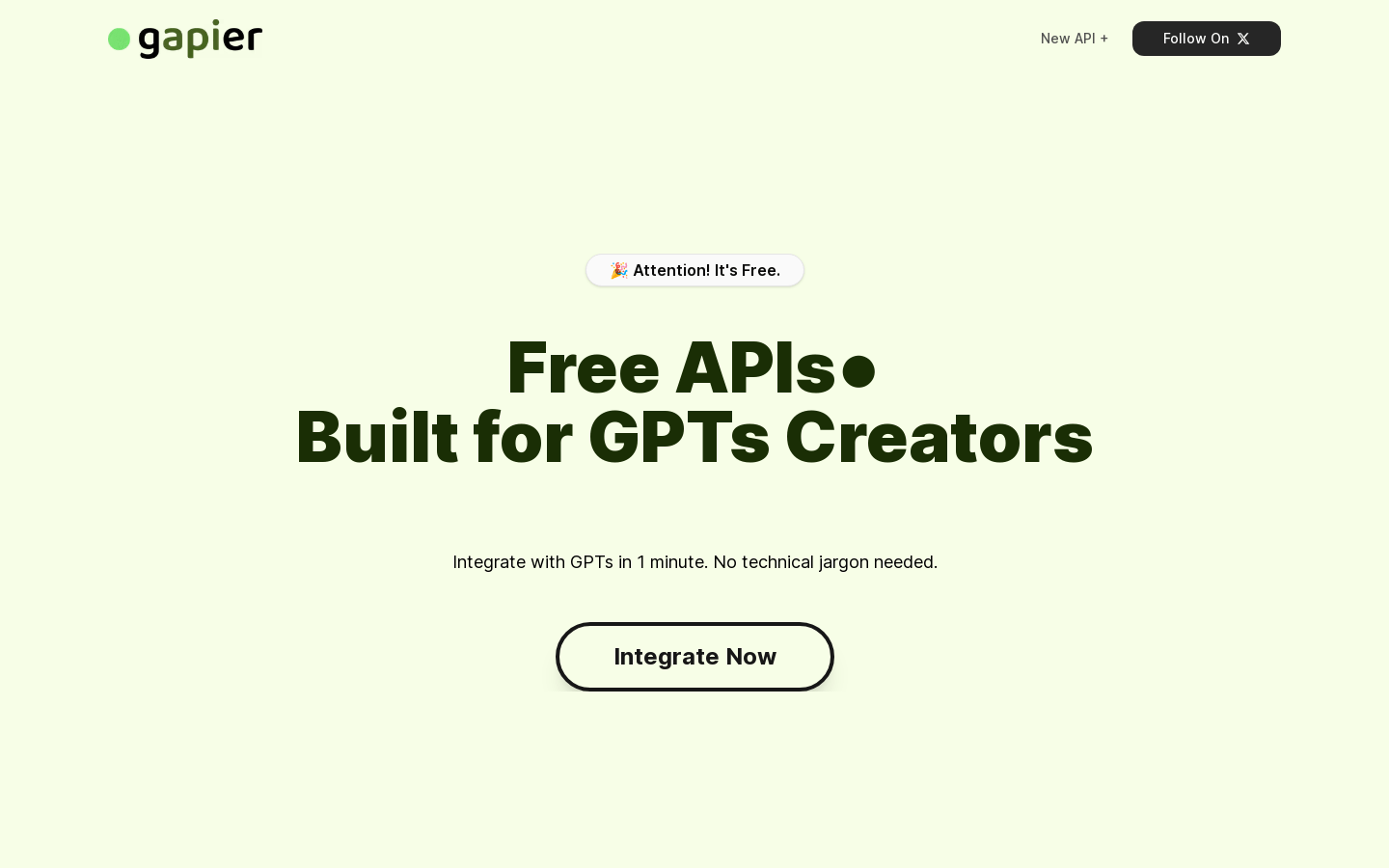
Screenshot archived from the listing page, for preview only.