Gemini Omni Flash
Native multimodal AI video generatorText, image, and audio in, synced video out
Highlights
What you can do with it
- Turn a product photo plus a voice note into a studio style short video
- Generate 15 second vertical videos for TikTok or YouTube Shorts
- Build a music video from a track and a visual description
How to use it
- 1 Register an account on the site and collect free creation credits
- 2 Combine your inputs, up to nine images, audio, video, or text alone
- 3 Describe the scene, camera move, lighting, and action in the prompt
- 4 Set aspect ratio, duration, and starting resolution
- 5 Generate and wait for visuals and audio in one run
- 6 Preview, then iterate with instructions such as adding rain effects
- 7 Upscale to 1080P or 4K and download
Who it is for
Pros
- Text, image, audio, and video inputs are handled in one inference
- Audio is generated with the video, so no separate voicing pass
- Editing happens through conversation instead of a full re-render
- Free credits let you test before subscribing
Limitations
- Free credits are a trial allowance, and real projects need a subscription
- Physics and lighting claims still need visual checking
- The product is presented as newly launched, so features may shift
- Free credit rules and the limited-time discount can change at any time
What Gemini Omni Flash is
Gemini Omni Flash is a native multimodal video generation and editing model presented at Google I/O. Rather than processing each modality in separate steps, it reads text prompts, up to nine reference images, three audio files, and three video clips together in one inference cycle. The output is cinematic video with synchronized audio, voiceover, and background music, governed by what the maker calls a perceptual world model that follows real physics, lighting, and spatial relationships. Default output is 1080P HD with lossless upscaling to 2K and 4K. Free credits are offered for trial, alongside paid subscriptions with a limited-time discount.
What you can do with it
- Generate video from text, images, audio, or a mix of all three
- Get synchronized audio and voiceover without a separate pass
- Edit a finished clip with plain instructions instead of re-rendering
- Keep character appearance and lip sync consistent across shots
- Export at 1080P or upscale to 2K and 4K
Who it is for
- Video content creators who need cinematic output quickly
- E-commerce sellers who want product video without a shoot
- Musicians and creative teams building visual short films
What to watch out for
The free credits are a trial allowance, and sustained production needs a subscription. Physics and lighting claims are the developer's, so check the footage frame by frame before you publish. Because the product is newly launched, features, quotas, and the discount are all subject to change. Verify commercial usage rights for anything you distribute. Name and archive exported files consistently so you can find and reuse them, and keep a backup copy of key data.
FAQ
What inputs does it accept?
Text prompts, up to nine reference images, three audio files, and three video clips, all in a single inference cycle.
Is audio generated too?
Yes, the system generates matched audio, voiceover, and background music while generating the video, so no post-voicing step is needed.
What resolution can I export?
It defaults to 1080P HD and supports lossless upscaling to 2K and 4K.
Can I edit a generated video?
Yes, you can give natural language instructions such as making the light warmer, and it adjusts the existing video rather than starting over.
Why it is free
What the official page says: free credits
Free limits, trial length and features are decided by the official site and can change at any time.
Product preview
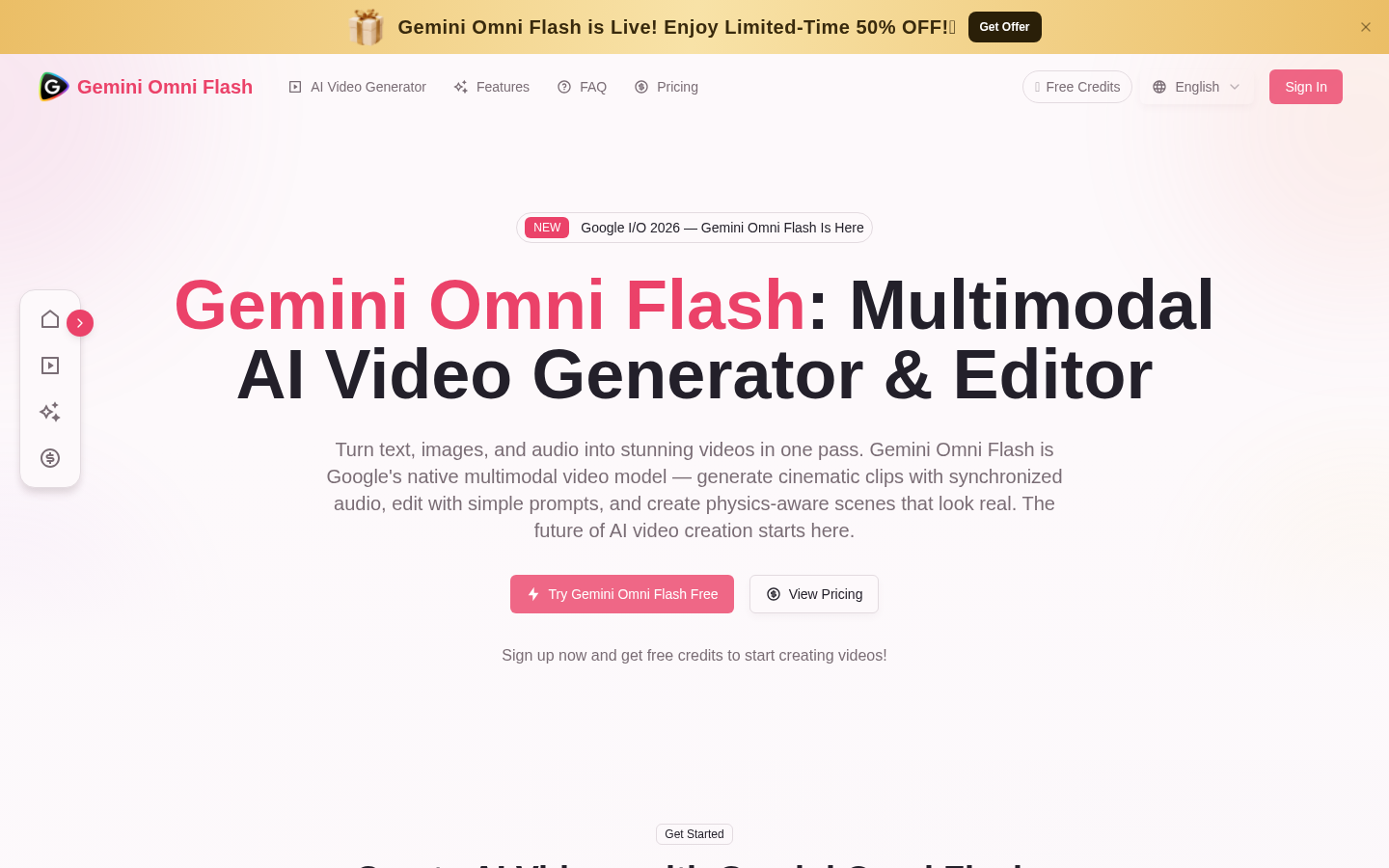
Screenshot archived from the listing page, for preview only.