Gen AI Toolbox for Databases
Open source database tools for AIConnect AI tools to databases safely
Highlights
What you can do with it
- A customer service assistant that reads customer records
- A data analytics tool that queries the database and generates reports
- A content management system with automated retrieval and updates
How to use it
- 1 Install the toolbox as a binary, a container image, or from source
- 2 Point it at your database and configure authentication
- 3 Define the tools your agent is allowed to call
- 4 Connect your framework, for example LangChain
- 5 Watch metrics and traces through OpenTelemetry
Who it is for
Pros
- Free and open source
- Central tool storage avoids redeploying the application
- Observability is built in rather than bolted on
- Short integration code keeps the surface small
Limitations
- Database access needs careful configuration before production
- Supported databases are limited to the listed set
- You still own model choice, prompts, and answer quality
- Self managed deployment means you own the operations
What Gen AI Toolbox for Databases is
Gen AI Toolbox for Databases is an open source server whose whole job is to make it easier to build generative AI tools that interact with databases. The usual failure mode is that every agent reimplements the same plumbing: open a connection, handle a pool, authenticate, map a result set, and hope nothing leaks. This tool centralizes that work so a developer can define a tool once and reuse it across agents and frameworks.
The listing claims integration can be completed in fewer than ten lines of code, with tools stored centrally and updated without redeploying the application. It provides what the material describes as recommended defaults for connection pools and authentication, integrates authentication for secure data access, and includes end to end observability through OpenTelemetry so metrics and tracing work out of the box. Database support covers AlloyDB, Cloud SQL, MySQL, and PostgreSQL. Framework integration includes LangChain, and deployment is flexible: binaries, container images, or building from source. The project is described as currently available for free as open source.
What you can do with it
- Define database tools once and reuse them across agents
- Integrate a tool into your app in a handful of lines
- Handle connection pooling and authentication centrally
- Observe queries with metrics and tracing through OpenTelemetry
- Deploy as a binary, a container, or from source
- Connect to frameworks such as LangChain
Who it is for
- Backend developers wiring AI features to a database
- Platform teams standardizing how services reach data
- Teams building internal assistants over company records
- Engineers who want one place to manage database tools
- Self hosting teams that need to control the deployment path
What to watch out for
Database access is a security boundary, so configuration deserves real review before anything reaches production: least privilege, credential handling, and network exposure are your responsibility, not the toolbox's. Support is limited to the listed databases, so anything else needs a different path. The tool removes plumbing work but does not remove judgment: model choice, prompt design, and whether the answer is actually correct remain yours. Finally, self managed deployment means you own the operations, including upgrades and monitoring.
FAQ
What problem does it solve?
It simplifies building generative AI tools that interact with databases, handling complexities such as connection pools and authentication.
Which databases are supported?
AlloyDB, Cloud SQL, MySQL, and PostgreSQL are named in the listing.
Is it free?
Yes. The listing describes it as currently available for free as open source.
How much code does integration take?
The material claims tools can be integrated in less than ten lines of code and reused across agents or frameworks.
Why it is free
What the official page says: for free
Free limits, trial length and features are decided by the official site and can change at any time.
Product preview
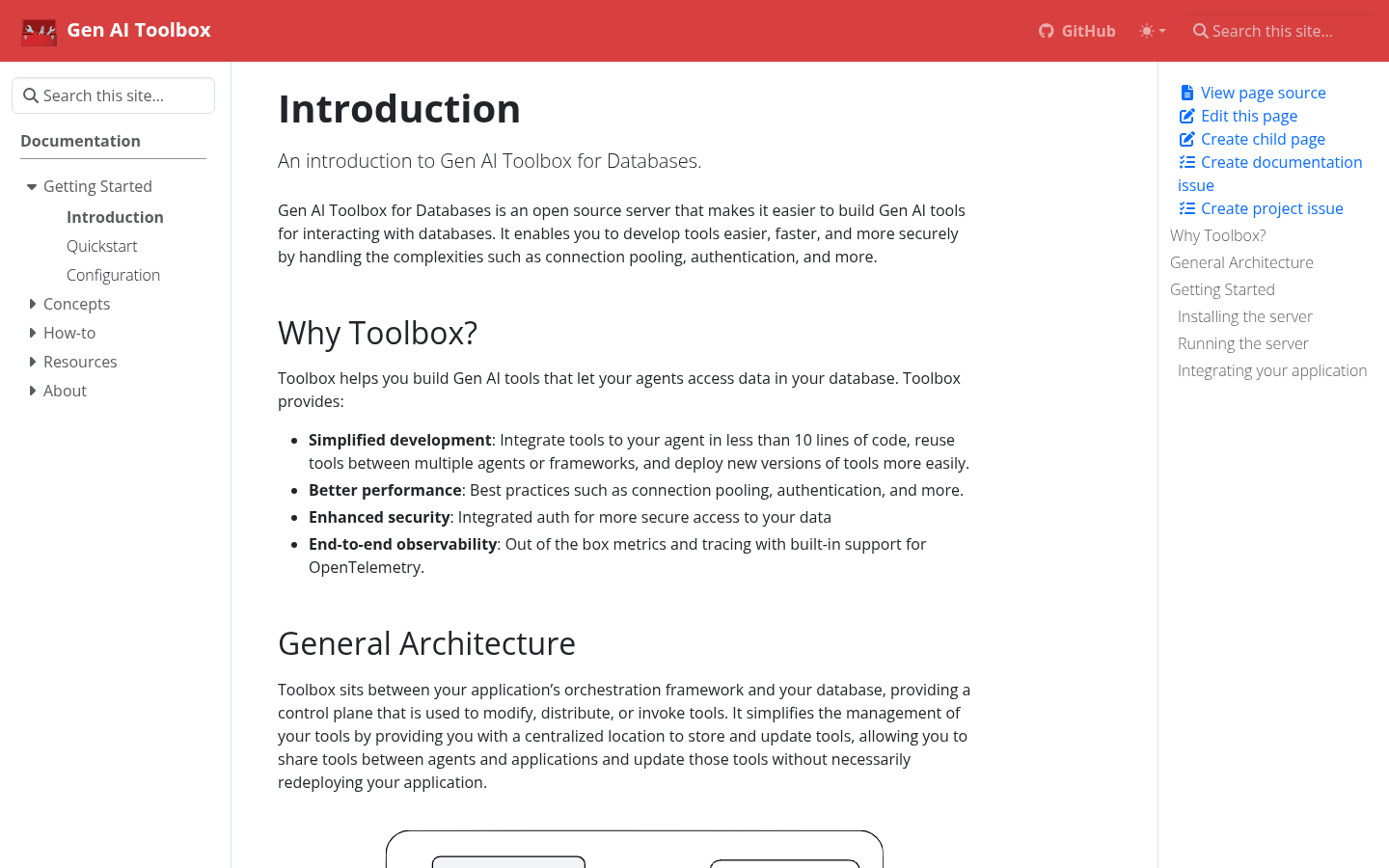
Screenshot archived from the listing page, for preview only.