
Genve AI
Translate and dub videos with AI lip sync and voice cloningLocalize video into 140 plus languages with cloned voice
Highlights
What you can do with it
- A YouTuber dubs a video into several languages to reach new subscribers
- A SaaS team localizes product demos for non English markets
- An online course creator dubs lessons while keeping teaching tone
How to use it
- 1 Open Genve AI in your browser, no download needed
- 2 Try it free and upload your first video
- 3 Select the target language from over 140 options
- 4 Turn on lip syncing and choose whether to clone the voice
- 5 Wait for processing, then preview and download the dubbed video
Who it is for
Pros
- Free trial to test your first video without a card
- Wide language coverage plus lip sync and voice cloning
- Runs in the browser with no install and 1080p or 4K output
Limitations
- Voice cloning needs the voice owner's consent, and misuse may break platform rules or law, with consequences on you
- Free trial is limited and paid plans gate resolution, languages, and speed
- Lip sync and dubbing quality depend on the source video and audio
What Genve AI is
Genve AI is a browser based application for translating, dubbing, and lip syncing videos. It uses neural networks to analyze a video's audio and visuals, transcribe the speech, translate it, clone the original voice, and adjust the mouth movements to match the new audio. It supports more than 140 languages and accents, generates subtitles, and offers 1080p and 4K output, plus custom vocabulary for brand specific terms. There is a free trial so you can try your first video without a credit card, with paid plans for more languages, higher resolution, and faster processing. It runs in the browser with no install.
What you can do with it
- Translate and dub video into more than 140 languages
- Match mouth movements to new audio with AI lip syncing
- Clone a voice to keep tone and brand consistency across languages
- Generate subtitles and export in 1080p or 4K
Who it is for
- Content creators and YouTubers reaching global audiences
- E commerce brands localizing product and promo videos
- Educators and marketing teams that need multilingual video
What to watch out for
Voice cloning is a sensitive feature. You should only clone a voice when you have clear permission from the voice owner, because misuse can break platform rules or the law, and any consequences are your responsibility. The free trial is limited, and paid plans gate resolution, languages, and processing speed, so check what the trial includes before planning a large localization job. Lip sync and dubbing quality also depend on your source video and audio, so clean input gives far better results than noisy or low quality footage.
FAQ
Is there a free trial?
Yes. New users can try it for free and upload a first video without a credit card, with paid plans for fuller use.
How many languages does it support?
It supports more than 140 languages and accents for translation and dubbing.
Does it clone voices?
Yes. It offers voice cloning to keep the tone and brand consistency across languages, which you should only use with proper consent.
Why it is free
What the official page says: free trial
Free limits, trial length and features are decided by the official site and can change at any time.
Product preview
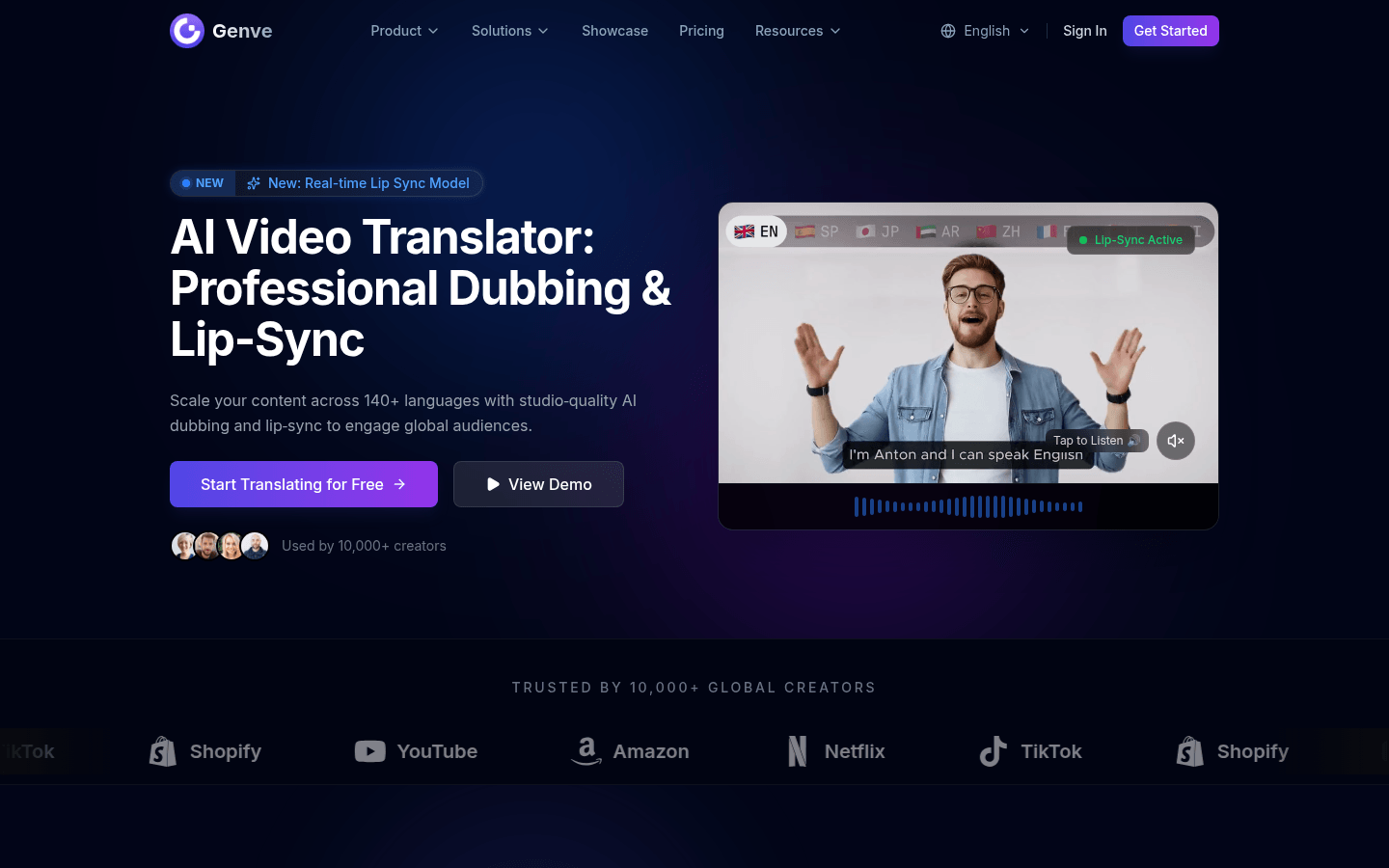
Screenshot archived from the listing page, for preview only.











