
Google Bard PDF Mastery Guide
Free guide to Google Bard PDF featuresLearn to read, summarise and extract from PDFs
Highlights
What you can do with it
- Checking whether Bard's reading of a legal document holds up
- Getting a fast summary of a long report
- Connecting PDF work to Google Workspace tasks
How to use it
- 1 Open the guide site
- 2 Read the section on uploading PDFs to Bard
- 3 Follow the summary and extraction walkthroughs
- 4 Apply the token limit and efficiency tips to your own documents
- 5 Use the evaluation checklist before trusting an output
Who it is for
Pros
- Free and focused on one specific workflow
- Includes verification steps, not only generation steps
- Written around practical limits such as token caps
Limitations
- Depends on Google Bard, whose features and limits change without notice
- A third-party guide, so it may lag behind product updates
- Useful only if you already work inside Google's tools
What Google Bard PDF Mastery Guide is
The Google Bard PDF Mastery Guide is a free written resource about one narrow task: using the PDF upload feature in Google Bard well. Rather than a tool you run, it is a walkthrough you read. It explains how to evaluate the statements Bard makes about a PDF you have uploaded, how to obtain summaries of documents, and how to extract and highlight key information. Beyond the mechanics, it covers Google Workspace integration, token limits that constrain how much of a document can be processed at once, and practical tips for working faster. There is also a section on where the guide expects PDF handling in Bard to go next.
What you can do with it
- Learn how to check Bard's claims about an uploaded PDF
- Get document and PDF content summaries
- Work through content extraction, summary generation and key information highlighting
- Apply Google Workspace integration and token limit guidance
Who it is for
- People who handle PDFs inside Google Workspace
- Anyone who wants one structured guide instead of scattered posts
- Users who need to verify AI statements before relying on them
What to watch out for
The subject of the guide is a third-party product that changes often. Features described here may move, be renamed or disappear between updates, and because this is an independent guide rather than official documentation, it can lag behind. Treat the token limit figures as a starting point to verify yourself. Most importantly, the guide's emphasis on evaluating Bard's statements is the right instinct: an AI summary of a legal or financial document is a draft to check, not a conclusion to trust.
FAQ
Is the guide free?
Yes, it is described as a free resource covering Bard's PDF feature.
Does it cover Google Workspace?
It includes a section on integrating the PDF workflow with Google Workspace.
Will Bard's PDF behaviour stay the same?
No. Google updates Bard regularly, so check current behaviour against what the guide describes.
Why it is free
What the official page says: 免费
Free limits, trial length and features are decided by the official site and can change at any time.
Product preview
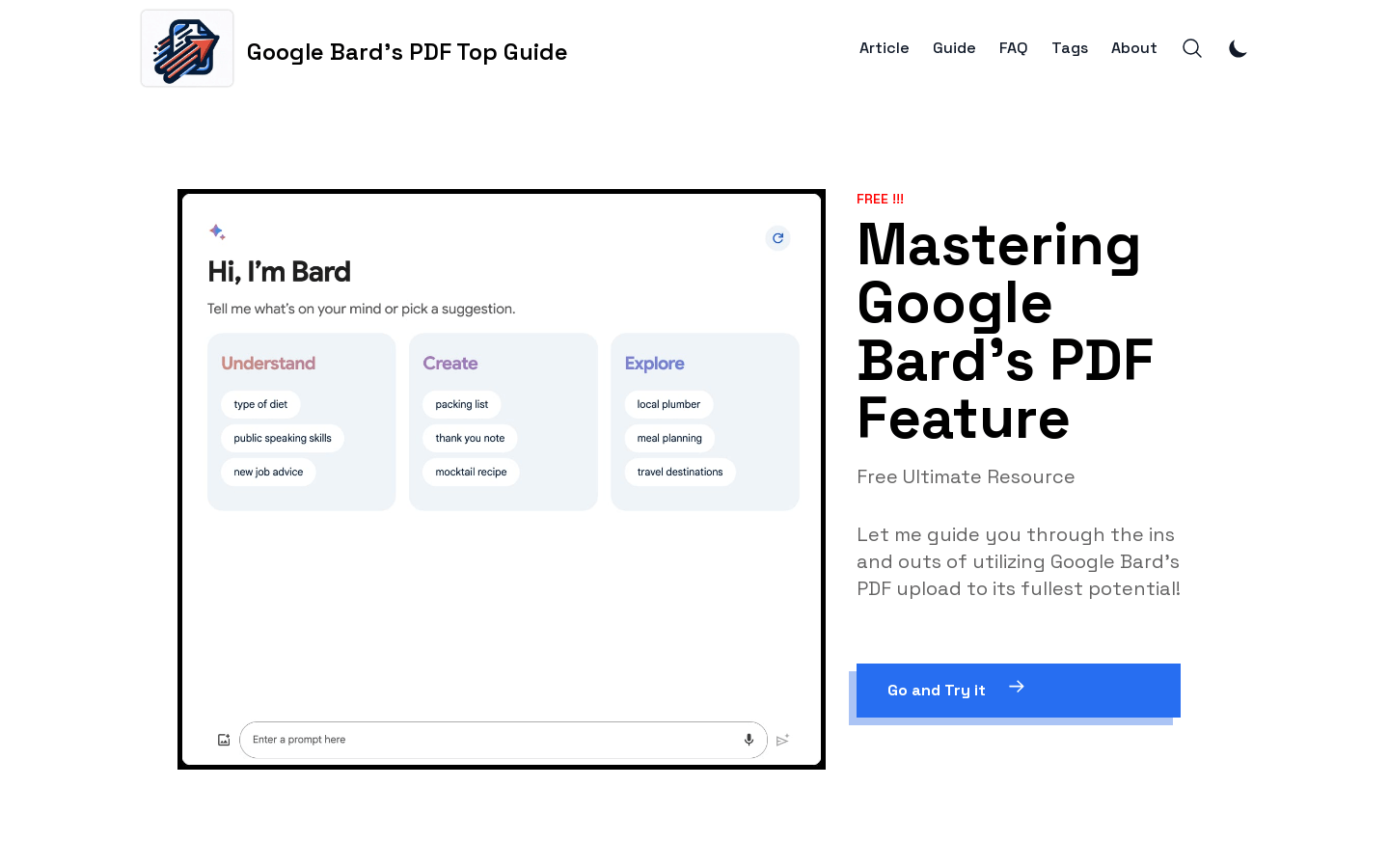
Screenshot archived from the listing page, for preview only.











