
GoVoice
AI voice-to-text toolTurn voice into text fast
Highlights
What you can do with it
- Recording a blog idea and turning it into text
- Generating social media content from spoken notes
- Quickly drafting news briefs for a small team
How to use it
- 1 Open GoVoice and start for free
- 2 Record your audio content
- 3 Choose the text format you want
- 4 Let the AI generate the text in minutes
- 5 Edit and repurpose the output as needed
Who it is for
Pros
- Free to start with no upfront cost
- Turns recorded audio into text within minutes
- Lets you repurpose content instead of starting over
Limitations
- Transcription quality depends on audio clarity
- Output needs editing before it is publishable
- Free access and limits can change
What GoVoice is
GoVoice is an AI-powered tool for voice-to-text and text generation. You record audio content, choose the text format you want, and the tool generates text within minutes. Beyond straight transcription, it supports repurposing text, which means you can reuse what you already have, improve your search visibility, and keep useful information from going to waste. It is built for individual creators, small businesses, and small teams that need to produce content quickly. You can start using it for free.
What you can do with it
- Record audio and turn it into text in minutes
- Choose the text format that fits your goal
- Repurpose existing content instead of starting over
- Save time when drafting posts, briefs, or notes
Who it is for
- Individual creators who think out loud
- Small businesses that need content fast
- Small teams producing regular updates
What to watch out for
Transcription quality depends on how clear your audio is, so background noise and accents can introduce errors that you will need to fix. The generated text is a first draft, not a finished piece, so plan to edit for accuracy and tone. Free access is a good way to test the tool, but limits and features can change as the product develops. Check the current terms before you build a regular workflow around it. Start with a small sample to confirm the output meets your expectations before processing the full batch. Free tiers and usage limits can change, so check the current rules on the official page before relying on it long term. For team use, agree on naming and editing conventions in advance to avoid version conflicts or duplicated work.
FAQ
Is GoVoice free?
You can start using it for free.
How does it work?
You record audio, choose a format, and it generates text in minutes.
Who is it for?
It suits individual creators, small businesses, and small teams.
Why it is free
What the official page says: for free
Free limits, trial length and features are decided by the official site and can change at any time.
Product preview
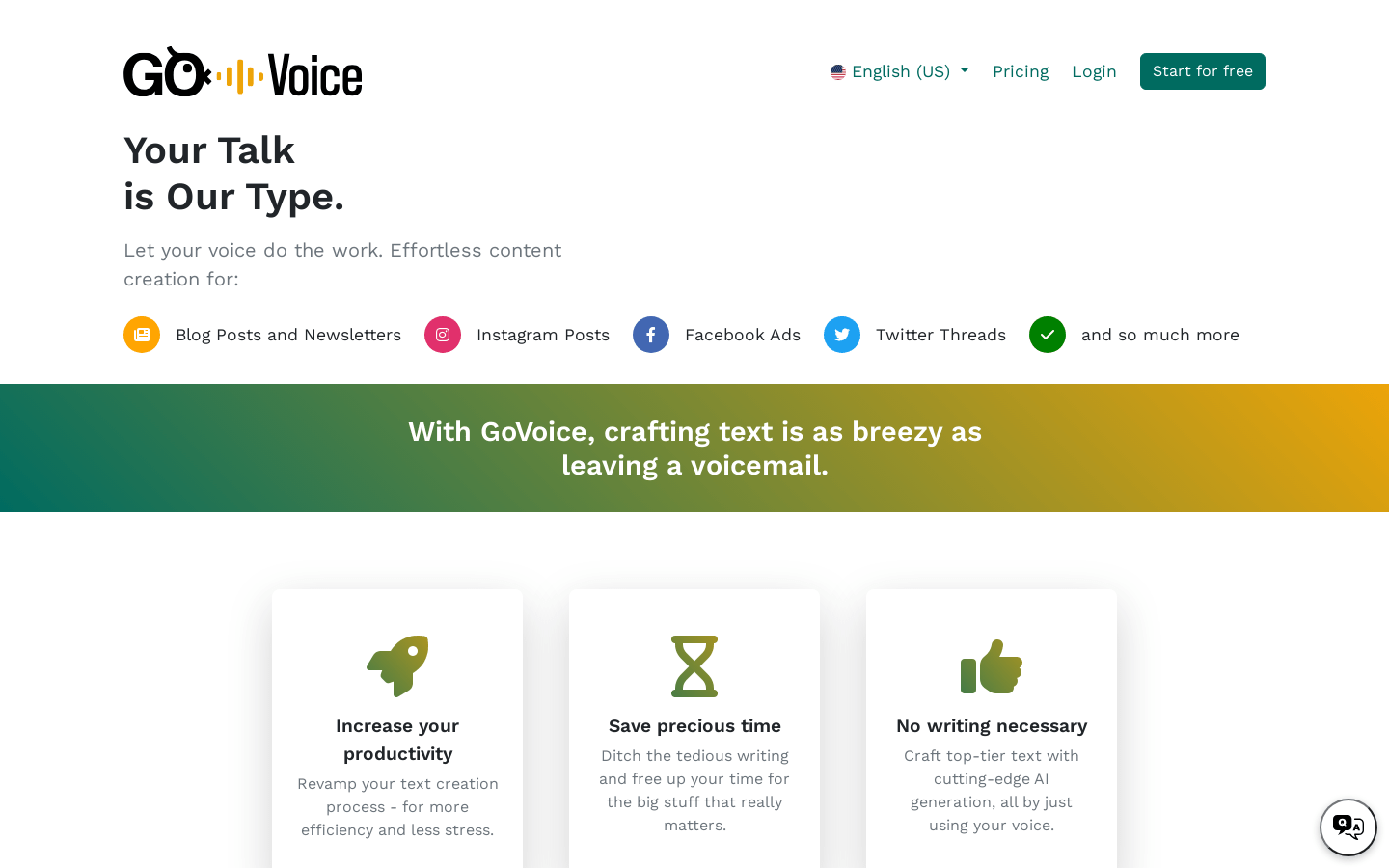
Screenshot archived from the listing page, for preview only.











