GPTHumanizer
Free AI text humanizerRewrites AI text into human-sounding copy
Highlights
What you can do with it
- Rewrite AI drafted text before submitting coursework
- Adjust the tone of research writing
- Make business copy read less machine generated
How to use it
- 1 Open the GPTHumanizer website
- 2 Paste the AI content you want converted
- 3 Click the convert button
- 4 Copy the generated text and paste it where you need it
Who it is for
Pros
- Free to use with a very short workflow
- No account or setup is described
- Works on text pasted from ChatGPT
Limitations
- Rewriting to avoid detection may violate school or platform rules, and the consequences fall on you
- No detector can guarantee a fully human score, so claims should be treated with caution
- Rewritten text may lose meaning or accuracy and still needs review
- Free access and site availability can change at any time
What GPTHumanizer is
GPTHumanizer is a free AI humanizer tool. You paste AI generated text, click convert, and copy the rewritten result wherever you need it. The site claims the output passes AI detectors and achieves a fully human score, and it lists support for ChatGPT output. It is aimed at students, researchers, and businesses that want their content to read as human written.
What you can do with it
- Paste AI generated text and get a rewritten version
- Adjust the feel of research or business copy
- Run the conversion in a browser without a described signup step
Who it is for
- Students revising AI drafted text before submission
- Writers adjusting tone in research or business documents
- Anyone who wants text to read less machine generated
What to watch out for
This kind of tool carries a clear risk. Rewriting content to avoid AI detection may violate school integrity rules or the terms of the platform you publish on, and any consequence falls on you rather than the tool. No rewriting service can guarantee that every detector will classify the text as human, so treat the 100 percent claim with caution. Rewriting can also change meaning or drop accuracy, so read the output carefully and keep the facts intact. If your institution requires disclosure of AI use, disclose it. Features and interface details may change between versions, so review the latest notes on the page before you start. For team use, agree on naming and editing conventions in advance to avoid version conflicts or duplicated work. Save a backup of the original file before large batch jobs, and keep an exported copy of key results in case the page or service becomes temporarily unavailable.
FAQ
Is GPTHumanizer free?
The site describes the tool as free to use.
How do I use it?
Open the site, paste the AI content, click convert, then copy the result.
Can it guarantee a human score?
No. The site claims a 100 percent human score, but no tool can guarantee how a detector will classify text, so treat that claim carefully.
Is it safe to submit rewritten work?
Using a humanizer to avoid AI detection can break school or platform rules, and the responsibility sits with you. Disclose AI use where required.
Why it is free
What the official page says: free to use
Free limits, trial length and features are decided by the official site and can change at any time.
Product preview
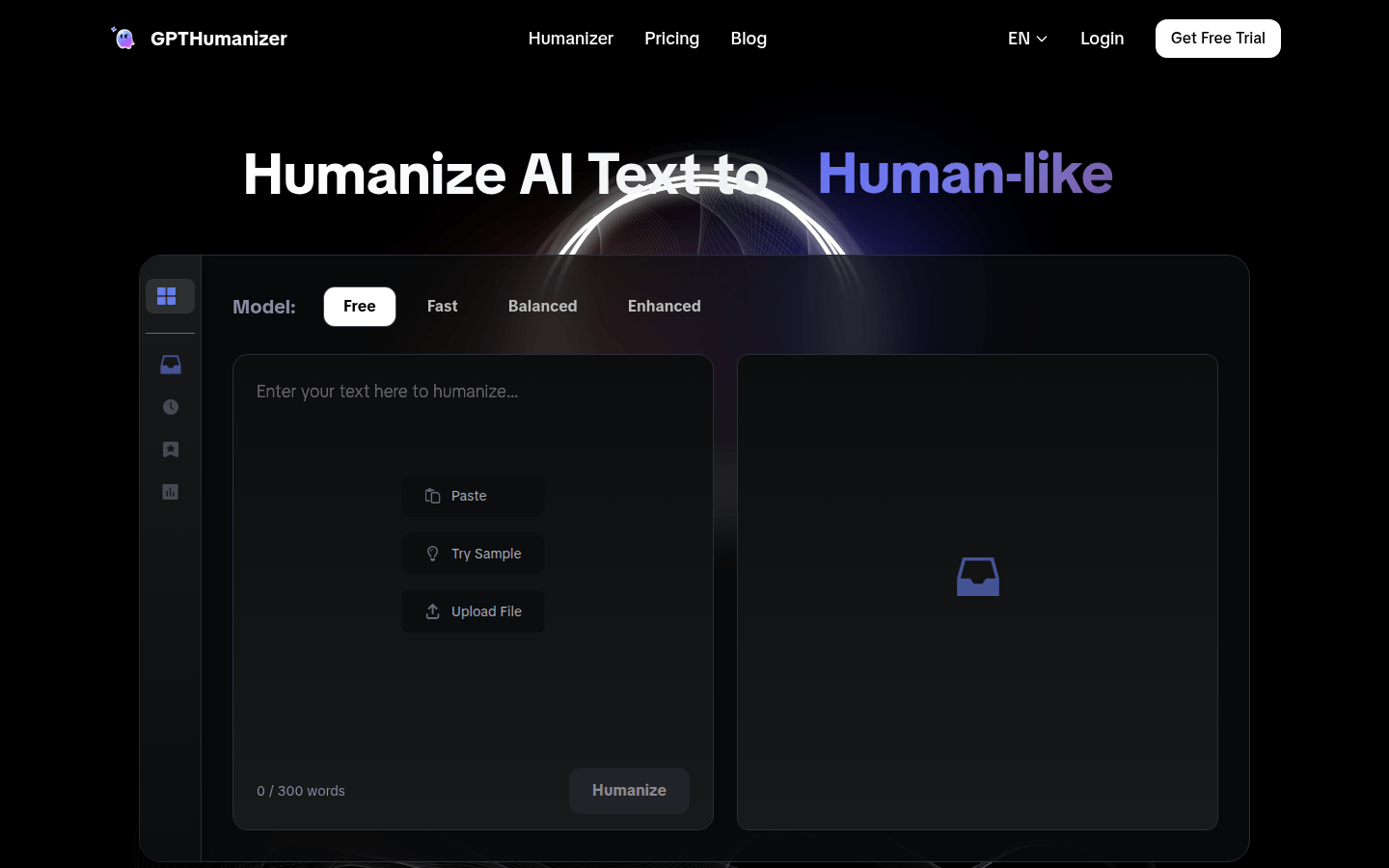
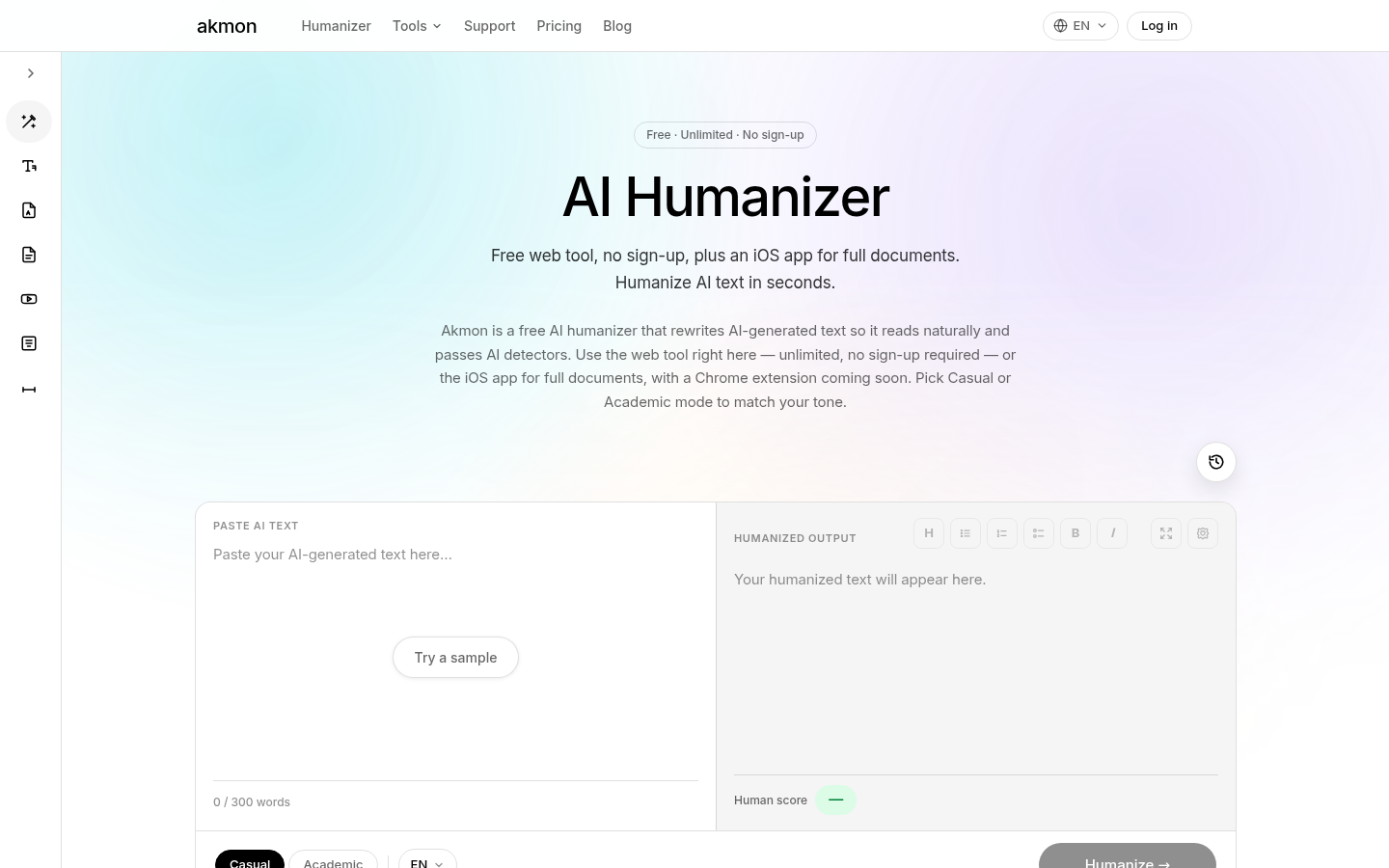
Screenshot archived from the listing page, for preview only.