
Grok Button
Browser extension for quick Grok questionsAsk Grok from the address bar
Highlights
What you can do with it
- Checking a term while reading an article
- Looking up background for research
- Quick factual questions while browsing
How to use it
- 1 Visit the Grok Button site and add the extension
- 2 Log in with your X account
- 3 Type grok and your question in the address bar
- 4 Press Enter and read the answer
- 5 Follow up in the same way
Who it is for
Pros
- Very fast access from the address bar
- No separate app or window needed
- Free at the moment
Limitations
- It is an unofficial extension, not affiliated with Grok
- It requires an X account to work
- Answers can be wrong, so verify important facts
What Grok Button is
Grok Button is a browser extension that puts Grok AI in the address bar. You install it, log in with your X account, then type the word grok followed by a question and press Enter to get an answer without leaving the page you are reading. It supports Chrome and Chrome-based browsers, and the listing describes it as currently free. The important context is that it was developed by a group of enthusiasts and is not directly affiliated with Grok itself, even though it follows the same design philosophy.
What you can do with it
- Ask a question from the browser address bar in one line
- Get an instant answer without opening a new tab
- Look up terms, background or quick facts while browsing
- Follow up with further questions the same way
Who it is for
- Readers who check the meaning of terms constantly
- Students doing quick lookups while researching
- Anyone who wants an answer without switching context
What to watch out for
Because it is an unofficial extension, you are trusting a third party with your browsing and your X account session, so check the permissions it asks for before installing. Answers can be wrong or out of date, so verify anything that matters rather than taking the first response as fact. It requires an X account, which is a barrier if you do not have one, and it only works in Chrome-based browsers. Free status can change, and an extension maintained by enthusiasts has no service guarantee. When quality matters, export a small draft first to confirm the result before producing the final file.
FAQ
What is Grok Button?
It is a browser extension that brings Grok AI answers into the browser bar.
Do I need an account?
Yes, you need to be logged into your X account for the extension to work.
Which browsers does it support?
It supports Chrome and Chrome-based browsers.
Why it is free
What the official page says: 免费
Free limits, trial length and features are decided by the official site and can change at any time.
Product preview
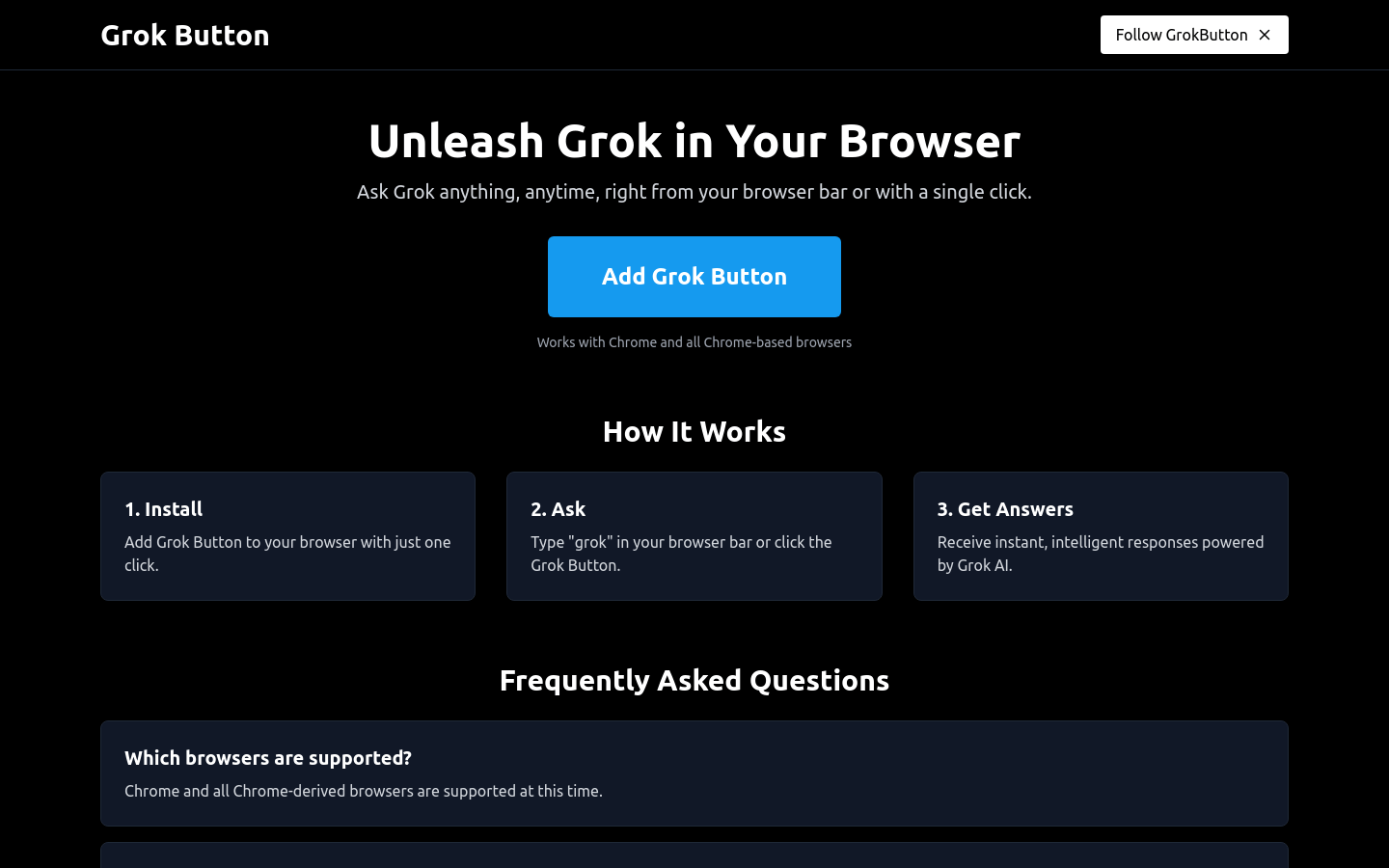
Screenshot archived from the listing page, for preview only.











