
Hiver
AI customer service suiteEvery channel, one shared inbox
Highlights
What you can do with it
- A tech company cutting response time
- A clinic managing patient inquiries
- A logistics team centralizing email and chat
How to use it
- 1 Start the free trial on the website
- 2 Choose a product version such as Hiver in Gmail or Omni
- 3 Register with a Google, Microsoft, or email account
- 4 Connect channels and configure workflows
- 5 Invite teammates and upload knowledge base content
Who it is for
Pros
- One place for every support channel
- AI features cover agents and quality checks
- Integrates with existing work tools
Limitations
- Setup takes time to configure properly
- The free trial limits full evaluation
- AI answers still need human oversight
What Hiver is
Hiver is an AI-native customer service platform designed for complex support scenarios. Its importance lies in integration: all service channels, applications, and customer context come together so a team sees a full view of each customer instead of fragments spread across tools. The platform states a 50% faster response time with AI, and it offers both assistive and proactive services, including AI agents, AI copilots, AI quality assurance, and AI insights. It is built around relationships rather than simply processing requests.
What you can do with it
- Manage tickets with automatic assignment, priority, and reminders
- Answer common questions from a knowledge base and customer portal
- Automate replies, task assignment, and follow-ups
- Track response time, resolution rate, and satisfaction with analytics
- Run AI agents and quality checks on conversations
Who it is for
- Customer support teams handling many channels
- Finance teams managing shared inboxes and billing
- IT service management teams triaging internal requests
- HR teams centralizing employee requests
What to watch out for
Proper setup takes time, because channels, workflows, and permissions need configuration before the platform pays off. The free trial limits full evaluation, so test with real volume if possible. AI agents handle common issues well, but sensitive or unusual cases still need a person. Review automated replies regularly to keep tone and accuracy consistent. Free tiers and usage limits can change, so check the current rules on the official page before relying on it long term. Processing speed depends on file size and network conditions, so retry later if a task stalls during peak hours. For team use, agree on naming and editing conventions in advance to avoid version conflicts or duplicated work.
FAQ
What does Hiver do?
It unifies service channels, apps, and customer context into one platform with AI agents, ticketing, analytics, automation, and a knowledge base.
Which tools does it integrate with?
It supports integration with applications and services such as Slack, Google Workspace, and Outlook.
Is there a free trial?
Yes, you can start a free trial or book a demo from the website.
Why it is free
What the official page says: free trial
Free limits, trial length and features are decided by the official site and can change at any time.
Product preview
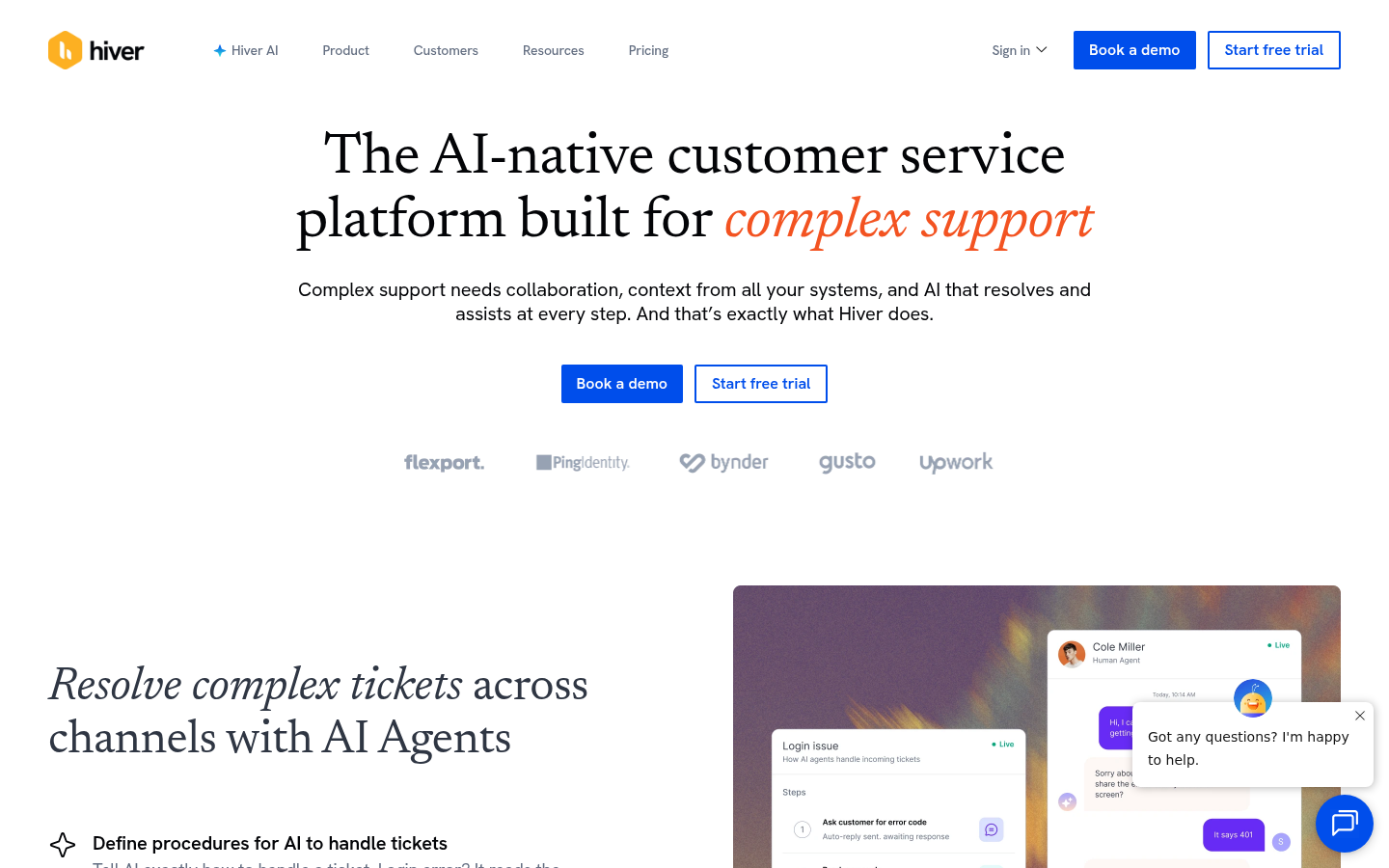
Screenshot archived from the listing page, for preview only.











