Hurd.ai Beta
Free AI transcription for meetings and lecturesRecord, tag, and summarize every conversation
Highlights
What you can do with it
- Record a lecture and review the transcript afterwards
- Capture meeting minutes without taking notes live
- Turn a recorded conversation into searchable, filterable text
How to use it
- 1 Open Hurd AI and create an account
- 2 Import an audio or video file, or start a recording
- 3 Let the tool transcribe and organize the content
- 4 Preview and edit the transcript as needed
- 5 Export or integrate the result into your workflow
Who it is for
Pros
- Free to use with no stated time limit
- Works with several audio and video formats
- Transcripts are searchable, filterable, and groupable
- Audio can be rewound and edited while reviewing
Limitations
- Transcription accuracy depends on audio quality and accents
- The free status and no time limit terms can change at any time
- Recording people requires their consent under local rules
- Advanced export or integration options may be limited
What Hurd.ai Beta is
Hurd AI is an AI assistant that captures every word of every lecture, meeting, and conversation. It transcribes audio automatically, organizes the content, and produces a summary, so you can focus on listening instead of writing notes. Audio files become searchable text that you can highlight, filter, and group, and the original audio can be rewound and edited at any time. It imports various audio and video formats, supports multiple languages, and is described as free to use with no time limits.
What you can do with it
- Record and transcribe meetings, lectures, and conversations
- Import existing audio or video files for transcription
- Search, highlight, filter, and group the resulting transcript
- Edit the audio while reviewing the text
- Export or integrate transcripts into other tools
Who it is for
- Students who would rather read a lecture transcript than take notes
- Professionals who need meeting minutes without a dedicated note taker
- Anyone who records conversations and wants searchable text afterwards
What to watch out for
Transcription accuracy depends on audio quality, background noise, and how clearly people speak, so expect to clean up the text. Recording conversations involves other people, so get consent where local rules require it. The product is presented as a beta, which means features may change, and the free status with no time limit is a current claim rather than a permanent guarantee. Check export options against what your workflow actually needs before committing. Processing speed depends on file size and network conditions, so retry later if a task stalls during peak hours. Run one full task end to end first, then expand once you are comfortable with the workflow and the result quality.
FAQ
Is Hurd AI free?
The site describes it as free to use with no time limits.
What file types can I import?
It supports importing various audio and video file formats.
Can I edit the audio later?
Yes, you can rewind and edit audio anytime while reviewing a transcript.
Which languages are supported?
The tool lists multiple language support for transcription.
Why it is free
What the official page says: free to use
Free limits, trial length and features are decided by the official site and can change at any time.
Product preview
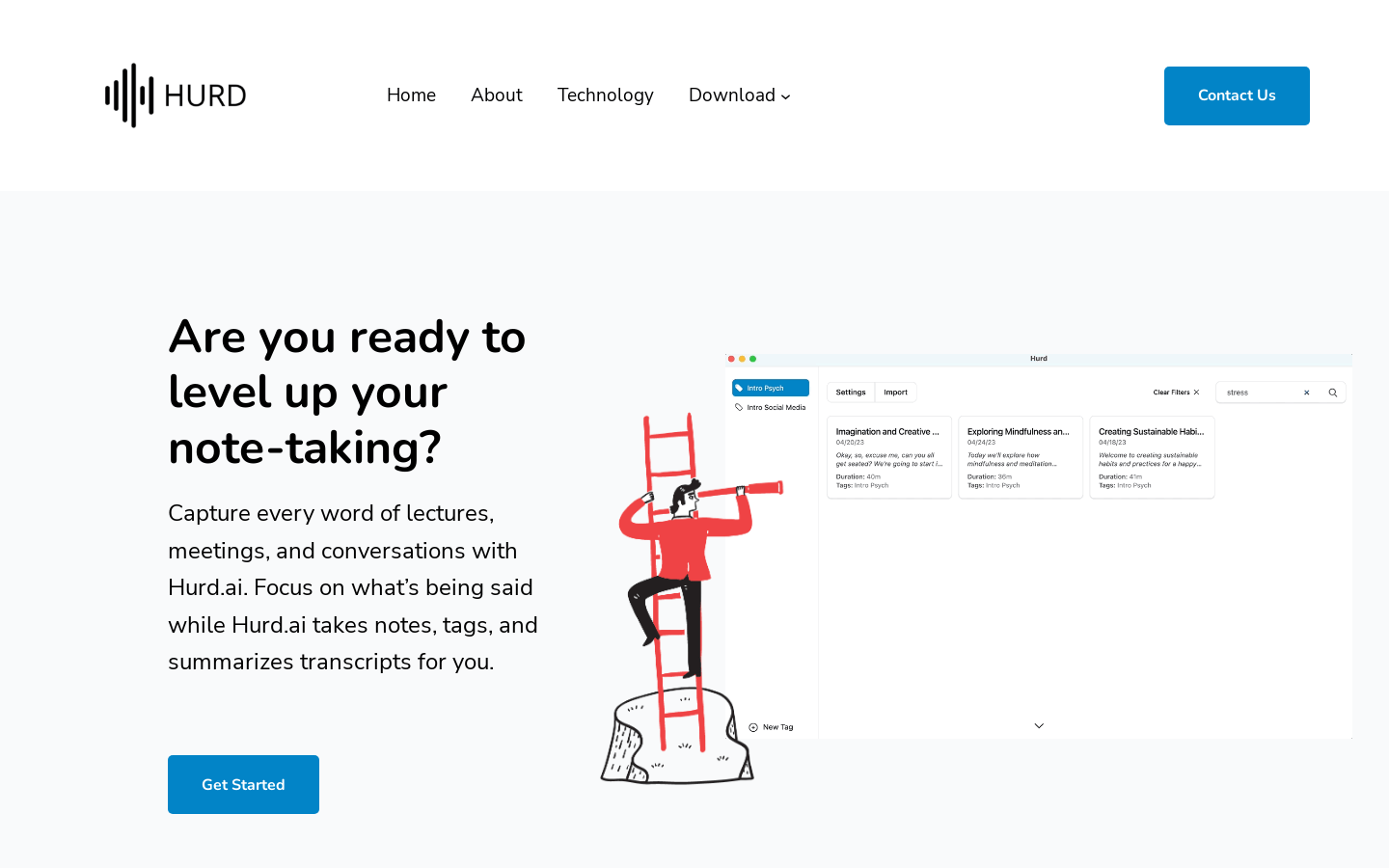
Screenshot archived from the listing page, for preview only.











