
hypit
Open-source AI video cloning platformClone a reference video, generate 100 variants
Highlights
What you can do with it
- E-commerce teams producing product promo variations
- Content creators building a themed video series
- Enterprises cloning internal training videos for different audiences
How to use it
- 1 Open hypit.ai and log in or start using it directly.
- 2 Prepare a reference video you have the right to use.
- 3 Upload it and start the cloning process.
- 4 Edit the script, dialogue, B-roll, subtitles, and effects.
- 5 Run the variant generation command to produce multiple versions.
- 6 Review the results, then download what you want to publish.
Who it is for
Pros
- Free to use with an open-source core
- One command produces a large set of variants
- Bring your own key gives control over model choice and cost
Limitations
- Cloning someone else's video can breach copyright and likeness rights
- Mass near-duplicate output can violate platform rules and hurt reach
- Free and open-source status can change, and hosting costs are yours
- Setup assumes comfort with CLI tools and API keys
What hypit is
hypit is an open-source video cloning platform built around AI agents. You give it a reference video and it clones the structure: the script, the visuals, the dialogue, the B-roll, subtitles, and effects, all converted into an editable workflow you can rerun and modify. From there the variant engine takes over, and the site says one command can generate 100 different versions of the same cloned video, with batch options for 10, 50, or 100 at a time. It supports multiple models such as Claude and Codex, offers a bring-your-own-key option so you control which model runs and what it costs, works on macOS, Linux, and Windows, and is free to use with an open-source core you can fork and self-host.
What you can do with it
- Clone the structure of a reference video into an editable workflow
- Generate dozens or hundreds of variants from one command
- Edit script, dialogue, B-roll, subtitles, and effects before export
- Run batches for large-scale distribution tests
- Self-host the open-source code if you want full control
Who it is for
- Video creators who need many versions of a single idea
- Marketing teams running volume creative and hook testing
- Enterprises standardizing training and promotional material
What to watch out for
The biggest risk is rights. Cloning a video you did not make can breach copyright, and reusing someone's face, voice, or footage can breach personality and likeness rights. Publishing large volumes of near-identical clips can also break platform rules and reduce reach rather than increase it, and the consequences of that fall on the account owner. Use only material you own or have clear permission to use, and check the rules of every platform you post to. The free and open-source status is a current arrangement that can change, self-hosting means your own infrastructure and API costs, and the tool assumes you are comfortable with a command line.
FAQ
Is hypit free?
The core is open source and free to use, with a bring-your-own-key option. Other paid plans may exist, so check the site.
What does it actually clone?
The listed elements are the script, visuals, dialogue, B-roll, subtitles, and effects, all turned into an editable workflow rather than a fixed copy.
Can I clone any video I find online?
No. Copying someone else's footage, voice, or likeness can breach copyright and personality rights, and publishing the result may break platform rules. Use material you own or have permission to use.
What do I need to run it?
macOS, Linux, or Windows, plus an API key for whichever model you choose. Comfort with command-line tools helps a lot.
Why it is free
What the official page says: free to use
Free limits, trial length and features are decided by the official site and can change at any time.
Product preview
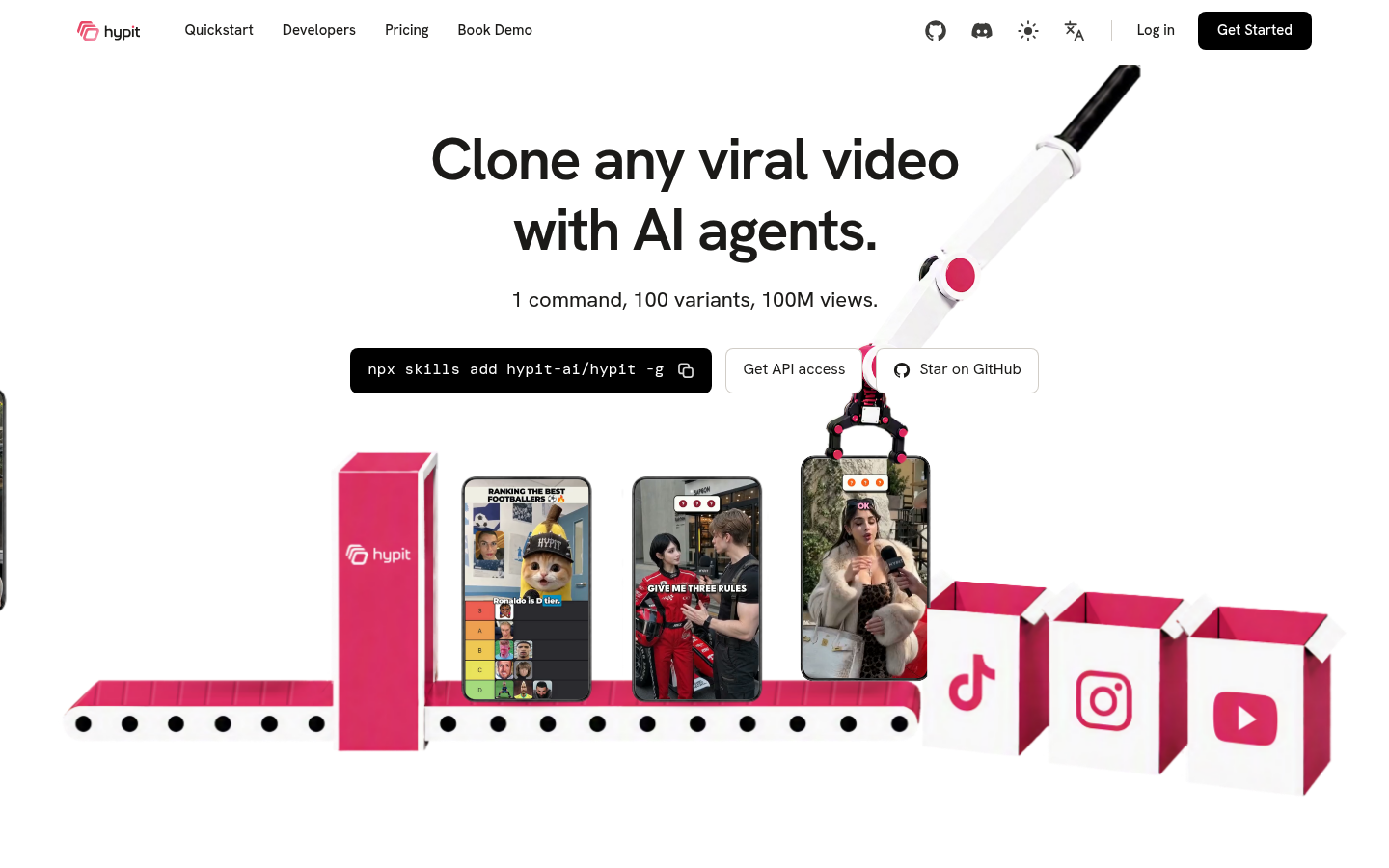
Screenshot archived from the listing page, for preview only.