
Hypotenuse AI
Note taking tool with handwriting recognition and searchCapture notes, recognize handwriting, search and sync
Highlights
What you can do with it
- A student keeps lecture notes searchable on phone and laptop
- A professional captures meeting notes and finds them later
- Anyone moving handwritten notes into a digital archive
How to use it
- 1 Create an account and open the note taking workspace.
- 2 Write new notes or import existing ones, including handwritten pages.
- 3 Let recognition convert handwriting into searchable text.
- 4 Sync across devices and search when you need a note again.
Who it is for
Pros
- Handwriting recognition removes retyping work
- Search and sync keep notes usable across devices
- A free version is available to start with
Limitations
- The site was not loading normally when we checked, so availability is unclear
- Paid features sit behind an upgrade
- Recognition accuracy depends on handwriting quality and image clarity
What Hypotenuse AI is
Hypotenuse AI is listed as an efficient note taking tool. Its described features are intelligent handwritten text recognition, quick search, and cloud synchronization. In practice that means notes captured by hand on paper or by keyboard on a device can be recognized, organized, and found again later, with the library following you across devices through sync. The site says there is a free version and a paid version with more advanced features, and it targets individual users, students, and professionals who need work and study notes in one place.
What you can do with it
- Capture notes by hand or by keyboard in one workspace
- Convert handwriting into searchable text
- Find a note quickly instead of scrolling through folders
- Keep the library synchronized across devices
Who it is for
- Students managing lecture notes and reading material
- Professionals tracking meetings, projects, and action items
- Anyone migrating handwritten notebooks into a digital archive
What to watch out for
The site was not loading normally when we checked, so availability is unclear and worth verifying before you invest time in it. The more advanced features sit behind a paid version, so plan for an upgrade if you need them. Handwriting recognition accuracy depends on how clear the writing is, and messy or faded pages will need cleanup before they are useful. As with any cloud synced tool, think carefully about what you store if the notes are sensitive, since sync means copies exist on someone else's servers. For team use, agree on naming and editing conventions in advance to avoid version conflicts or duplicated work. Name and archive exported files consistently so you can find and reuse them, and keep a backup copy of key data.
FAQ
What are the main features?
Intelligent handwritten text recognition, quick search, and cloud synchronization.
Is there a free version?
The site describes both free and paid versions, with the paid one adding more advanced features.
Who is it for?
Individual users, students, and professionals who need to record and manage notes efficiently.
Why it is free
What the official page says: 免费
Free limits, trial length and features are decided by the official site and can change at any time.
Product preview
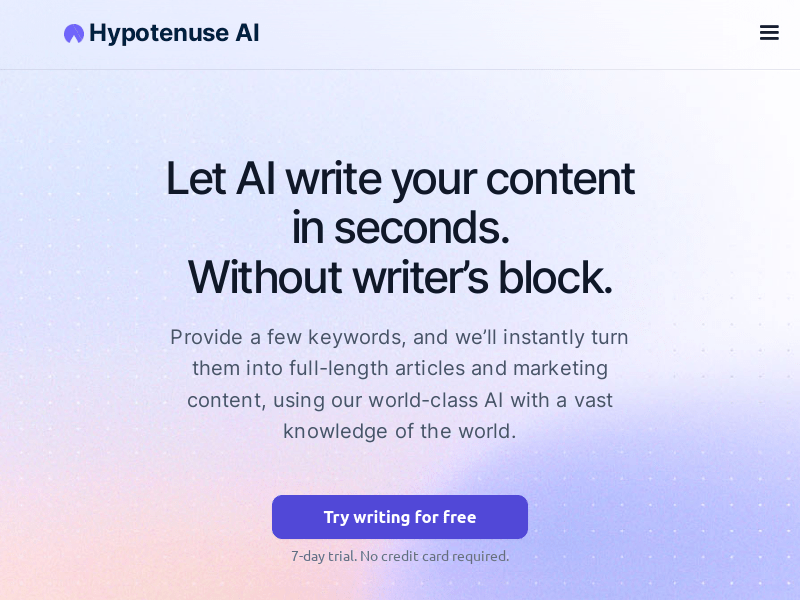
Screenshot archived from the listing page, for preview only.











