iBrief
AI article summaries in one clickSummarize any article or webpage for free
Highlights
What you can do with it
- A journalist scans news summaries before writing a story
- A researcher filters papers by summary before reading in full
- A student reviews course material faster
How to use it
- 1 Open ibrief.co in your browser
- 2 Pick an article from the lists or search for one
- 3 Read the generated summary, or add the bookmark tool to summarize any page
Who it is for
Pros
- Free with no payment, per the site
- Bookmark tool works on any page
- Summaries are short and quick to read
Limitations
- A summary is not the full text, so details can be lost
- Free access and site availability can change
- Summary quality varies with article length and structure
What iBrief is
iBrief is an online article summary tool. Paste a link or use its bookmark tool and it returns a short summary of the page, which helps you decide whether an article deserves a full read. The site also lists summaries of popular articles, browsing by category such as society, technology and business, and platform statistics including weekly article counts and time saved. It describes itself as a community driven platform and says every feature is free with no payment required.
What you can do with it
- Summarize an article or any webpage in one click
- Use the bookmark tool while you browse
- Browse popular summaries and category lists
- Check platform statistics on time saved
Who it is for
- Journalists and heavy news readers
- Researchers screening papers and reports
- Students and general readers with little time
What to watch out for
A summary is not the full text, so nuance, caveats and exact numbers can be lost; open the original before you quote or cite anything. Summary quality varies with article length, page structure and paywalls, and a paywalled page may not summarize well at all. The site says all features are free, but free access and availability can change, so keep a bookmark and do not rely on it as your only reading method. For anything that matters, read the source yourself. For best results, start with a small test file and review the output carefully before working on anything important. Free tiers can change over time, so it is worth checking the current limits on the official page before you rely on the tool daily. If the result is not quite right, try adjusting your input description or settings and run the task again.
FAQ
Is iBrief free?
The site says all features are free with no payment required.
Can I summarize any webpage?
Yes, through the bookmark tool described on the site.
Who is it for?
Journalists, researchers, students and general readers who need to screen reading quickly.
Why it is free
What the official page says: 免费使用免费
Free limits, trial length and features are decided by the official site and can change at any time.
Product preview
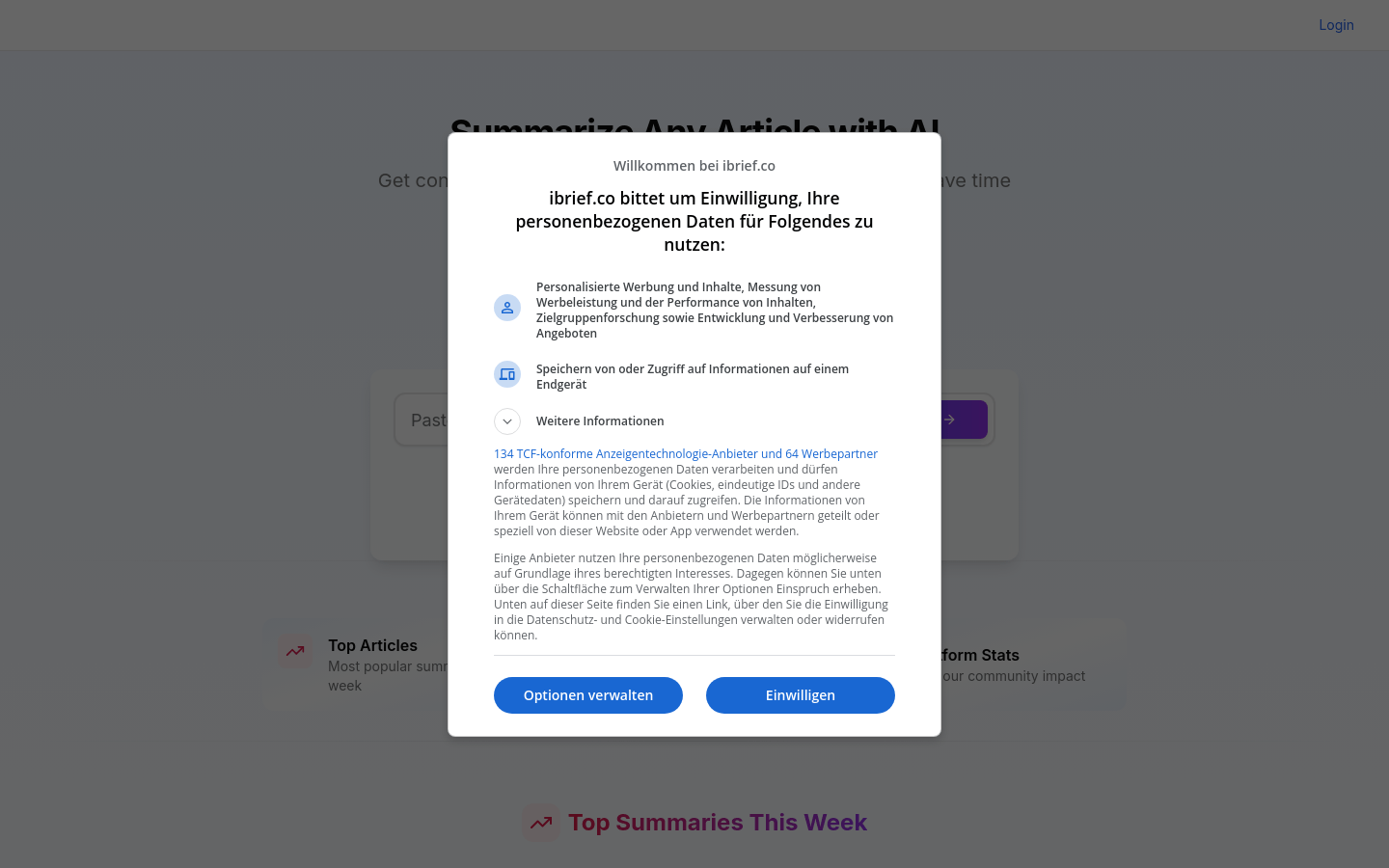
Screenshot archived from the listing page, for preview only.