
iGenflow
SOP and guide generatorCapture workflows into guides and videos
Highlights
What you can do with it
- A software team records a testing process so new members get started fast.
- An e-commerce operator documents a product listing process for the team.
- A teacher builds an operation guide for an online course.
How to use it
- 1 Open the iGenflow website and sign in or register an account.
- 2 Click Capture Flow to start recording a web workflow.
- 3 Mark up screenshots with arrows, numbers, or blur as you capture.
- 4 Edit the generated steps and let the AI polish the text.
- 5 Export the guide as PDF, Word, or another format and share it.
Who it is for
Pros
- One-click capture removes tedious manual screenshot and typing work.
- Flexible capture covers areas, scrolling pages, windows, and video frames.
- Many export formats fit different platforms and audiences.
Limitations
- The free plan has step limits, and plan rules may change over time.
- Capture quality depends on a stable browser and a clear workflow.
- AI writing still needs human review for accuracy and tone.
What iGenflow is
iGenflow is a workflow documentation tool that turns what you do in a browser into clear, shareable guides. It captures your clicks, screenshots, and cursor position, then converts that recording into a step-by-step standard operating procedure and a quick demo video. The point is to remove the tedious work of manual screenshotting and text editing so teams can train faster and pass on knowledge with less effort. A free plan covers the core functions for everyday use, while a professional plan adds higher step limits and richer export options.
What you can do with it
- Capture any web workflow with one click and auto-generate a guide and demo video.
- Capture selected areas, scrolling pages, desktop windows, or video frames as needed.
- Mark up screenshots with arrows, numbers, blur, and crop without leaving the capture flow.
- Export the finished guide as PDF, Word, PPT, Markdown, HTML, or video.
Who it is for
- Technical professionals who need to document complex operating processes.
- Content creators who turn web actions into visual tutorials for an audience.
- Enterprise trainers who want to speed up onboarding and knowledge transfer.
- Project managers who record every step of a process for a team.
What to watch out for
The free plan has step limits, and both the free and paid plan rules may change over time, so confirm current limits before you commit to a large documentation project. Capture quality depends on a stable browser session and a clean, deliberate workflow; fast or messy clicking produces messy guides that need editing. The AI-assisted writing is a starting draft, not a final one, so a human still needs to review the text for accuracy and tone before it goes to a client or a new hire.
FAQ
What does iGenflow capture?
It captures browser actions, screenshots, and cursor position to build a step-by-step guide.
Is there a free plan?
Yes. The free plan includes the core functions for daily use, and a professional plan adds more.
What formats can I export?
You can export guides as PDF, Word, PPT, Markdown, HTML, or video.
Why it is free
What the official page says: free planfor free
Free limits, trial length and features are decided by the official site and can change at any time.
Product preview
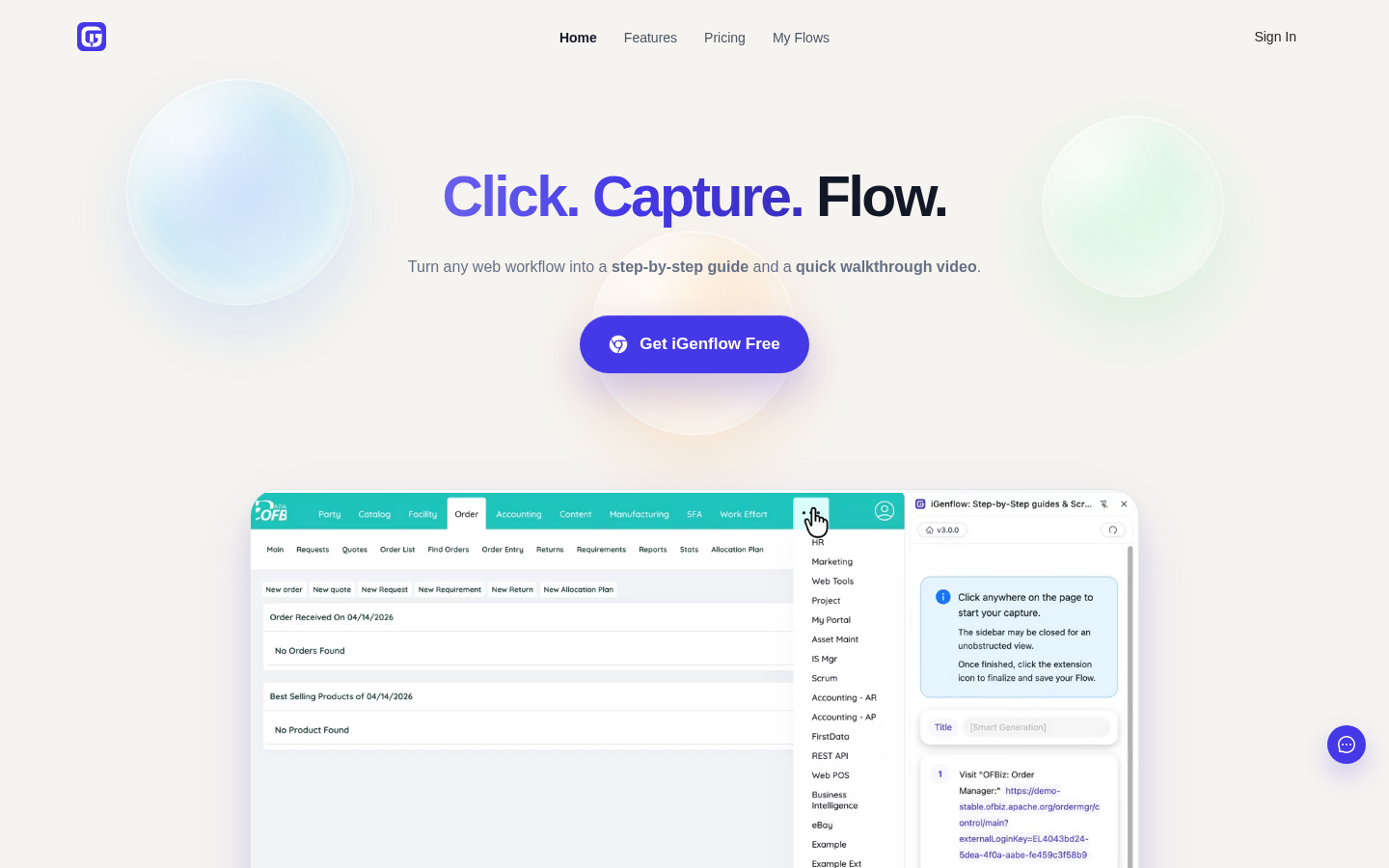
Screenshot archived from the listing page, for preview only.











