Image to Text
Free image to text OCR toolPull text out of images fast
Highlights
What you can do with it
- Turn newspaper or printed articles into editable text
- Convert image based social posts into text for reports
- Scan paper notes into digital notes you can search
How to use it
- 1 Open the Image to Text website
- 2 Upload the image that contains the text
- 3 Wait for the tool to extract the text automatically
- 4 Preview and proofread the converted text
- 5 Edit if needed, then copy or download it
Who it is for
Pros
- Free of charge to use
- Handles common image formats
- Preview and edit before saving
- Simple, fast workflow
Limitations
- Free status and upload limits could change over time
- Accuracy depends on image quality and clarity
- Uploading documents shares them with the service
- Works well on clear text; handwriting or complex layouts may struggle
What Image to Text is
Image to Text is a free online tool that pulls text out of images. According to its page, you upload a picture and the system automatically converts the text inside it into an editable format, and it supports common image types such as JPEG and PNG. It offers an instant preview so you can watch the result as it processes, plus editing and proofreading tools to fix mistakes before you keep the text. The tool is described as simple to use, fast, and completely free of charge. It is aimed at office workers, students, and researchers who need to turn printed or image based material into digital text they can edit and search. The goal is to save retyping and make scans usable.
What you can do with it
- Extract text from JPEG, PNG, and similar images
- Convert scans, screenshots, and photos into editable text
- Preview and proofread the result before saving
- Copy or download the extracted text
Who it is for
- Office workers digitizing paper documents and notes
- Students turning image materials into editable text
- Researchers collecting text from images and clippings
- Anyone who needs quick text extraction without installing software
What to watch out for
The tool is free now, but free access and any upload limits could change over time. Accuracy depends on the image: clear, high contrast text converts well, while handwriting, low resolution photos, or busy layouts may need heavy editing, so always proofread before you rely on the output. Uploading a document also means sending that image to the service, so avoid scanning sensitive or private papers. It is a text extraction tool only, so it will not preserve the original layout or formatting from the source image.
FAQ
Is Image to Text free?
The page states it is completely free of charge.
Which image formats does it support?
It mentions common formats such as JPEG and PNG.
Can I edit the extracted text?
Yes, it provides editing and proofreading tools so you can fix the result before saving.
Do I need to install anything?
No, it is an online tool; you upload an image in the browser and get text back.
How accurate is it?
Accuracy depends on the image. Clear, high contrast text works well, while handwriting or busy layouts may need more editing.
Why it is free
What the official page says: completely freefree of charge
Free limits, trial length and features are decided by the official site and can change at any time.
Product preview
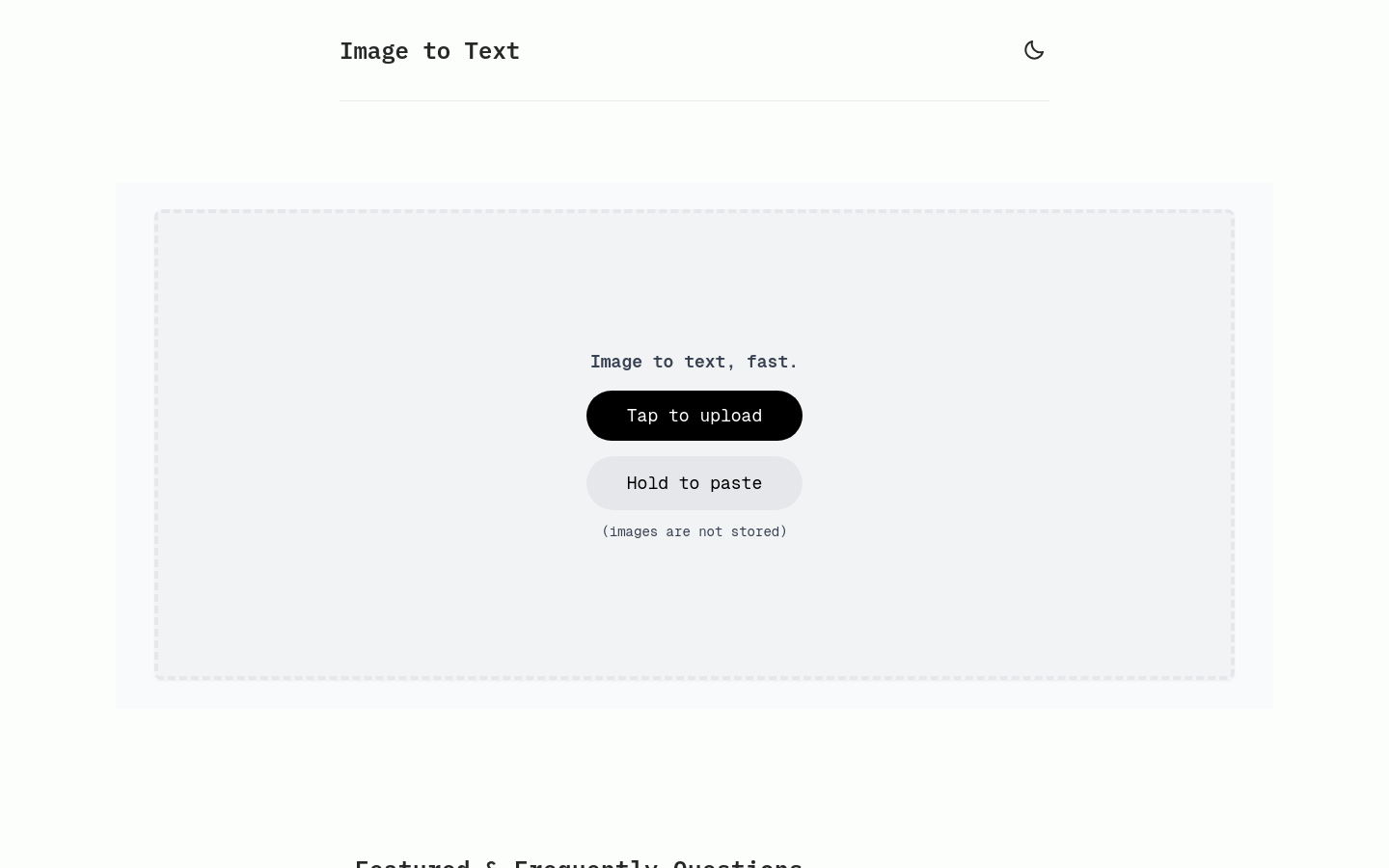
Screenshot archived from the listing page, for preview only.