
ImageToChat AI
Upload a photo and get AI conversation startersTurn any picture into something to talk about
Highlights
What you can do with it
- Break the ice in a new chat by turning a shared photo into talking points.
- Find something to say when replying to a friend's picture.
- Create prompts for social posts that invite comments and replies.
How to use it
- 1 Open imagetochat.com and upload any photo you want to talk about.
- 2 Let the AI read the image and generate conversation starters.
- 3 Pick the starter you like, then save it or share it with others.
- 4 Switch to a paid plan if the free version is not enough.
Who it is for
Pros
- Free version lets you try it before paying.
- Simple flow: upload a photo, get starters.
- Save and share make good prompts easy to reuse.
Limitations
- The free version has limits and pricing terms can change over time.
- It leans on AI reading your photo, so results vary from image to image.
- A narrow tool that only drafts starters, not full replies or long chats.
What ImageToChat AI is
ImageToChat AI is an online tool that turns a photo into a starting point for conversation. You upload any picture, and the AI reads it and produces conversation starters related to that image. The idea is simple: when you are stuck on what to say, a picture can give you something to talk about. The tool also lets you save and share the conversation content you create. A free version is available, and the site also offers paid plans for people who need more. It is built for social and chat moments where opening or keeping a conversation going can feel awkward, and it removes the pressure of coming up with a clever line on the spot.
What you can do with it
- Upload any photo and get AI-generated conversation starters tied to what is in the image.
- Save the starters you like so you can come back and reuse them later.
- Share the conversation content with a friend or drop it into a group chat.
- Move to a paid plan if the free version stops covering what you need.
Who it is for
- People who freeze when a chat starts to stall and need a quick line.
- Social users who want an easy way to reply to a photo someone posted.
- Anyone who would rather start from a prompt than write from scratch.
What to watch out for
The free version has limits, and pricing terms can change over time, so check the current plan before you rely on it. Because the tool leans on AI reading your photo, results vary from image to image, and a clear photo usually works better than a busy one. It is a narrow tool that only handles conversation starters, not full replies or long chats, so treat the output as a starting point you edit yourself. Small online tools can also pause or change service, so keep your own copies of anything you want to hold on to.
FAQ
Is ImageToChat AI free?
There is a free version, and paid plans are optional.
Do I need any special skills?
No, you only upload a photo and read the starters.
What can I do with the result?
Save the starters or share the conversation content.
Why it is free
What the official page says: 免费版免费
Free limits, trial length and features are decided by the official site and can change at any time.
Product preview
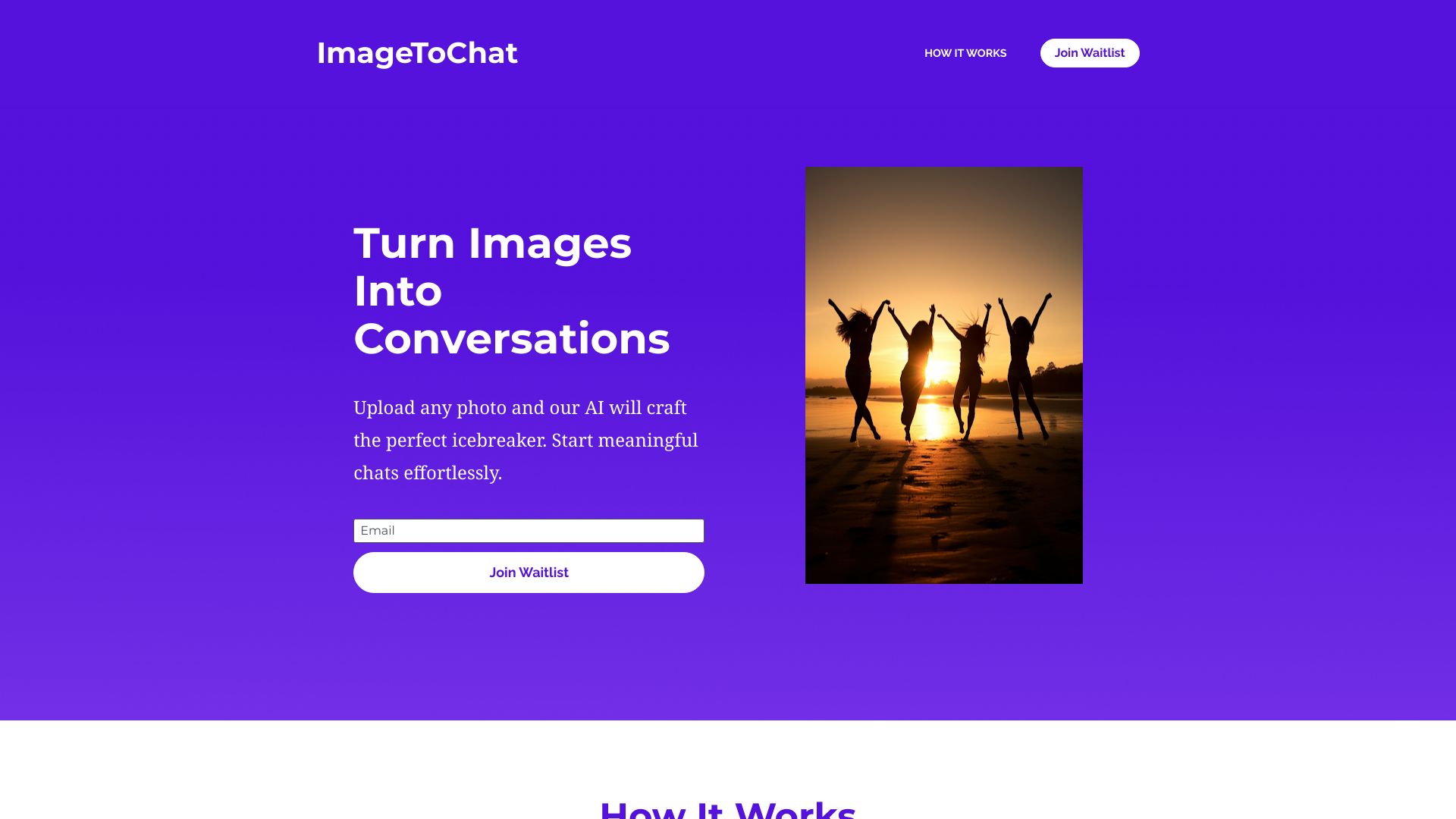
Screenshot archived from the listing page, for preview only.











