
ImgGen
Free browser AI editor for images and videoEdit, restore, and animate in your browser
Highlights
What you can do with it
- Turn wedding photos into a short video keepsake.
- Restore a faded or damaged family photo.
- Create promotional images and short clips for social media.
How to use it
- 1 Open imggen.org in a web browser.
- 2 Pick the tool you need, such as image generation or face swap.
- 3 Upload an image or type a text description.
- 4 Set the style and effects, then generate.
- 5 Preview the result and download it.
Who it is for
Pros
- Most tools are free and need no registration.
- Wide feature set from restoration to video conversion.
- Runs in the browser with nothing to install.
Limitations
- Face swap features can be misused on people without consent, which may break laws or platform rules and leaves consequences with the user.
- Free access is not guaranteed, some functions may move to a paid tier.
- Output quality depends heavily on the input image.
What ImgGen is
ImgGen is a free online AI editor for images and video that runs entirely in the browser. There is no registration step and nothing to install, which makes it quick to open and try without setting anything up. The toolset is broad: AI image generation from a text description, face swapping in both photos and video, AI ID photos, old photo restoration, background removal, image to video conversion, and artistic stylization in styles such as anime. The site describes most functions as free to use, while noting that some may sit behind an advanced or paid version. It is aimed at a wide audience rather than a niche one, from photographers and designers through to social media users and marketers who need usable assets in a few minutes instead of a full editing session.
What you can do with it
- Generate an image from a text prompt without a watermark on the result.
- Restore a faded or damaged family photo to recover detail and tone.
- Remove a background or restyle a picture with an artistic filter.
- Turn a still image into a short video clip with effects and music.
- Swap faces in photos or video for creative and playful content.
Who it is for
- Creators such as photographers, designers, and artists who need fast edits.
- Social media users making playful content for friends and followers.
- Marketers who need quick promotional images and short clips.
What to watch out for
Face swapping carries real risk and needs care. Putting a real person's face onto another photo or video without their permission can breach privacy and likeness rules, and most platforms ban that kind of content, so any consequences fall on you as the user. Only use these features on yourself or on people who have clearly agreed to it. Free access is also not guaranteed forever, since the site notes that some functions may move to a paid tier, so do not build a workflow that depends on a specific tool staying free. Output quality depends heavily on the input image, so review every result before you publish it, and check that restored or generated details look believable at full size.
FAQ
Do I need an account to use ImgGen?
No. The site describes it as free to use with no registration required, and it runs in the browser.
What can it edit?
It covers image generation, face swap, ID photos, old photo restoration, background removal, image to video, and artistic stylization.
Is face swapping safe to use?
Only on yourself or on people who have clearly agreed. Using a real person's likeness without permission can breach privacy and likeness rules, and platform consequences fall on you.
Why it is free
What the official page says: no registrationfree to use
Free limits, trial length and features are decided by the official site and can change at any time.
Product preview
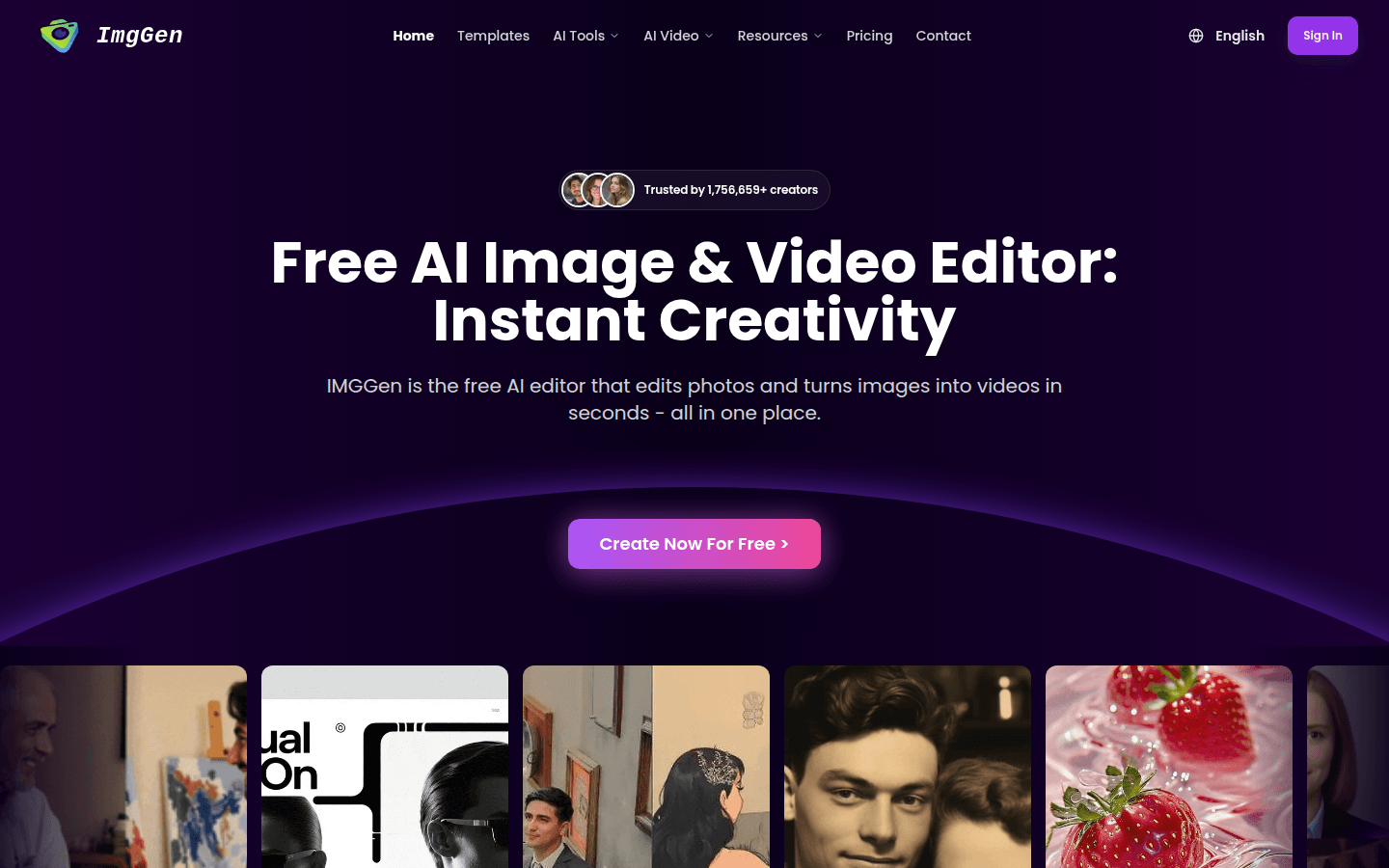
Screenshot archived from the listing page, for preview only.











