
InlineGPT
Browser plugin that generates text inside any appSelect text, press a shortcut, get a rewrite
Highlights
What you can do with it
- Generate plot ideas inside a writing app
- Draft a reply email inside an email client
- Summarize a passage inside a blog editor
How to use it
- 1 Install the InlineGPT plugin into your application.
- 2 Add your OpenAI API key in the settings.
- 3 Select the text you want to use as a prompt.
- 4 Press the shortcut to generate replacement text.
- 5 Edit the output as needed.
Who it is for
Pros
- No window switching during drafting
- Free to use if you already have an OpenAI key
- Works across any application that supports the plugin
Limitations
- You pay for your own OpenAI API usage
- Requires setup of a key before it works
- A small upstream plugin, so availability can change
What InlineGPT is
InlineGPT is a plugin that generates text inside any application using a shortcut key. You select a passage, that selection becomes the prompt, and the generated text replaces what you highlighted. It runs on the OpenAI API, so the output quality and variety come from that service. The plugin itself is described as completely free to use and requires only your own OpenAI API key. It exists to remove the friction of copying text out to a chatbot and pasting a result back.
The interaction model is deliberately small. There is no separate window to manage and no conversation history to navigate; you highlight, you press the shortcut, and the text in place changes. That makes it good for quick rewrites and inline drafts, and less suited to long back-and-forth work where you would want to see the previous exchanges.
What you can do with it
- Turn any selected text into a generation prompt
- Trigger generation with a shortcut without leaving the app
- Replace a highlighted passage with new text in place
- Draft replies, summaries, or ideas inside the tool you already use
- Keep your hands on the keyboard during a writing session
Who it is for
- Writers who want help inside their drafting app
- Editors producing replies inside an email client
- Bloggers and note-takers working in a single window
- Anyone who dislikes switching between applications
What to watch out for
The plugin is free but the OpenAI API is not, so you carry the usage cost with your own key, and long documents can consume tokens quickly. It needs configuration before the first use, and if the key expires or hits a limit, generation stops without warning. Because it overwrites selected text, keep a copy of anything you cannot rewrite, since an accidental trigger can destroy a paragraph. This is a small upstream plugin, so compatibility with new app versions and continued availability are not guaranteed.
FAQ
What does InlineGPT need to run?
An OpenAI API key, according to the listing.
How do I trigger it?
Select text and press the shortcut key.
Is the plugin free?
Yes, the listing says it is completely free to use.
Why it is free
What the official page says: free to use
Free limits, trial length and features are decided by the official site and can change at any time.
Product preview
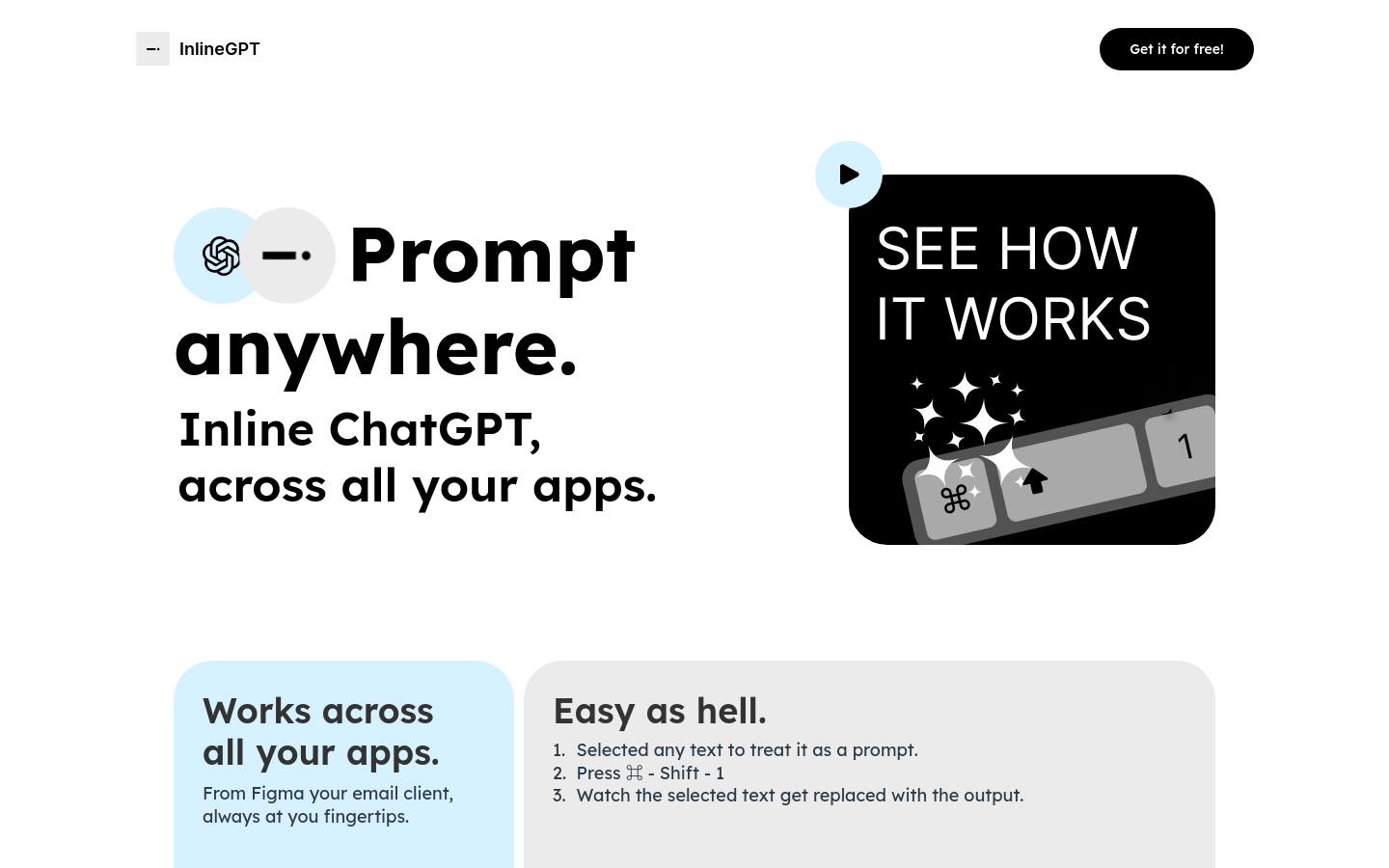
Screenshot archived from the listing page, for preview only.











