
Instafill
AI form filling for repetitive online formsRecognise a form and fill it in one go
Highlights
What you can do with it
- Filling checkout details while shopping online
- Completing account registration forms
- Entering dates and project names into work reports
How to use it
- 1 Install Instafill and open a page with a form
- 2 Let it detect the fields, or apply a saved template
- 3 Confirm the values it fills in
- 4 Submit the form and correct anything unusual
Who it is for
Pros
- Cuts down repeated typing on familiar forms
- Templates keep repeated entries consistent
- A free trial lets you test it on real forms
Limitations
- Unusual or heavily customised forms may not be detected
- Saved personal data needs careful handling
- Trial terms and pricing can change
What Instafill is
Instafill is a smart form filling tool. It reads a form, works out what each field is asking for, and fills it in automatically, which removes the repetitive typing that comes with shopping checkouts, account sign-ups and internal tables. It also supports custom rules and templates, so details you enter often, such as an address, a phone number or a project name, can be stored and reused. The listing positions it for form filling across many industries and offers a free trial alongside paid plans.
What you can do with it
- Fill shipping addresses and contact details at checkout
- Complete registration and application forms faster
- Enter repeated values into work reports and internal tables
- Save custom rules and templates for forms you use often
Who it is for
- Online shoppers who are tired of retyping the same address
- Staff who process registrations or data entry all day
- Anyone who fills in the same internal forms on a weekly cycle
What to watch out for
Field detection works well on standard forms and struggles with unusual or heavily customised layouts, so always check the values before you submit. Anything you save, especially addresses and contact details, is personal data, so think about where it is stored and who can reach it. Trial terms and pricing can change, and a paid plan only makes sense if you genuinely fill forms often. Never let a tool auto-submit something you have not read. Start with a small sample to confirm the output meets your expectations before processing the full batch. Free tiers and usage limits can change, so check the current rules on the official page before relying on it long term.
FAQ
What does Instafill do?
It automatically recognises and fills out form fields to improve work efficiency.
Can I reuse my details?
Yes, it supports custom rules and templates.
Is there a free trial?
The listing says it offers a free trial and paid versions.
Why it is free
What the official page says: free trial
Free limits, trial length and features are decided by the official site and can change at any time.
Product preview
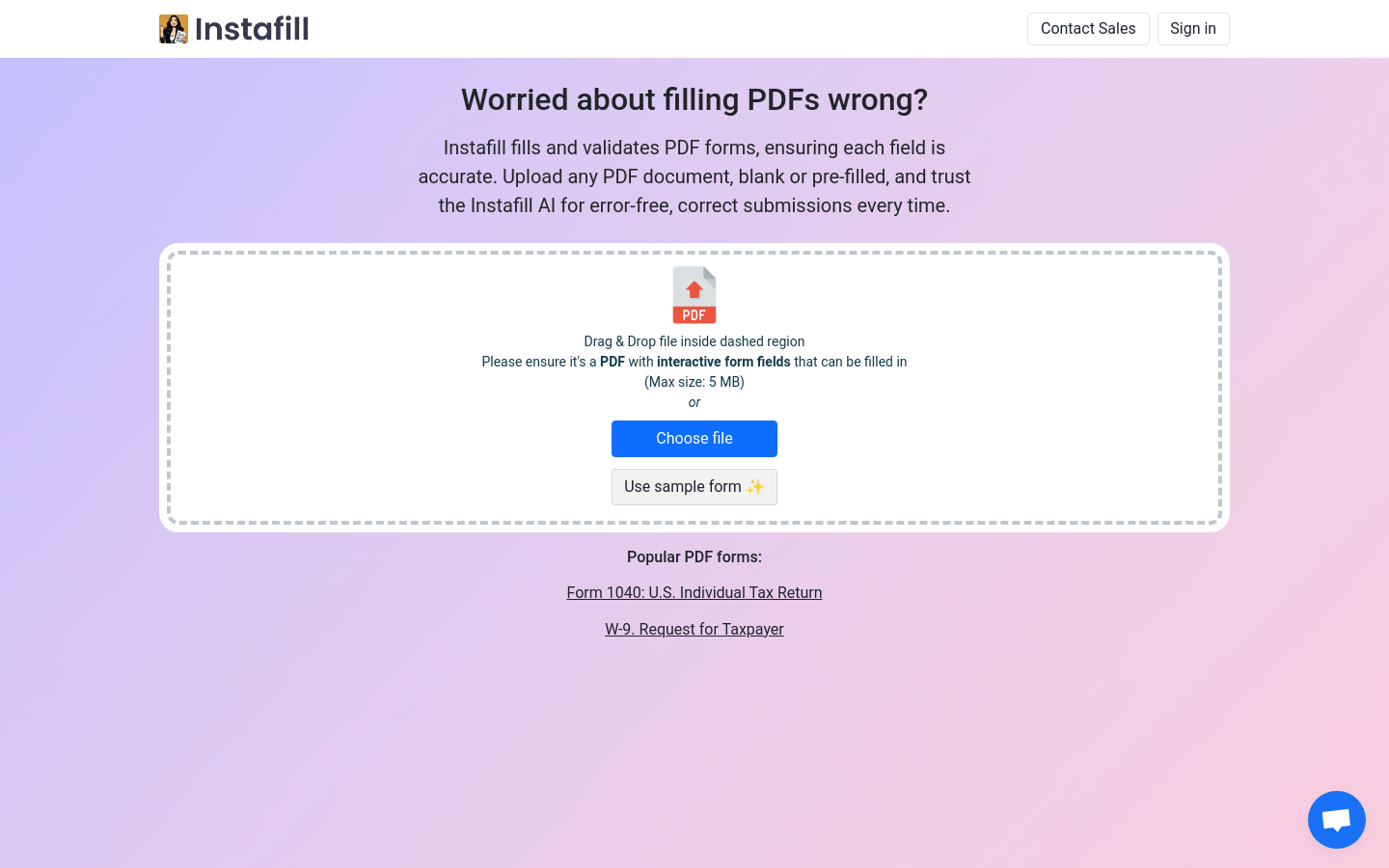
Screenshot archived from the listing page, for preview only.











